There is nothing quite as stressful for a business owner as seeing the dreaded “Site Cannot Be Reached” error. Your website is your digital storefront, open 24/7. When it goes dark, everything halts. Sales stop, customers get frustrated, and your team is left scrambling for answers.
The good news is that website downtime is rarely a random act of bad luck. It is usually caused by specific, preventable issues. By understanding exactly why sites crash, you can put the right safety nets in place to keep your business online.
The Real Cost of Website Downtime on Your Business
Website downtime is not just a minor technical glitch, it is a direct hit to your bottom line. Every minute your site is offline, you are actively losing potential revenue.
But the damage goes far beyond a single lost sale. When users cannot access your site, they quickly lose trust in your brand and bounce straight to your competitors. Furthermore, Google hates showing broken websites to its users. If your site goes down frequently or for extended periods, search engines will penalize your SEO rankings, erasing months of hard marketing work.
8 Leading Causes of Website Downtime
To protect your site, you first need to know what you are fighting against. Here are the most common culprits behind unexpected outages.
1. Server Overload and Traffic Spikes
Going viral is a dream, until it crashes your site. When too many people try to access your website at the exact same time, your server can become overwhelmed. If your hosting plan cannot handle the sudden surge in traffic, the server simply gives up and goes offline.
If you anticipate a major sales event or marketing push, learning how to scale hosting for growing traffic is the best way to keep your site online.
2. Hardware Failures and Poor Hosting Quality
Not all web hosts are created equal. If you are using a cheap, shared hosting plan, you are relying on outdated or overcrowded physical servers. Hardware degrades over time. If a physical disk fails or a power supply burns out at the data center, your website goes down with it.
3. Malicious Cyberattacks (DDoS and Malware)
Hackers frequently target websites using Distributed Denial of Service (DDoS) attacks. This involves flooding your server with millions of fake requests until it crashes. Additionally, injected malware can corrupt your core files, forcing your site offline.
4. DNS Configuration Errors
Think of the Domain Name System (DNS) as the internet’s phonebook. It connects your domain name to your server’s IP address. If a DNS record is accidentally changed or misconfigured, browsers will not know where to find your website, resulting in an immediate outage.
5. Expired SSL Certificates
While an expired SSL certificate does not physically shut down your server, it has the exact same effect. Modern browsers like Chrome and Safari will actively block users from entering your site, displaying a massive “Your Connection is Not Private” warning.
6. Bad Deployments and Software Conflicts
Sometimes, the call comes from inside the house. Installing a new plugin, updating your core CMS (like WordPress), or pushing bad code can create software conflicts. A single line of broken code can break your entire site.
7. Scheduled Maintenance Gone Wrong
Even planned maintenance can turn into unplanned downtime. When servers or databases are taken offline for quick routine updates, unexpected errors can occur. What was supposed to be a five-minute reset can easily spiral into a multi-hour outage.
8. Human Error
Mistakes happen. A developer might delete the wrong database table, an administrator might misconfigure a setting, or an owner might simply forget to renew their hosting bill. Human error is one of the most common, yet least talked about, causes of downtime.
How to Prevent Website Downtime: 8 Actionable Strategies
Now that you know the threats, it is time to build your defenses. Here is how you can proactively protect your website from crashing.
1. Invest in Reliable, Scalable Web Hosting
Your foundation matters. Move away from cheap shared hosting and invest in premium Managed Hosting, a Virtual Private Server (VPS), or a Dedicated Server. These options give you isolated resources that can easily scale up when your traffic spikes.
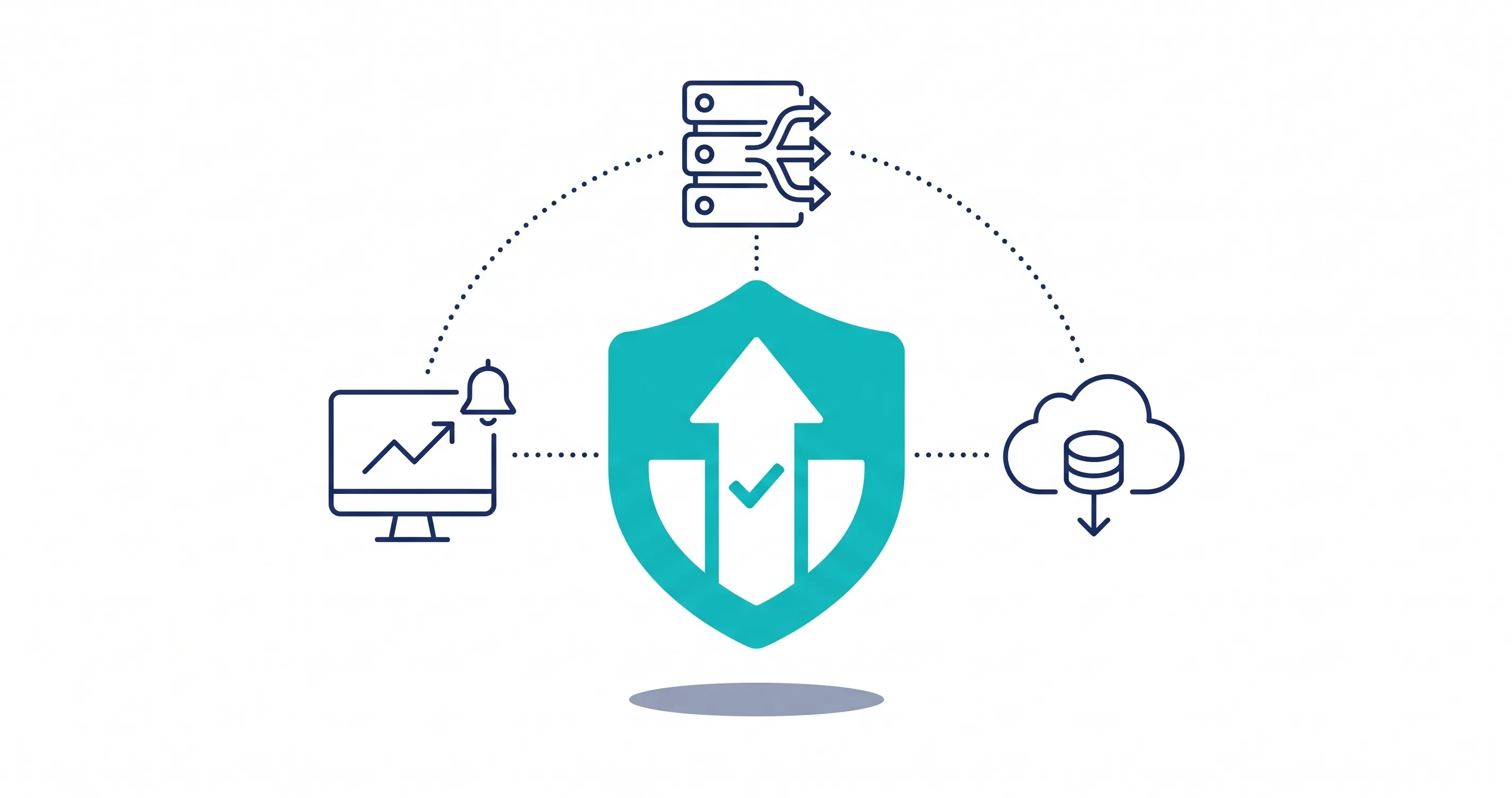
2. Implement a Content Delivery Network (CDN) & Load Balancing
A CDN stores copies of your website on servers all around the world. When a user visits your site, the CDN serves the data from the location closest to them, taking the heavy lifting off your main server. Pairing this with a load balancer ensures traffic is distributed evenly, preventing overloads.
3. Set Up Global Uptime Monitoring and Alerts
You should never find out your website is down from an angry customer on Twitter. Use uptime monitoring tools to ping your website every minute. If the site fails to respond, you will instantly receive an SMS or email alert, allowing you to fix the issue before most users even notice.
Aside from external uptime alerts, you should also learn how to monitor server health and performance internally to catch hardware strain before it crashes.
4. Deploy a Web Application Firewall (WAF)
Protect your server from bad actors. A WAF sits between your website and the internet, actively filtering out malicious bots, malware, and DDoS attacks. It acts as a digital bouncer, only letting legitimate traffic through to your server.
5. Track SSL and Domain Expirations Automatically
Never let an administrative oversight take you offline. Set your SSL certificates and your domain name registrations to “Auto-Renew.” For extra safety, configure your monitoring tools to alert you 30 days before any certificate is set to expire.
6. Always Test Updates in a Staging Environment
Never test new code, themes, or plugins on your live website. Create an exact clone of your site, known as a staging environment. Test all updates there first. If something breaks, your live site remains perfectly safe.
7. Schedule Automated, Off-Site Backups
If the worst happens and your site is corrupted, you need a quick way to hit the “undo” button. Schedule daily, automated backups of your entire site and database. Store these backups on a separate cloud service (like Amazon S3 or Google Cloud), not on the same server as your website.
8. Create a Disaster Recovery Plan
When downtime strikes, panic is your worst enemy. Create a step-by-step disaster recovery document. List exactly who needs to be contacted, where the backups are stored, and the steps required to restore the server. A clear plan turns a chaotic disaster into a manageable speed bump.
What to Do When Your Website Goes Down
Even with the best prevention strategies in place, unexpected outages can still happen. When your site goes dark, panicking will not help. Here is exactly how you should handle the situation to minimize the damage and keep your customers happy.
Communicate via a Transparent Status Page
Do not leave your customers in the dark. Use a dedicated status page, hosted on a completely separate server, to communicate the issue. Let your users know you are aware of the problem and are actively working on a fix.
Honest, real-time updates on a status page or social media build trust and stop your customer support inbox from overflowing with complaints.
Conduct a Post-Mortem Analysis
Once your site is back online, the job is not over. Sit down with your team and conduct a “post-mortem” analysis. Figure out exactly what broke, why it broke, and how long it took to fix. Use this information to update your disaster recovery plan so the exact same issue never takes you offline again.
Conclusion
Website downtime is expensive, stressful, and damaging to your brand’s reputation. While you cannot predict every single internet hiccup, you can absolutely control how prepared you are.
By upgrading your hosting, setting up automated monitoring, and keeping your backups fresh, you can prevent the vast majority of outages. Do not wait for a crash to start taking your uptime seriously. Start implementing these safety measures today so your digital doors always stay open.
Share this article