For most growing business websites, cloud hosting offers better scalability and reliability than traditional hosting. However, traditional hosting can still be a practical choice for smaller websites with predictable traffic and simpler needs.
The right hosting environment affects website speed, uptime, security, costs, and how easily your website can handle growth. For businesses, hosting is not simply a technical decision. It can influence customer experience, lead generation, online sales, and long-term website management.
This guide compares cloud hosting vs traditional hosting so you can understand how each option works and which one fits your website.
What Is Cloud Hosting?
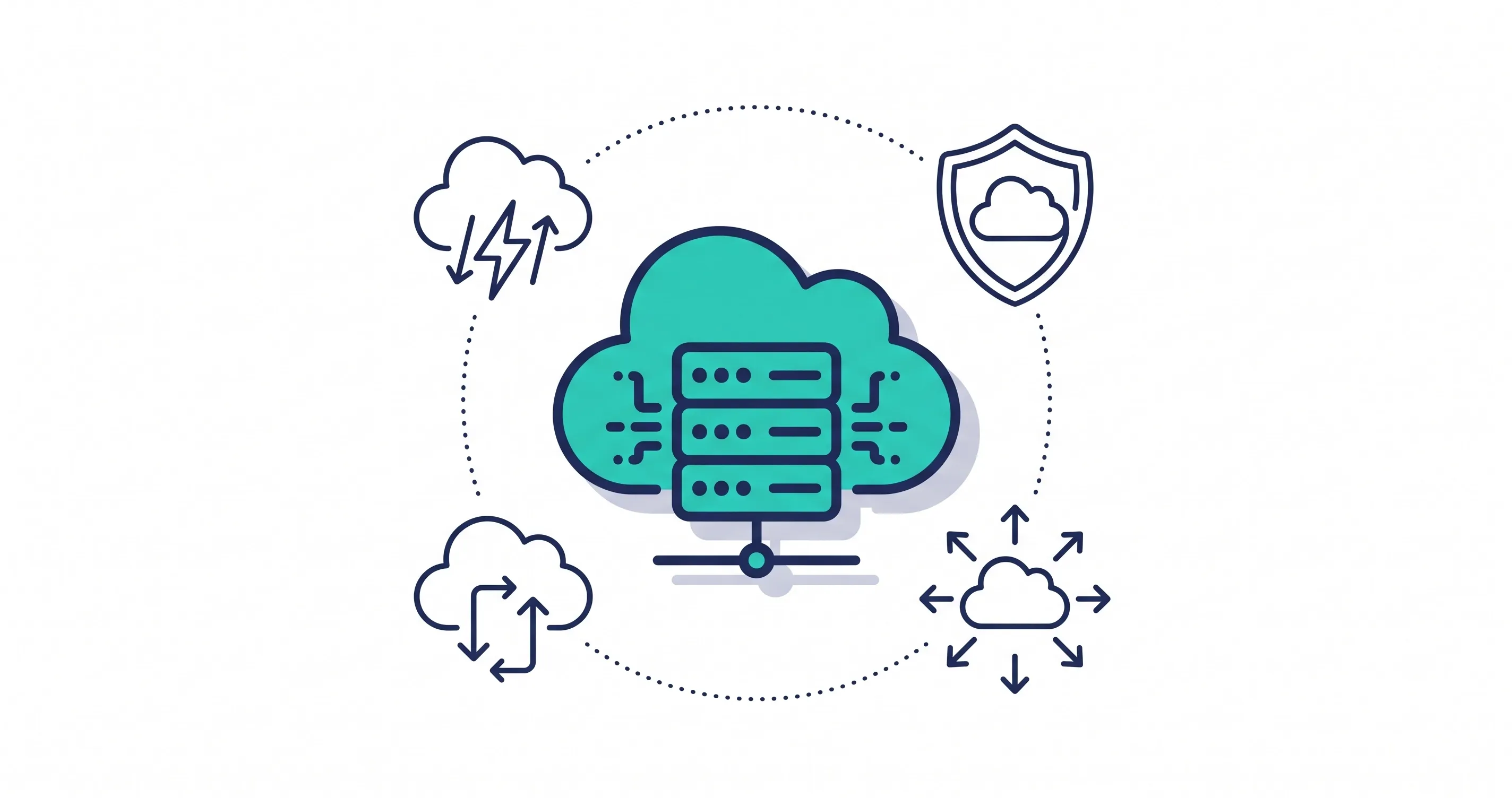
Cloud hosting runs a website across a network of connected servers instead of relying on one physical server. Website resources can be distributed across this infrastructure based on demand and the hosting configuration.
This setup gives businesses more flexibility when traffic changes. If a website receives a sudden increase in visitors, cloud infrastructure can often allocate additional resources without requiring a complete server migration.
Cloud hosting is especially useful for websites that expect growth, seasonal traffic, online transactions, or changing resource requirements.
Common cloud hosting benefits include:
- Flexible resource allocation
- Easier scalability
- Stronger redundancy
- Better handling of traffic spikes
- Multiple infrastructure options
- Potentially improved uptime
Cloud hosting does not automatically make every website faster or more secure. Performance still depends on server configuration, software, network quality, caching, security controls, and website optimization.
What Is Traditional Hosting?
Traditional hosting generally places a website on a specific physical or virtual server with defined resources. Shared hosting, VPS hosting, and dedicated hosting can all fall under the broader traditional hosting model.
The resources available to the website depend on the hosting plan. For example, a basic shared hosting account may share server resources with other websites, while a dedicated server provides resources exclusively to one customer.
Traditional hosting can work well when website traffic and resource requirements are relatively predictable. It can also provide straightforward management and easier-to-understand pricing.
However, scalability may require upgrading the hosting plan, moving to a larger server, or changing infrastructure as the website grows.
Cloud Hosting vs Traditional Hosting: Key Differences
Cloud hosting vs traditional hosting is best understood by comparing the factors that directly affect website performance and management.
Factor | Cloud Hosting | Traditional Hosting |
|---|---|---|
Resources | Flexible and distributed | Usually tied to assigned server resources |
Scalability | Generally easier | Often requires plan or server upgrades |
Reliability | Can benefit from redundancy | Depends heavily on the individual server |
Cost | Flexible but can vary | Often more predictable |
Management | May require more technical knowledge | Often simpler for basic websites |
Performance and Website Speed
Hosting performance depends on more than the type of hosting environment. Server hardware, CPU resources, memory, storage, network configuration, caching, and website code all affect speed.
Cloud hosting can provide strong performance because resources can be distributed and adjusted according to infrastructure design. This can be useful for websites experiencing variable traffic.
Traditional hosting can also deliver excellent performance when the server is properly configured and the website has enough resources.
For businesses focused on speed, hosting should be evaluated alongside caching, image optimization, database performance, and other website factors.
Scalability and Resource Management
Scalability is one of the biggest differences between cloud and traditional hosting.
Cloud hosting can make it easier to increase resources as traffic grows. Depending on the provider and architecture, businesses may be able to adjust computing resources without moving the website to an entirely different physical server.
Traditional hosting can still scale, but the process may involve upgrading plans or moving to more powerful infrastructure.
For a growing business, this flexibility can be valuable. A website that starts with modest traffic may eventually need substantially more resources during campaigns, product launches, or seasonal demand.
Reliability and Uptime
Website uptime matters because visitors cannot interact with a website while it is unavailable.
Cloud infrastructure can use multiple servers or infrastructure components to reduce dependence on a single physical machine. However, cloud hosting does not guarantee perfect uptime. Configuration and provider infrastructure still matter.
Traditional hosting can also provide reliable service when supported by quality hardware, monitoring, backups, and maintenance. The important question is how the hosting environment handles hardware failures and other interruptions.
Security and Data Protection
Security depends heavily on how hosting is configured and managed.
Cloud hosting can provide access to modern security infrastructure, redundancy, monitoring, firewalls, and other controls. Traditional hosting can offer many of the same protections when properly managed.
Neither option automatically protects a website from every threat. Website owners should also consider software updates, strong passwords, access controls, SSL certificates, malware protection, backups, and monitoring.
Regular backups are particularly important because hosting infrastructure alone should not be treated as a complete backup strategy. Automated website backups can provide an additional layer of protection if files or databases become damaged.
Cost and Pricing
Web hosting cost varies considerably based on resources, management, storage, bandwidth, support, security, and infrastructure.
Traditional hosting often has straightforward pricing. This can make budgeting easier for smaller websites with stable resource requirements.
Cloud hosting may provide more flexible resource usage, but costs can vary depending on the infrastructure and resources consumed. A business should evaluate the total cost rather than comparing only the advertised monthly price.
The cheapest hosting plan is not always the most economical option if poor performance, downtime, or limited scalability creates additional costs later.
Pros and Cons of Cloud Hosting
Cloud hosting provides flexibility that can benefit growing businesses, but it is not automatically the right choice for every website.
Advantages include:
- Easier resource scaling
- Potentially stronger redundancy
- Better flexibility for changing traffic
- Multiple infrastructure options
- Suitable for growing websites
Potential limitations include:
- Pricing can be more complex
- Some setups require greater technical knowledge
- Resource usage can affect costs
- Configuration quality varies between providers
Cloud hosting is generally most attractive when flexibility and scalability are important business requirements.
Pros and Cons of Traditional Hosting
Traditional hosting remains useful because many websites do not need highly flexible infrastructure.
Advantages include:
- Simple hosting plans
- Predictable resource allocation
- Straightforward pricing
- Suitable for smaller websites
- Often easier for beginners to understand
Potential limitations include:
- Scaling may require upgrades
- Some environments rely heavily on one server
- Resource limits can affect growing websites
- Infrastructure flexibility may be more limited
For a small brochure website with steady traffic, traditional hosting may provide everything the business needs without unnecessary complexity.
Which Hosting Option Is Best for Your Website?
There is no universal winner in the cloud hosting vs traditional hosting comparison. The best choice depends on your website's size, traffic, growth plans, technical requirements, and budget.
Cloud hosting is often a stronger option for:
- Growing business websites
- High-traffic websites
- E-commerce stores
- Websites with unpredictable traffic
- Applications requiring flexible resources
- Businesses expecting significant online growth
Traditional hosting may be suitable for:
- Small business websites
- Basic service websites
- Personal websites
- Low-traffic blogs
- Websites with predictable resource requirements
Businesses should also consider who will manage the infrastructure. A managed hosting solution can reduce the technical workload by handling areas such as server administration, monitoring, security, backups, and performance management.
Conclusion
Cloud hosting vs traditional hosting is ultimately a decision about infrastructure, scalability, reliability, management, and cost.
Cloud hosting generally provides greater flexibility for websites with changing requirements or long-term growth plans. Traditional hosting can remain a sensible choice for smaller websites with stable traffic and straightforward resource needs.
Before choosing a plan, consider your current website requirements and where the business expects to be in the next few years. The right hosting environment should support your website today without creating unnecessary limitations as it grows.
Share this article