Home/Technologies/Payload CMS

Payload CMS
Payload is an open-source TypeScript framework that runs inside Next.js and gives a site an admin panel, database, APIs and access control from one codebase.
What Payload CMS is
Payload describes itself as the Next.js fullstack framework. A developer writes a Payload config in TypeScript, and Payload generates a full admin panel, a database layer with migrations, REST and GraphQL APIs, authentication, access control, file storage and live preview. It is open source, and the code belongs to the project that uses it, so a site can be deployed wherever the owner chooses.
Because Payload installs into a Next.js app, the content system and the public website share one codebase. Editors work in an admin interface that matches the shape of the content, while developers keep full control of the front end.
What Payload is good for
- Headless CMS for marketing sites with structured pages and blocks
- Content-rich sites where editors need live preview before publishing
- Internal tools and portals that need roles and access rules
- Projects that need the content in code and under version control
When Payload fits a project
Payload suits businesses that want a fast custom website without being tied to a hosted page builder. Content types such as services, projects, team members, locations and FAQs are defined once and reused across the site. Editors fill in fields instead of arranging layouts by hand, which keeps pages consistent as the site grows.
Payload is a developer tool first. It is a good fit when a development team will build and maintain the site. A business that wants to edit layouts visually without any developer involvement may be better served by WordPress with a page builder. Payload sites still give editors a familiar admin panel for day-to-day content.
How we use it
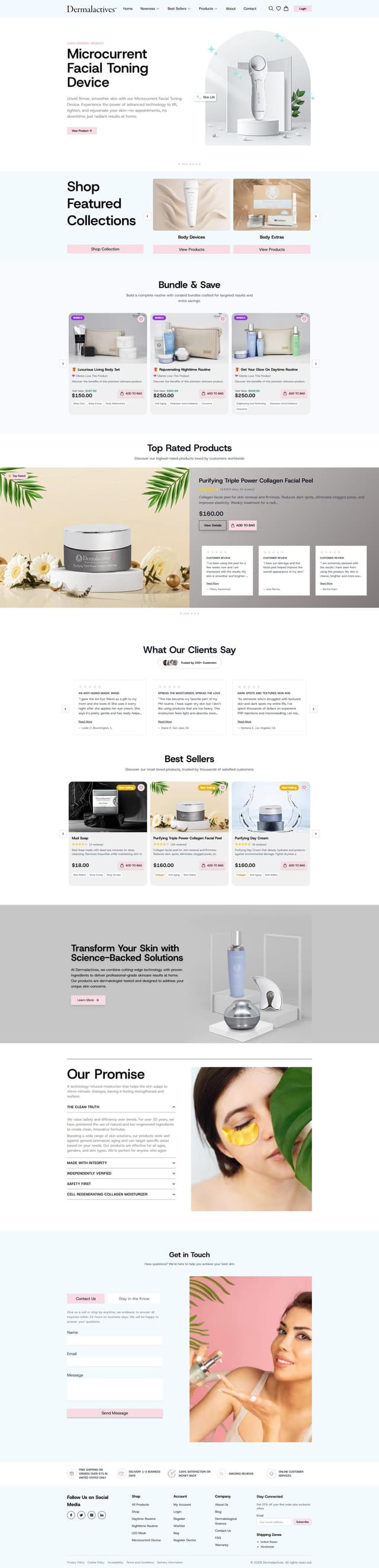
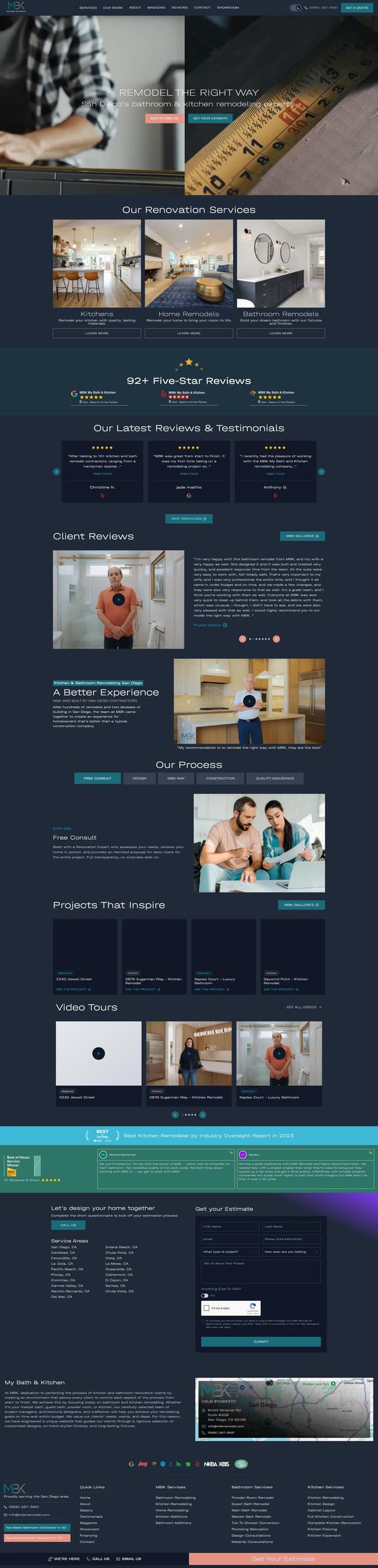
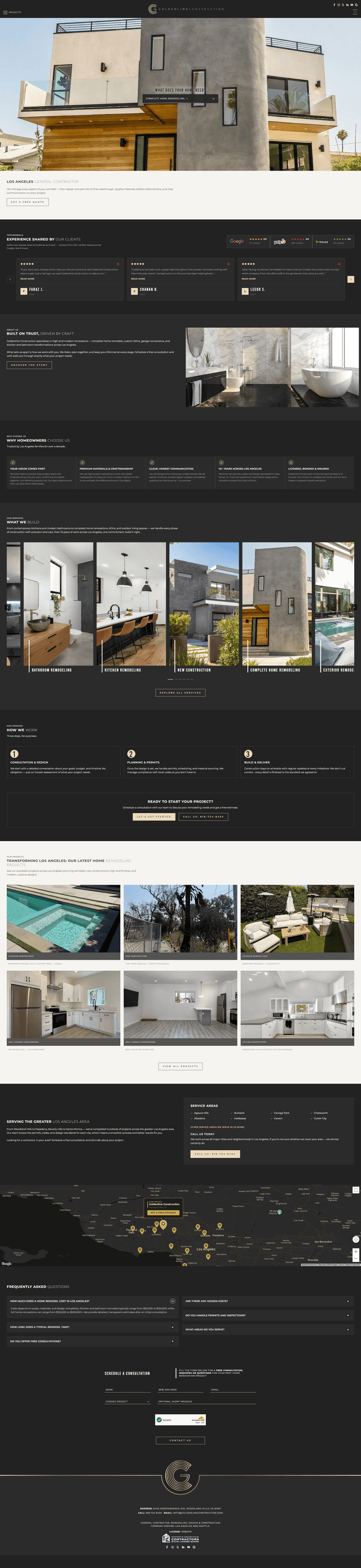
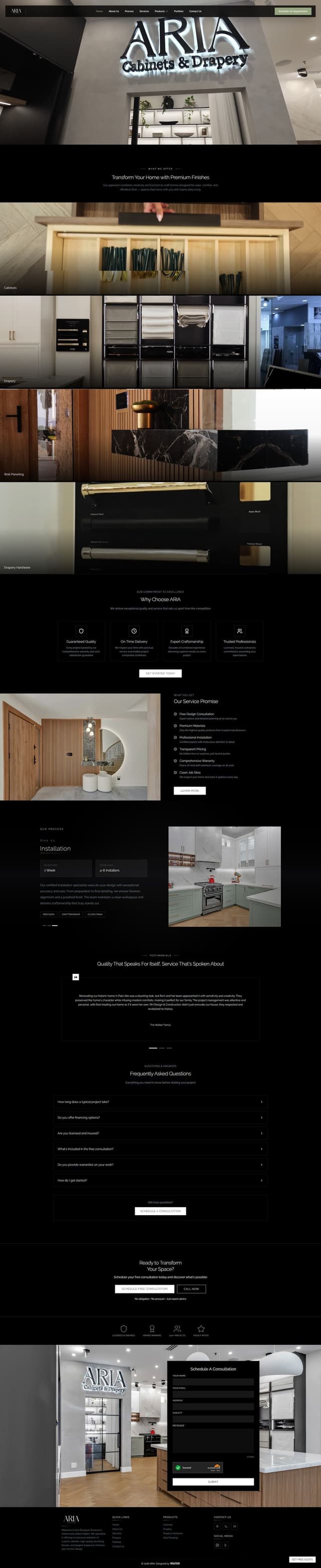
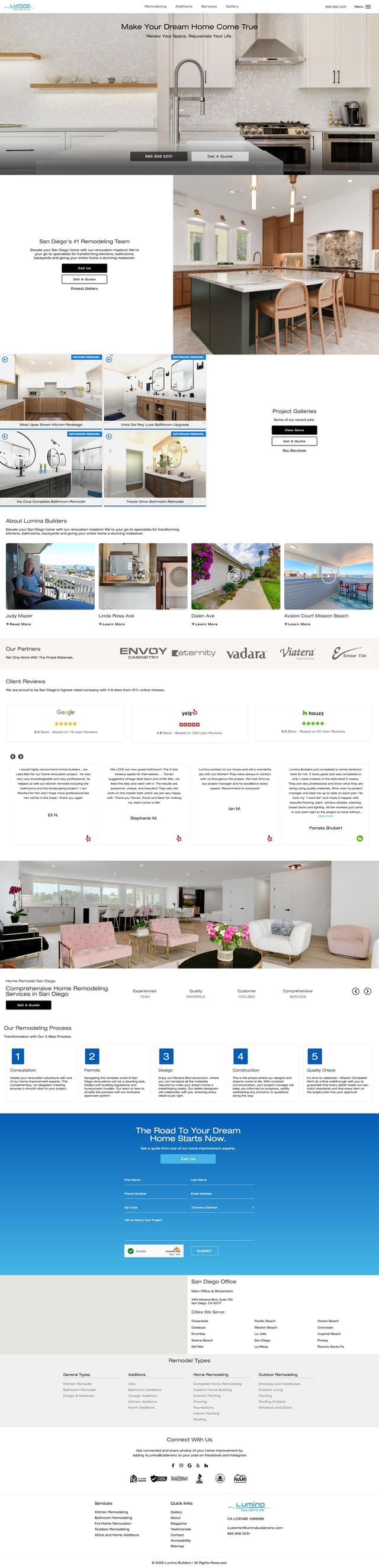
1REALTOUR builds custom marketing websites in Next.js with Payload CMS as the headless content system. We model each client's services, projects, locations and FAQs as structured content, set up editor roles and live preview, and connect forms, analytics and call tracking. Clients edit their own content in the Payload admin panel after launch.
Projects built with Payload CMS





















Frequently asked questions
What is Payload CMS?
Is Payload CMS a headless CMS?
Can non-technical staff edit a Payload CMS website?
Payload CMS or WordPress: which should a business choose?
Ready to Build Your Next Success Story?
Whether you're launching a new business, redesigning your website, or looking for a long-term digital partner, we're ready to help you create a digital presence that supports sustainable business growth.
