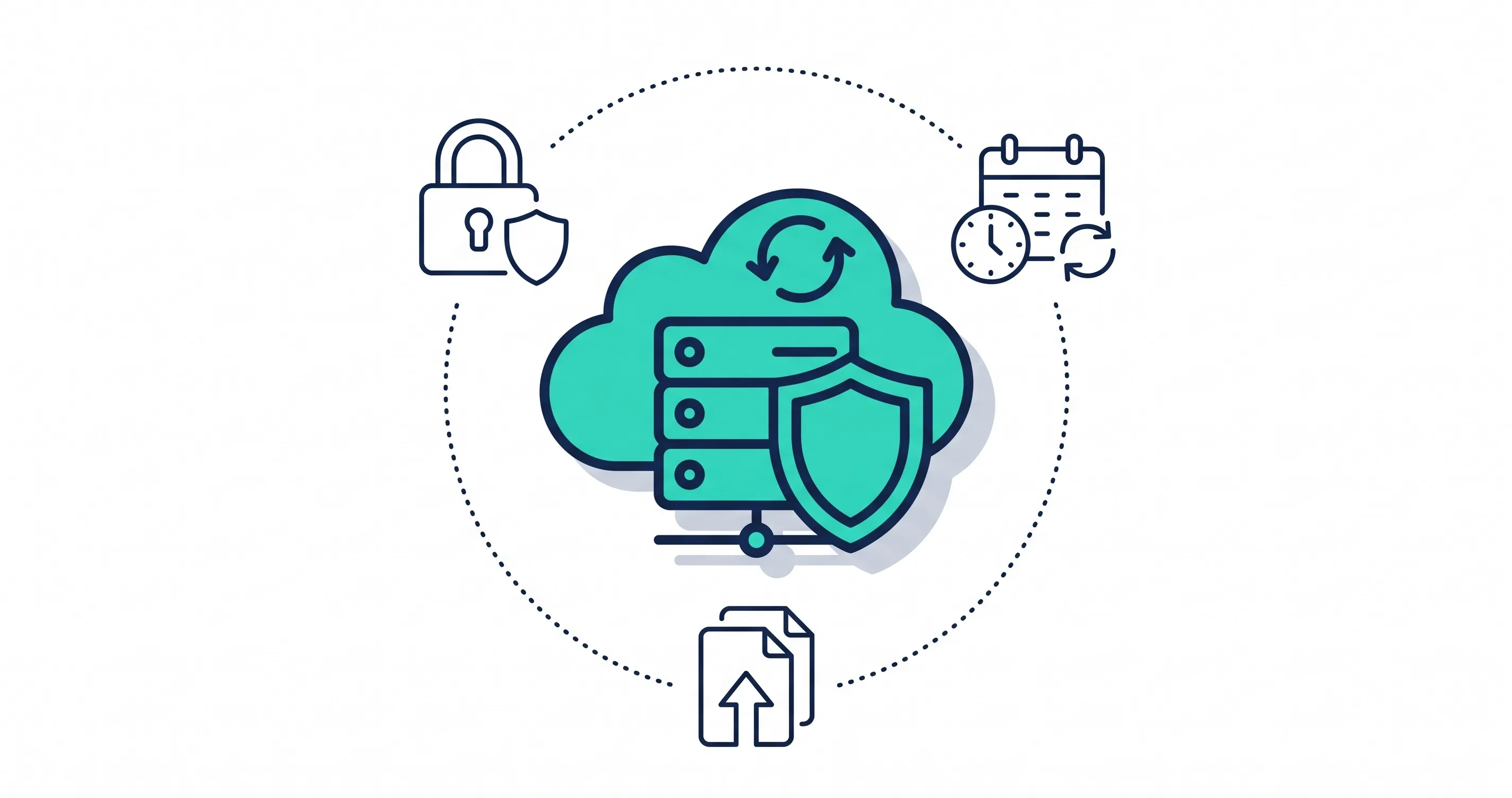
Website backups are copies of your website files, databases, and essential data that help you restore your site after data loss, cyberattacks, failed updates, or server problems. Regular website backups protect your business information and help reduce downtime when unexpected issues occur.
For businesses that depend on their websites for leads, sales, or customer communication, losing website data can disrupt daily operations. A reliable backup plan helps you recover important information without rebuilding your website from scratch.
What Is a Website Backup and How Does It Work?
A website backup is a saved copy of your website's essential files and data. It may include page content, images, databases, themes, plugins, and configuration files.
Backups work in three basic steps:
- Create a copy: Save the website files and data manually or automatically.
- Store the copy: Keep it on a server, external storage device, or secure cloud service.
- Restore the website: Use the saved copy to recover your site when something goes wrong.
A backup is only useful if it contains the necessary data and can be restored successfully. Testing backups regularly helps confirm they work when needed.
Why Regular Website Backups Are Important for Businesses
Regular backups help businesses recover from common website problems and protect important digital assets.
- Prevent data loss: Recover deleted pages, images, files, and database information.
- Recover from security incidents: Restore a clean website copy after a cyberattack, once the security issue has been addressed.
- Undo failed updates: Return to a working version if a plugin, theme, or software update breaks the site.
- Reduce downtime: Restore important website functions and limit disruption to customers.
- Protect business information: Preserve customer inquiries, orders, and other essential records.
For construction, remodeling, and home service businesses, backups can help protect project galleries, service pages, and customer inquiries that support lead generation.
What Should a Website Backup Include?
A useful backup should cover the components required to restore your website, not just its visible pages. The exact requirements depend on your platform, website features, and business operations.
Website Files and Media
Website files include themes, plugins, scripts, stylesheets, uploaded documents, images, and other assets that control how the website looks and functions. If these files are missing or damaged, pages may display incorrectly or features may stop working.
Back up the files needed to recreate your website, including custom development work and important media assets. If you use a content management system, confirm which files are managed separately from the database.
Databases and Customer Information
Many websites store page content, settings, customer inquiries, product details, and account information in a database. Backing up website files without the related database may leave you unable to restore the complete site.
For e-commerce websites, booking platforms, and lead-generation websites, database backups are especially important. Choose a backup method that captures data frequently enough to limit the loss of recent transactions or submissions.
Website Configurations and Settings
Configuration files can contain information needed to connect the website to its database, manage application behavior, or support specific integrations. Depending on your setup, DNS records, server settings, scheduled tasks, and deployment configurations may also be relevant to recovery.
Keep secure records of these settings and include essential components in your recovery plan. Do not store passwords, API keys, or other secrets in an unprotected backup archive.
Emails and Other Critical Website Data
Some businesses use their hosting environment for email accounts or other connected services. Website backups do not always include these systems, so verify what your hosting provider actually protects.
Identify other important data, such as form submissions, uploaded customer documents, or integration settings. Back up each component through the appropriate system rather than assuming one website backup covers everything.
How Often Should You Back Up Your Website?
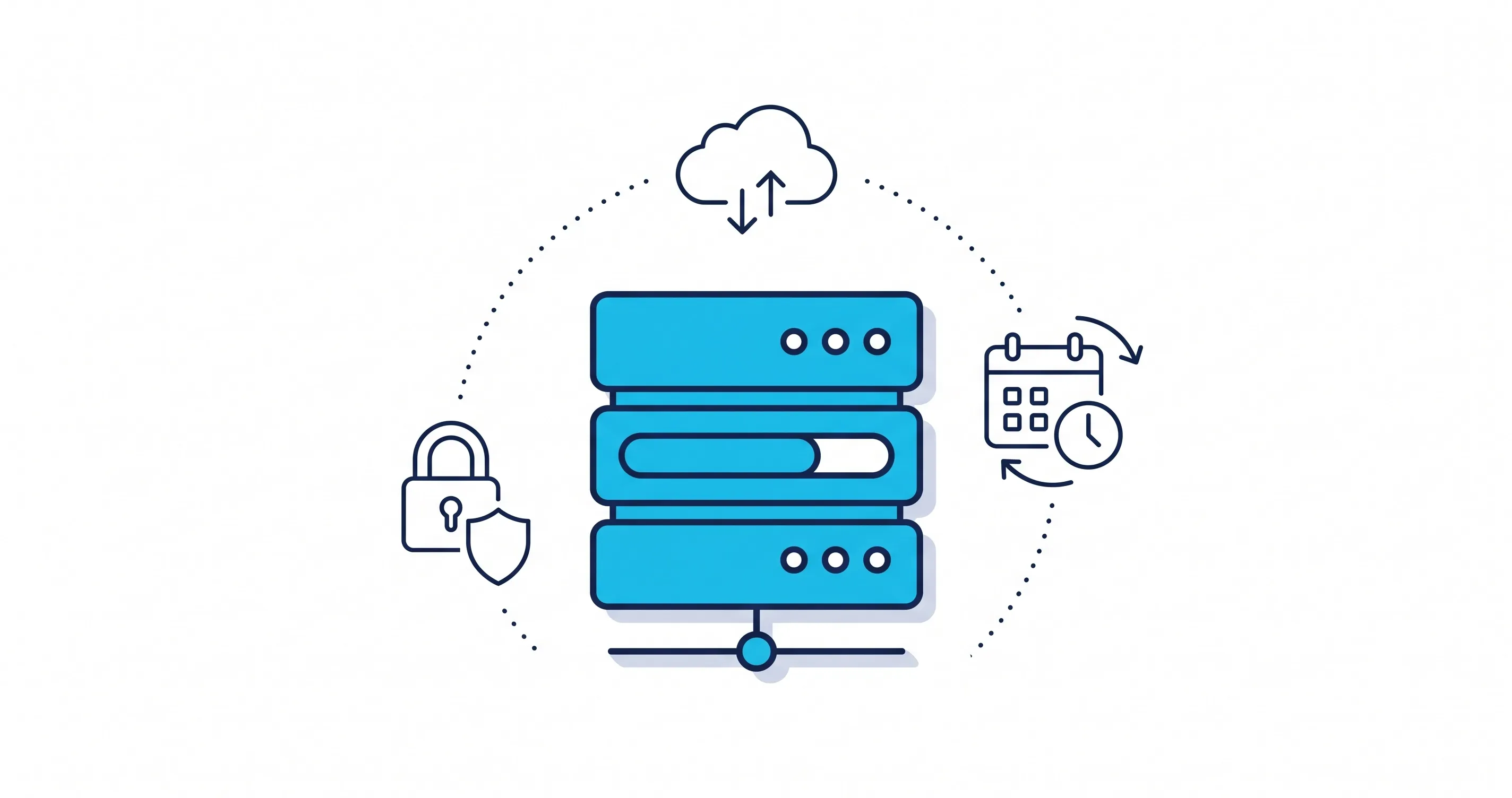
Your website backup frequency should reflect how often your data changes and how much information your business can afford to lose.
- Daily: Suitable for many business websites that receive regular content updates or customer inquiries.
- Weekly: May work for websites that change infrequently and can tolerate losing several days of updates.
- Real-time or continuous: Worth considering for online stores and websites that process frequent transactions or account changes.
Create an additional backup before major updates, redesigns, or website migrations. The more frequently your data changes, the more frequently you should back it up.
What Are the Best Website Backup Methods?
Different backup methods offer different levels of control, convenience, and recovery protection. Many businesses combine more than one method to avoid relying on a single copy.
Manual Website Backups
Manual backups involve copying website files and exporting databases yourself, often through a hosting control panel, file transfer tool, or database management interface.
This method gives you control over when backups occur and what they contain. It can work for small websites or before specific changes. However, it depends on someone remembering to create backups consistently and verifying that all required components are included.
Automated Hosting Backups
Automated website backups use hosting tools or backup software to create copies on a set schedule. Depending on the service, you may be able to select daily or weekly backups, retain multiple restore points, and recover files through a control panel.
Automation reduces the risk of missed backups, but features vary between providers. Check backup frequency, retention periods, restoration procedures, and whether databases are included.
Cloud and Off-Site Backups
Cloud and off-site backups store copies separately from the primary website server. This separation matters because a server failure, compromised hosting account, or accidental deletion could affect both the live site and backups stored alongside it.
Choose a secure storage destination with appropriate access controls and retention settings. For additional resilience, consider maintaining multiple copies in different locations, including one that cannot be easily altered or deleted by an attacker who gains access to your website.
Website Backup Best Practices for Business Owners
Follow these practices to make your backup strategy more reliable:
- Follow the 3-2-1 rule: Keep three copies of important data, use two types of storage, and store one copy off-site.
- Separate backups from your website: Avoid relying only on copies stored on the same server as your live site.
- Secure backup files: Use encryption where appropriate, restrict access, and protect backup accounts with strong authentication.
- Test restoration regularly: Restore a copy in a safe environment and check that pages, databases, and essential features work correctly.
Before changing hosting providers, confirm that you have a working backup and a recovery plan. This is also an important part of moving your website to a new host safely.
How to Restore a Website From a Backup
Restoring a website requires choosing a reliable backup and checking that the recovered site works properly.
- Identify the problem: Determine whether the issue involves deleted files, a failed update, server trouble, or a security incident.
- Choose a clean backup: Select a copy from before the problem occurred. If the site was hacked, address the security issue before restoring it.
- Restore files and databases: Use your hosting tools or backup software to recover the required components.
- Test the website: Check important pages, forms, navigation, and other business-critical functions.
Keep an eye on the website after restoration to confirm the problem has not returned.
Conclusion
Regular website backups help businesses protect important data and recover from unexpected technical problems. Choose a suitable backup schedule, store copies securely away from your live website, and test restoration regularly.
Backups are an important part of website security and maintenance, but they work best alongside software updates, monitoring, and reliable hosting.
Share this article