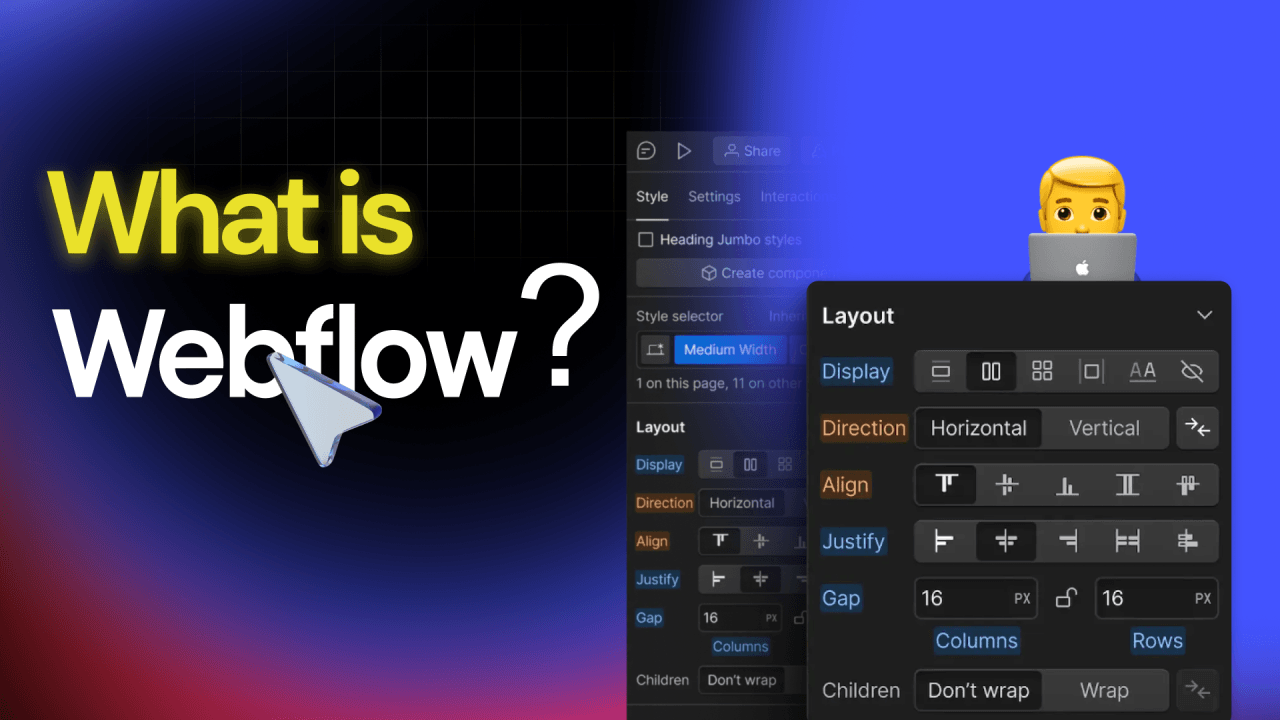
Webflow is one of the most powerful visual website builders available today. It gives designers, developers, and business owners a platform to design and launch fully responsive websites without relying on heavy coding or plugin-based systems. As a modern Content Management System, Webflow brings together visual design, structured content, and high-performance hosting in one place.
What is Webflow?
Webflow is a next-generation web design tool that merges visual design with a powerful CMS. Unlike traditional web design platforms, Webflow allows users to design, build, and launch responsive websites visually, using a drag-and-drop interface. This means you can see the changes you make in real-time, ensuring a more intuitive and efficient design process.
Why Webflow Matters in Modern Web Development
Webflow is changing how websites are planned, built, and maintained. With traditional platforms, projects often require multiple tools for design, development, testing, hosting, and updates. Webflow combines all these steps inside one environment. This allows teams to work faster, eliminate technical bottlenecks, and create cleaner websites that load quickly and rank better.
Its visual editor lets you build complex layouts while automatically generating clean HTML, CSS, and JavaScript in the background. This produces efficient code that supports better performance and higher search visibility.
Key Features of Webflow
Here are the Key Features of Webflow:
Visual Design Interface
Webflow’s visual designer makes it possible to build websites directly in the browser. Every design change updates your layout in real time, which makes the entire process smooth and efficient. You can edit spacing, typography, animations, and placement without switching between tools. This leads to better accuracy and faster delivery.
Responsive Design Tools
Every website must perform on mobile, and Webflow makes this simple. You can adjust layouts for tablets and phones using device-specific settings. This ensures your website fits any screen size and maintains strong user experience.
Custom CMS Structures
Webflow’s CMS allows you to create your own content types. Whether you need blog posts, products, services, or case studies, you can define each field to match your content strategy. This flexibility helps teams organize information more cleanly compared to plugin-based CMS systems.
High-Performance Hosting
Webflow hosting includes a global CDN, SSL certificates, fast page delivery, and automatic backups. You do not need to manage third-party hosting or update plugins. Everything is handled for you, which reduces long-term maintenance.
SEO Features Built In
Webflow includes clean code output, customizable meta tags, schema options, automatic sitemaps, and fast load times. These features create a solid foundation for SEO. Platforms such as Moz confirm that speed, structure, and clean markup support improved ranking.

Benefits of Using Webflow
Here are the Key Benefits of Using Webflow:
Enhanced Design Control
Webflow gives full control over the look and feel of every page. You can adjust layout grids, animations, transitions, and components to match your brand. This level of creative freedom helps you build unique websites that stand out.
Faster Development Timeline
With no need for heavy coding, design changes take minutes instead of hours. Teams can create prototypes, test ideas, and finalize pages much faster. This helps businesses respond quickly to trends and user feedback.
Lower Maintenance Needs
Webflow handles updates, server management, and backups. This reduces ongoing tasks and eliminates the need for plugin updates or theme replacements. As a result, your team can focus on content, marketing, and growth.
Webflow vs WordPress
Ease of Use
Webflow is easier for beginners who do not want to learn code. The visual editor makes the process clear and efficient. WordPress can also be simple but often requires plugins and themes, which leads to a higher learning curve.
Customization Options
Both platforms offer strong customization. However, Webflow excels when you need advanced visuals without writing code. WordPress offers flexibility through plugins, but this can create compatibility issues over time.
SEO and Performance
Webflow automatically produces clean code and supports fast hosting. This leads to strong performance and SEO. WordPress can match these results, but you often need plugins, manual optimizations, and extra setup.
Additional Features That Make Webflow Stand Out
Built-In Interactions and Animations
Webflow allows smooth animations and micro-interactions without custom code. These effects improve user engagement and help guide visitors through your page.
Reusable Components and Design Systems
Webflow supports global components that make it easy to update branding, layouts, and repeated sections. One change updates every connected page.
Built-In Security
Webflow includes SSL certificates, advanced security protocols, and protection against common vulnerabilities. This reduces the risk of plugin-related issues, which are a common problem on older platforms.
Collaboration Tools
Webflow supports team collaboration. Designers, marketers, and content editors can work inside the same platform without overwriting each other’s changes.
Getting Started with Webflow
Setting Up Your Account
To begin with Webflow, simply sign up for an account on their website. Once registered, you can start a new project and choose from a variety of templates or start from scratch.
Designing Your Website
- Choose a Template: Webflow offers a wide range of templates designed for different industries and purposes. These templates can be fully customized to suit your needs.
- Customize Your Design: Use the visual designer to modify your template or create a new design. Adjust the layout, style elements, and add interactions to enhance user engagement.
- Add Content: Populate your site with content using Webflow’s CMS. Create custom collections for different content types, such as blog posts, products, or portfolio items.
- Optimize for SEO: Utilize Webflow’s SEO tools to optimize your site’s meta tags, URLs, and content structure. Ensure that your website is accessible and performs well across different devices.
Launching Your Website
Once your design and content are ready, you can launch your website directly from Webflow. Their hosting services ensure that your site is fast, secure, and reliable. With global CDN, SSL certification, and automatic backups, Webflow provides a robust hosting solution for your website.
Conclusion
Webflow stands out as a versatile and powerful tool for web designers and developers. Its blend of visual design capabilities and robust CMS features provides an efficient and effective way to create dynamic, responsive websites. By leveraging Webflow, you can streamline your development process, reduce maintenance efforts, and deliver a superior user experience. Whether you are a seasoned web developer or a business owner looking to enhance your online presence, Webflow offers the tools and flexibility to bring your vision to life.
Read More About: What is a Server?
Share this article