If your website isn't appearing on the first page of Google, publishing more content isn't necessarily the answer. Sometimes, the pages you already have need better optimization, stronger internal links, improved search intent alignment, or technical fixes.
Improving Google rankings requires understanding why your pages aren't performing and identifying the changes that can make the biggest difference.
For businesses competing in crowded markets, even small SEO improvements can create new opportunities to attract qualified visitors, generate leads, and increase online visibility.
The good news is that you don't always need to rebuild your website or start your SEO strategy from scratch. You can often find opportunities within your existing pages.
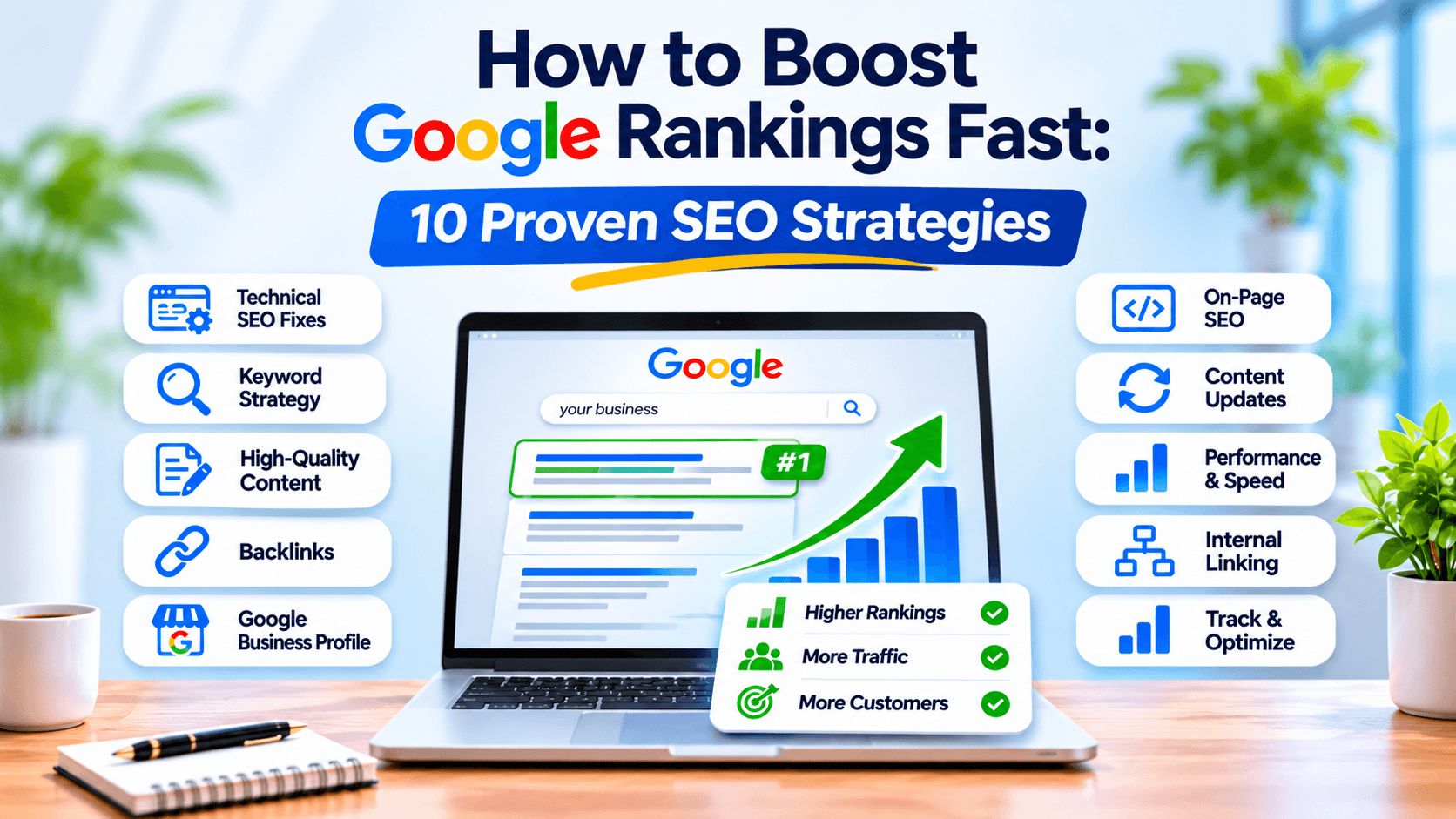
Here are 10 practical strategies to help boost Google rankings faster while building a stronger foundation for long-term organic growth.
1. Identify Why Your Website Isn't Ranking
Before making changes, find out what's preventing your website from performing well in search results.
Making random SEO adjustments without understanding the problem can waste time and resources. Start by reviewing your website's performance in Google Search Console.
Pay attention to these areas:
- Search impressions: Identify pages appearing in Google search results but receiving limited visibility.
- Average positions: Find keywords ranking between positions 5 and 20. These pages may have opportunities for improvement.
- Click-through rate (CTR): Look for pages receiving impressions but very few clicks.
- Indexing issues: Check whether important pages are indexed and eligible to appear in search results.
- Search queries: Compare the keywords Google associates with your pages against their actual content.
For example, suppose a service page receives 1,500 monthly impressions but has a low click-through rate. The page may already have some search visibility, but its title and meta description might not communicate enough value to encourage clicks.
Similarly, if a blog ranks around position 12 for its primary keyword, improving its content depth, search intent alignment, and internal links may help it compete for higher positions.
Practical tip: Prioritize pages that already receive impressions or rank on the second page of Google. Improving an existing page with established search visibility can sometimes be more efficient than creating an entirely new page.
2. Target Keywords Based on Search Intent
Choosing keywords based only on search volume is one of the most common SEO mistakes.
A keyword might attract thousands of searches, but if the search intent doesn't match your website's content or services, those visitors may never become customers.
Instead, understand what people want when they search for a particular phrase.
Google searches generally fall into four categories:
- Informational: Users want answers or explanations, such as "how does SEO work?"
- Navigational: Users are looking for a specific website or brand.
- Commercial: Users are researching products or services before making a decision.
- Transactional: Users are ready to take action, such as hiring an SEO agency.
Once you understand the intent, assign keywords to the most appropriate pages.
For example, a web design company in San Diego might target:
Keyword | Search Intent | Recommended Page |
|---|---|---|
How much does web design cost? | Informational | Blog post |
Best web design companies in San Diego | Commercial | Service or comparison page |
San Diego web design agency | Commercial | Main service page |
Hire a web designer in San Diego | Transactional | Lead generation page |
This approach prevents multiple pages from competing for the same search intent and helps Google understand the purpose of each page.
Practical tip: Use Google Search to review the top-ranking pages for your target keyword. Look at the content format, topics covered, and information users expect to find before deciding how to optimize your page.
3. Improve Existing Pages Before Publishing More Content
Publishing new blog posts every week doesn't automatically improve your website's rankings.
If your existing pages have outdated information, weak headings, missing details, or poor keyword targeting, improving those pages may offer better opportunities.
Start with your pages that:
- Rank between positions 5 and 20.
- Have impressions but a low CTR.
- Have lost organic traffic over time.
- Target valuable commercial or service-related keywords.
- Receive traffic but generate very few inquiries.
When updating an existing page, focus on improvements that genuinely make it more useful.
What to improve:
Content relevance: Make sure the page directly addresses the primary search intent instead of discussing unrelated topics.
Missing information: Identify important subtopics, examples, and practical details that your competitors cover but your page doesn't.
Heading structure: Organize information using descriptive H2 and H3 headings that help readers understand the content.
Keyword placement: Include the primary keyword naturally in the title, introduction, relevant headings, and body content.
Internal links: Connect the page to relevant service pages, supporting articles, and useful resources.
Content accuracy: Replace outdated statistics, incorrect information, and broken references.
Avoid changing content simply to make it longer. Google doesn't reward a page just because it contains more words. The goal is to provide a more complete and useful answer.
4. Fix Technical SEO Problems That Prevent Better Rankings
Technical SEO creates the foundation that allows search engines to discover, crawl, and understand your website.
Even well-written content can struggle to perform if important pages cannot be accessed or indexed properly.
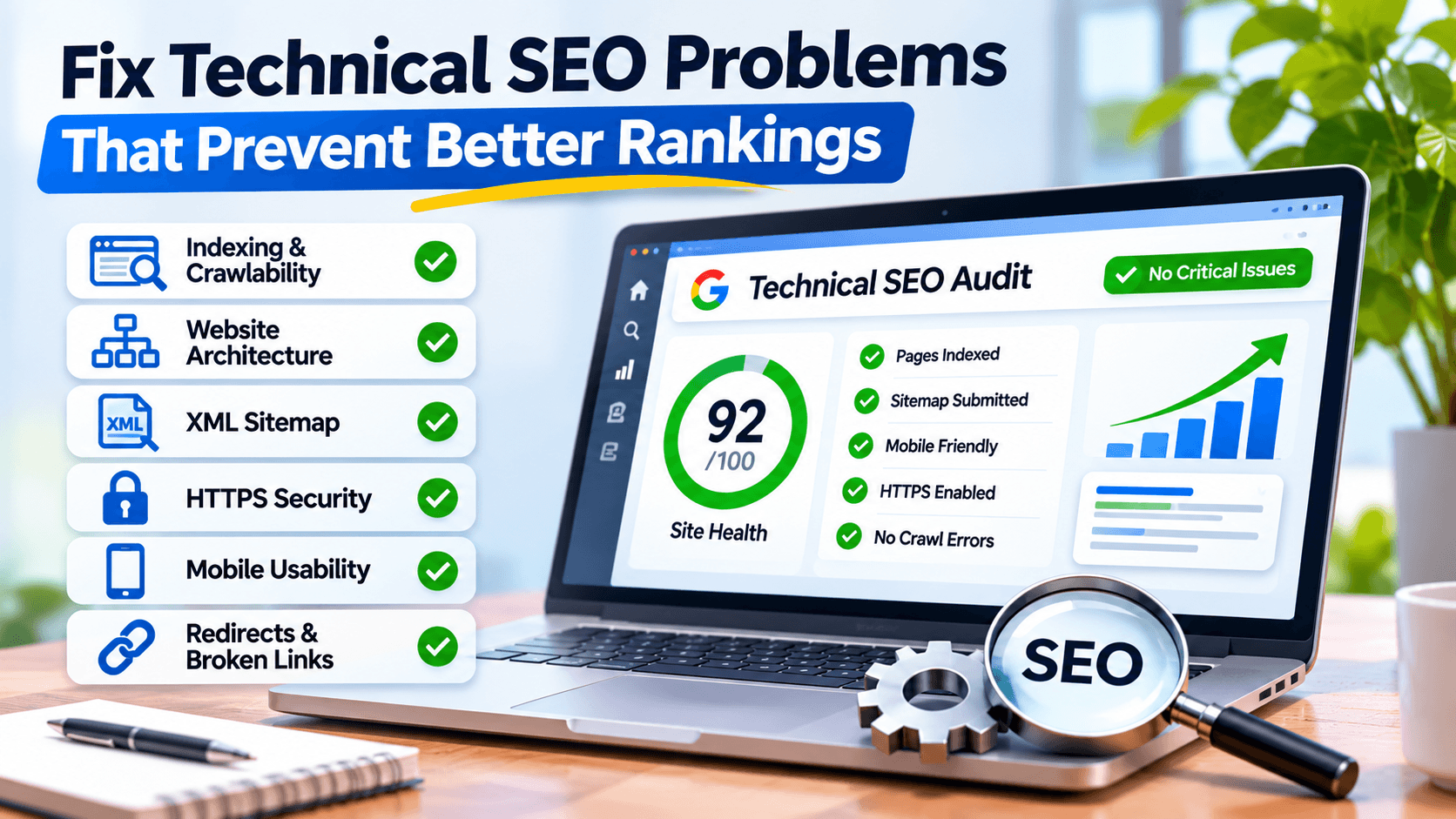
Review these technical elements:
Indexing and crawlability
Use Google Search Console's Page Indexing report to identify pages that are excluded from Google's index.
Pay attention to:
- Pages blocked by robots.txt.
- Incorrect noindex directives.
- Redirect errors.
- Duplicate pages with conflicting canonical tags.
- Important URLs returning 404 errors.
- Pages discovered but not indexed.
Not every excluded URL is a problem. For example, filtered URLs or intentionally redirected pages may not need indexing. Focus on important pages that should appear in search results.
Website architecture
Keep your website structure logical and easy to navigate. Important service pages should be accessible through relevant navigation links and internal links rather than being buried several clicks deep.
XML sitemap
Maintain an accurate XML sitemap containing your important, canonical, indexable URLs. Submit it through Google Search Console.
HTTPS and mobile usability
Make sure your website uses HTTPS and works properly across mobile devices. Test important pages on different screen sizes to identify layout problems, difficult navigation, or content that extends beyond the screen.
Fixing technical SEO issues doesn't guarantee immediate ranking improvements, but removing barriers to crawling and indexing gives your content a better opportunity to compete.
5. Improve Website Speed and Core Web Vitals
Website performance affects how visitors experience your website. Slow-loading pages, unstable layouts, and delayed interactions can make it difficult for users to access information.
Google uses page experience signals, including Core Web Vitals, as part of its ranking systems. However, good performance alone won't make an unhelpful page rank above more relevant content.
Focus on these three Core Web Vitals:
Metric | What It Measures | Good Target |
|---|---|---|
LCP | Loading performance | 2.5 seconds or less |
INP | Interaction responsiveness | 200 milliseconds or less |
CLS | Visual stability | 0.1 or less |
These are Google's recommended thresholds for good Core Web Vitals performance.
Use Google PageSpeed Insights to evaluate your website and identify performance issues.
Common improvements include:
- Compressing large images and using modern formats such as WebP or AVIF.
- Removing unnecessary JavaScript and CSS.
- Enabling browser caching.
- Using a content delivery network (CDN).
- Reducing unnecessary third-party scripts.
- Improving server response times.
- Using reliable hosting infrastructure.
For WordPress websites, review plugins carefully. Unnecessary plugins, poorly configured page builders, and excessive scripts can increase loading time.
Practical tip: Test your most important landing pages individually. Improving the homepage while ignoring slow service pages may leave your biggest conversion opportunities untouched.
6. Create Content That Provides More Value Than Competing Pages
High-quality content isn't about writing more words or repeating a keyword throughout an article.
It is about providing information that genuinely satisfies the reader's needs.
When someone visits your website, they should find useful answers without having to search through multiple unrelated paragraphs.
For stronger content, focus on:
Firsthand experience: Include practical examples, real project insights, and lessons from actual work whenever available.
Specific explanations: Replace vague statements with clear instructions, comparisons, and relevant details.
Original information: Add useful perspectives, examples, or observations that aren't simply repeated from competing articles.
Reliable references: Support factual claims with credible sources and link to relevant research when appropriate.
Clear organization: Break complex topics into logical sections with descriptive headings, short paragraphs, and useful visuals.
For example, a generic article about website design might explain that responsive design is important.
A more useful article would explain how a poorly designed mobile navigation menu affects usability, what businesses should check, and how to fix common problems.
That level of detail makes content more valuable to readers.
Google's guidance emphasizes helpful, reliable, people-first content. Write to solve the reader's problem rather than to manipulate search rankings.
7. Strengthen Internal Linking Across Your Website
Internal links connect different pages on your website and help visitors discover related information.
They also help Google understand how your pages relate to one another.
However, adding random links throughout your content isn't an effective internal linking strategy.
Build meaningful connections between your main pages and supporting content.
For example, a website offering SEO services could organize its content like this:
- Main SEO Services page
- Technical SEO guide
- Local SEO guide
- Keyword research guide
- On-page SEO checklist
- Link-building guide
Each supporting article can link back to the main SEO services page where relevant. Related articles can also link to one another when they provide additional information.
Best practices for internal linking:
- Use descriptive anchor text that explains the destination page.
- Link to relevant service pages from supporting blog posts.
- Connect related articles to build topical relationships.
- Prioritize important pages that need more internal link support.
- Fix broken internal links and unnecessary redirect chains.
- Avoid adding links where they don't provide value to readers.
A well-planned internal linking structure makes your website easier to navigate and helps search engines discover important pages.
8. Earn Relevant, High-Quality Backlinks
Backlinks are links from other websites pointing to your website. They can help Google discover pages and provide useful signals about your website's reputation and authority.
However, not all backlinks provide the same value.
A relevant editorial link from a respected website in your industry is generally more valuable than dozens of unrelated links from low-quality websites.
Instead of purchasing large quantities of backlinks, focus on earning links through legitimate activities.
Effective link-building opportunities include:
- Guest contributions: Publish useful articles on relevant industry websites.
- Digital PR: Share original research, expert commentary, or useful industry insights that publications may reference.
- Resource pages: Get included in genuinely relevant industry resource lists.
- Business partnerships: Collaborate with complementary businesses on useful content.
- Original research: Publish data, surveys, or studies that other websites may want to cite.
For example, a web design agency could publish an original report about website performance trends among small businesses. Relevant publications and industry blogs may reference the findings and link back to the original research.
Avoid buying links, participating in link schemes, or using automated backlink services. These practices can create unnecessary risks for your website.
You can also learn more about website authority in our guide to domain authority and its role in SEO.
9. Optimize Your Google Business Profile for Local Visibility
If your business serves customers in a specific geographic area, optimizing your Google Business Profile can improve your visibility in Google Maps and local search results.
Local SEO is particularly important for businesses that depend on customers within a particular city or service area.
Start by making sure your business information is accurate and consistent.
Google Business Profile optimization checklist:
- Use your real business name without unnecessary keyword additions.
- Select the most relevant primary business category.
- Add accurate business hours and contact information.
- Include the correct website URL.
- Specify your actual service areas where applicable.
- Upload genuine business photos and relevant project images.
- Add your services and a clear business description.
- Encourage genuine customer reviews.
- Respond professionally to customer feedback.
- Keep your profile updated when business information changes.
For example, a web design company serving San Diego should clearly communicate its services, business location or service area, and contact details.
Remember that Google Business Profile optimization primarily supports local visibility. It isn't a replacement for organic SEO on your website, and it doesn't directly improve every website keyword ranking.
10. Monitor SEO Performance and Make Data-Driven Improvements
SEO requires continuous monitoring because search visibility, competition, and user behavior can change over time.
Without tracking performance, you may spend months working on activities that aren't producing meaningful results.
Use Google Search Console and Google Analytics 4 to understand what's happening.
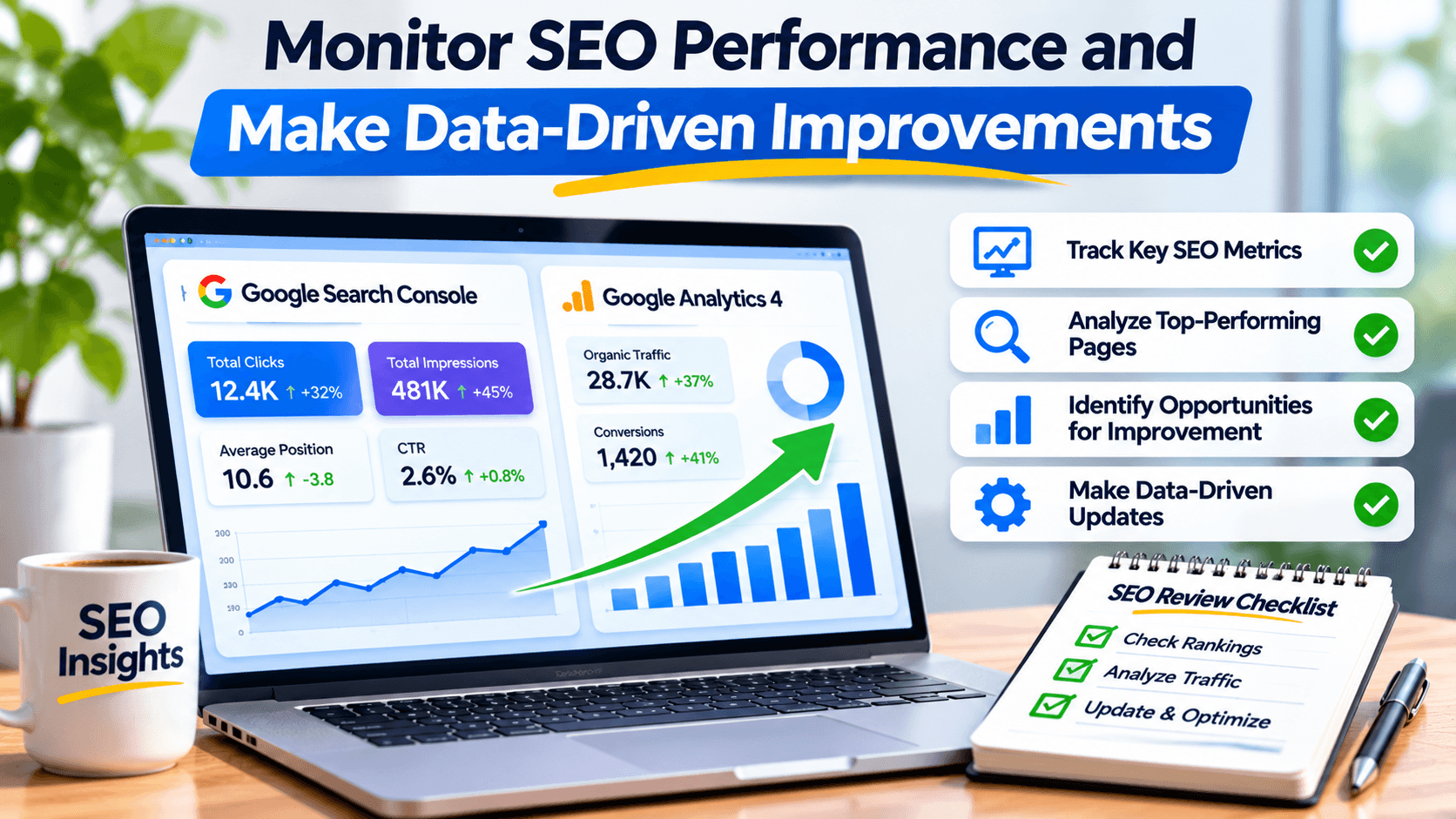
Google Search Console helps you monitor:
- Total clicks and search impressions.
- Average keyword positions.
- Search queries generating traffic.
- Pages receiving organic visibility.
- Indexing and crawling issues.
- Click-through rate changes.
Google Analytics 4 helps you understand:
- Organic website sessions.
- Landing page performance.
- User engagement.
- Important conversion events.
- Leads and inquiries generated through organic traffic.
Create a simple monthly SEO review.
Compare current performance against previous periods and identify pages that have improved, declined, or remained unchanged.
For example, if a service page has gained impressions but its average position hasn't improved, review its relevance, competing pages, content quality, and internal link structure.
If organic traffic has increased but leads remain unchanged, investigate whether the page attracts the right audience and whether its calls to action are effective.
The objective isn't just to increase rankings. It's to attract relevant visitors who are more likely to become customers.
How Long Does It Take to Improve Google Rankings?
There is no guaranteed timeline for improving Google rankings.
Some technical corrections or content improvements may produce noticeable changes relatively quickly, while more competitive keywords can take considerably longer.
Your results depend on several factors:
- Your website's existing authority and search visibility.
- Keyword competition.
- Content quality and relevance.
- Technical SEO condition.
- Backlink profile.
- Website history and existing performance.
- How frequently Google recrawls and reassesses your pages.
Rather than expecting overnight results, focus on measurable improvements.
Start by fixing critical technical problems, improving pages with existing search visibility, and publishing content that satisfies genuine search intent.
Track progress through impressions, clicks, rankings, qualified organic traffic, and conversions.
Common SEO Mistakes That Can Slow Down Your Rankings
Even when businesses invest time and money in SEO, certain mistakes can prevent their websites from reaching their potential.
Watch out for these common problems:
Keyword stuffing: Repeating the same keyword unnaturally makes content difficult to read and doesn't guarantee better rankings.
Publishing duplicate content: Creating multiple pages targeting nearly identical topics can create unnecessary competition between your own URLs.
Ignoring search intent: A page that doesn't provide the information users expect may struggle to compete, even if it targets the right keyword.
Buying low-quality backlinks: Manipulative link-building practices can violate Google's spam policies.
Ignoring mobile users: A website that works poorly on smartphones creates a frustrating experience for a large portion of visitors.
Changing URLs without redirects: Moving or renaming pages without appropriate redirects can break links and disrupt search visibility.
Focusing only on rankings: High positions mean little if your website attracts irrelevant visitors or fails to generate business inquiries.
Avoiding these mistakes can help you build a more sustainable SEO strategy.
Final Thoughts: Focus on SEO Improvements That Make a Difference
Boosting Google rankings fast isn't about finding a secret trick or making dozens of random website changes.
It's about identifying the problems holding your pages back and prioritizing improvements that address them.
Start with your existing search performance. Find pages with ranking potential, understand their search intent, improve their content, fix technical issues, and build relevant internal and external links.
For businesses competing in San Diego and other local markets, a combination of technical SEO, useful content, and local optimization can create stronger opportunities for organic growth.
At 1REALTOUR, we help businesses improve their online visibility through strategic SEO and high-performing web design. If your website isn't attracting the traffic or inquiries it should, our team can help identify optimization opportunities and build a strategy around your business goals.
Share this article