Understanding what are SERPs helps you see how search engines decide what to show on the results page. Every time someone searches online, the search engine displays a mix of links, snippets, images, and rich features based on what the user needs. These results shape the way people discover websites, choose answers, and interact with different pages. When you learn how SERPs work, you understand how search engines connect users with the most helpful information.
Understanding What SERPs Mean
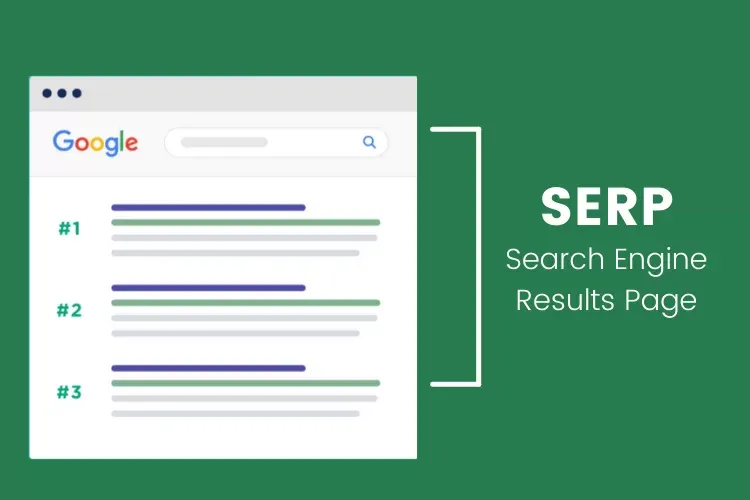
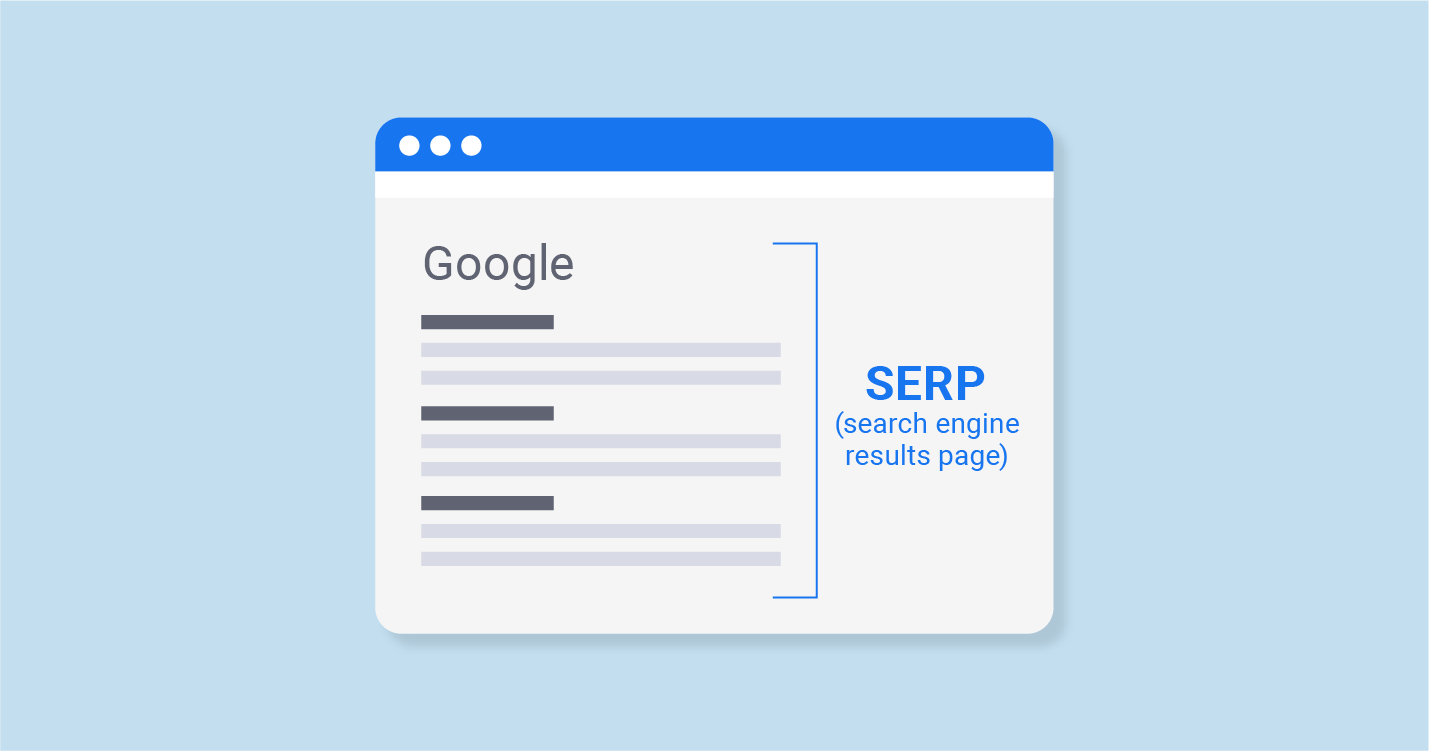
SERPs, or Search Engine Results Pages, are the pages search engines show after a user types a query. These pages display different types of results, from organic listings to ads and rich snippets. SERPs are built to match the search intent and provide the most helpful information in the quickest way possible. Each result on the page is chosen and ranked based on hundreds of signals, which makes the layout different for every search.
What Shows Up on a SERP
A SERP can show many types of results depending on the search. You may see organic listings, paid ads, featured snippets, People Also Ask boxes, local map results, images, videos, and news stories. Each element answers a different part of the user’s question. Some searches show a simple list of websites, while others include advanced features if the query needs more detail. This variety helps users get information in the format they find most useful.
How Search Engines Build SERPs
Search engines build SERPs by scanning their index and picking the most relevant pages for each query. They look at content quality, keywords, links, page structure, and user signals. They also study how people interact with different pages to learn what works best. Once the engine understands the intent, it arranges results in the order that gives users the best possible answer. This process happens within seconds, even though it analyzes huge amounts of data behind the scenes.
Why SERPs Change Based on User Intent
SERPs change according to what the user wants. If someone searches for a simple definition, the SERP may show a quick answer box. If the search shows buying intent, the page may display ads and shopping results. Local searches show map listings. Informational searches show guides and articles. Search intent guides every part of the SERP layout so users get the result that matches their purpose. This is why the same keyword can produce different results depending on location, device, and search behavior.
Types of Results You See on SERPs
SERPs display many different types of results because users search for many different reasons. Each result format helps people get information in the quickest and most useful way. When you learn these formats, you understand how search engines guide users through the page.
Organic Search Results
Organic results are the standard blue-link listings you see on every SERP. These results appear because the content matches the search intent and follows strong SEO practices. Organic rankings are earned through relevance, quality, and authority, not paid placements. They make up the core of the search results and deliver long-term visibility.
Paid Search Ads (PPC Results)
Paid search ads appear at the top or bottom of the SERP. These ads come from businesses that bid on keywords through platforms like Google Ads. They look similar to organic results but include a small “Ad” label. Paid ads help businesses reach audiences faster when they want immediate visibility.
Featured Snippets
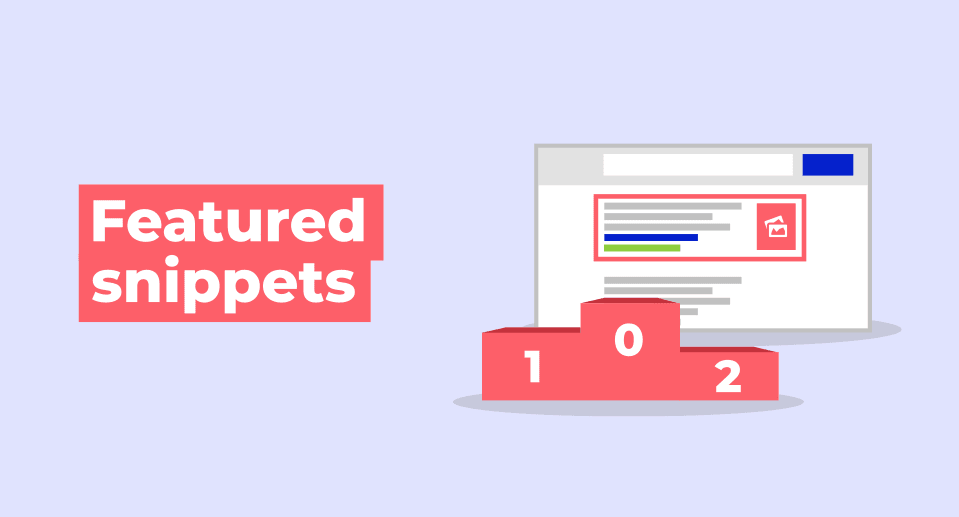
Featured snippets give quick answers at the top of the SERP. They appear in a box and pull information from a webpage that best explains the user’s question. Snippets can come in different formats like paragraphs, lists, or tables. They help users find answers without clicking through many pages.
Knowledge Panels
Knowledge panels show important facts about people, brands, locations, or topics. They appear on the right side of the page on desktop and at the top on mobile. These panels collect information from trusted sources and give users a quick overview without needing to open multiple pages.
Local Map Pack
The Local Pack shows map listings when users search for nearby services or businesses. It displays three main businesses along with their ratings, addresses, and contact details. This result type helps users find local solutions quickly and plays a huge role in local SEO.
Image, Video, and News Results
SERPs often include media results such as images, videos, and news articles. Image results show visual answers for queries that need examples or inspiration. Video results appear from platforms like YouTube when a topic needs visual explanation. News results show fresh stories related to trending topics or current events.
How SERPs Work Behind the Scenes
Search engines follow clear steps to build every SERP. They analyze content, study user intent, and choose the results that offer the most value. This entire process happens quickly, even though it involves several complex layers.
Crawling and Indexing
Search engines use crawlers to scan the web. These crawlers find new pages, follow links, and gather information. After scanning, the engine stores content in its index. This index works like a giant library that holds billions of pages. When users search, results come from this index, not from scanning the web in real time.
Ranking Algorithms
Once the engine understands the query, it runs ranking algorithms to pick the best pages. These algorithms study the page’s quality, relevance, structure, keywords, links, and user behavior. They compare thousands of pages within seconds and rank them based on how well they match the search intent.
Personalization and Search History Influence
Search results change based on each user’s behavior. Search history, previous clicks, and preferences can influence what appears on the SERP. If someone often clicks tutorials, they may see guides first. If they prefer shopping results, they may see product listings higher.
Device and Location Factors
Search engines adjust SERPs based on the device used. Mobile users may see different layouts, faster-loading pages, or mobile-friendly results. Location plays a major role as well. Someone searching “coffee shops” sees local businesses nearby, not results from another city. This makes every SERP unique to the user.
Why SERPs Matter for SEO
SERPs shape the way users find your website. Every result on the page influences clicks, visibility, and how much traffic you receive. When you understand SERPs, you learn how search engines display your content and what you must improve to stand out.
Visibility and Click Through Rates
Your position on the SERP affects how many people visit your website. Higher rankings bring more visibility and better click through rates. Results at the top of the page attract most of the traffic because users trust them more. When your pages appear in rich results, such as snippets or videos, you earn even more clicks.
Understanding User Intent
SERPs help you study what users want. The type of results shown for a keyword reveals if the intent is informational, commercial, navigational, or local. When you understand this intent, you create content that fits what people expect. Matching intent improves rankings because search engines reward pages that satisfy user needs.
Identifying Ranking Opportunities
SERPs show gaps you can target. You can find keywords without strong competition, topics missing quality answers, or features you can earn. By reading the page layout, you discover opportunities to improve visibility through snippets, media results, or local listings.
Organic Results
Organic results are determined by Google’s complex algorithm, which evaluates numerous factors to rank pages based on relevance and quality. Securing a high rank organically involves several strategies:
- Creating High-Quality Content: Develop informative, engaging, and relevant content that effectively addresses users’ queries.
- SEO Optimization: Employ on-page SEO techniques such as keyword optimization, meta tags, and structured data.
- Building Backlinks: Gain links from reputable sources to enhance your site’s authority and ranking potential.
Paid Results
Paid search results appear at the top and bottom of SERPs and are marked as ads. These results operate on a Pay-Per-Click (PPC) model where advertisers bid on keywords. The highest bidders generally get prime positions, but the relevance of the ad and the click-through rate (CTR) also play crucial roles in determining placement.
- Bidding on Relevant Keywords: Select keywords that align with your business goals and the intent of your audience.
- Optimizing Ad Copy: Create compelling, relevant ad content to improve CTR.
- Monitoring and Adjusting: Regularly review performance metrics and adjust bids and ad content to optimize results.
Common SERP Features You Should Know
SERPs include many features that help users get answers quickly. Each feature affects how people interact with results and how your content appears on the page.
People Also Ask (PAA)
The PAA box shows common questions related to the search. Each question expands to show a quick answer from a webpage. Appearing here increases visibility because users often click these follow-up questions to explore more.
Rich Snippets
Rich snippets display extra details under a result, such as ratings, prices, or steps. These enhanced results stand out on the SERP and improve click through rates. Structured data helps search engines show these rich details.
Sitelinks
Sitelinks appear under a main result and show important pages from the same website. These links help users reach deeper pages quickly. They also show that Google trusts the structure and relevance of your website.
Top Stories Box
The Top Stories box appears for trending topics, news, and time-sensitive content. It includes articles from trusted publishers and helps users stay updated with current events. This feature is important for websites that publish fresh and timely content.
Shopping Results
Shopping results show product listings, prices, images, and reviews. They appear when users search for products with clear buying intent. These results help people compare options quickly and guide them toward purchase decisions.
How to Optimize for SERPs
Optimizing for SERPs means improving your content so search engines understand it clearly. This helps your website earn better positions, appear in rich features, and match user intent.
Improving On-Page SEO
Strong on-page SEO helps search engines read your content easily. This includes clear headings, simple language, helpful explanations, and keywords placed naturally. When your page is clean and well-structured, your rankings improve.
Targeting Featured Snippets
Featured snippets require direct and simple answers. Use short paragraphs, clear lists, or tables to increase your chance of earning a snippet. When your answer is easy to read, search engines can pull it into the snippet box.
Using Structured Data
Structured data helps search engines understand your content. It provides extra details like product info, ratings, steps, and FAQs. This data increases your chance of earning rich snippets, sitelinks, or other enhanced results on the SERP.
Building Strong Content Around Intent
Content that matches user intent performs better. When your page answers the exact question behind the search, users stay longer and engage more. This behavior signals quality, which helps your page rise in rankings and earn more SERP features.
Conclusion
Understanding what are SERPs helps you see how search engines organize information and decide which pages deserve visibility. SERPs guide every user’s online journey, and they change based on intent, location, and device. When you learn how SERPs work, you can create content that fits user needs and earns stronger positions. A clear focus on relevance, structure, and helpful information improves your chance of appearing in rich results, which leads to more clicks and long-term SEO growth.
Read More About: Image SEO: How to Optimize Images for SEO
Share this article