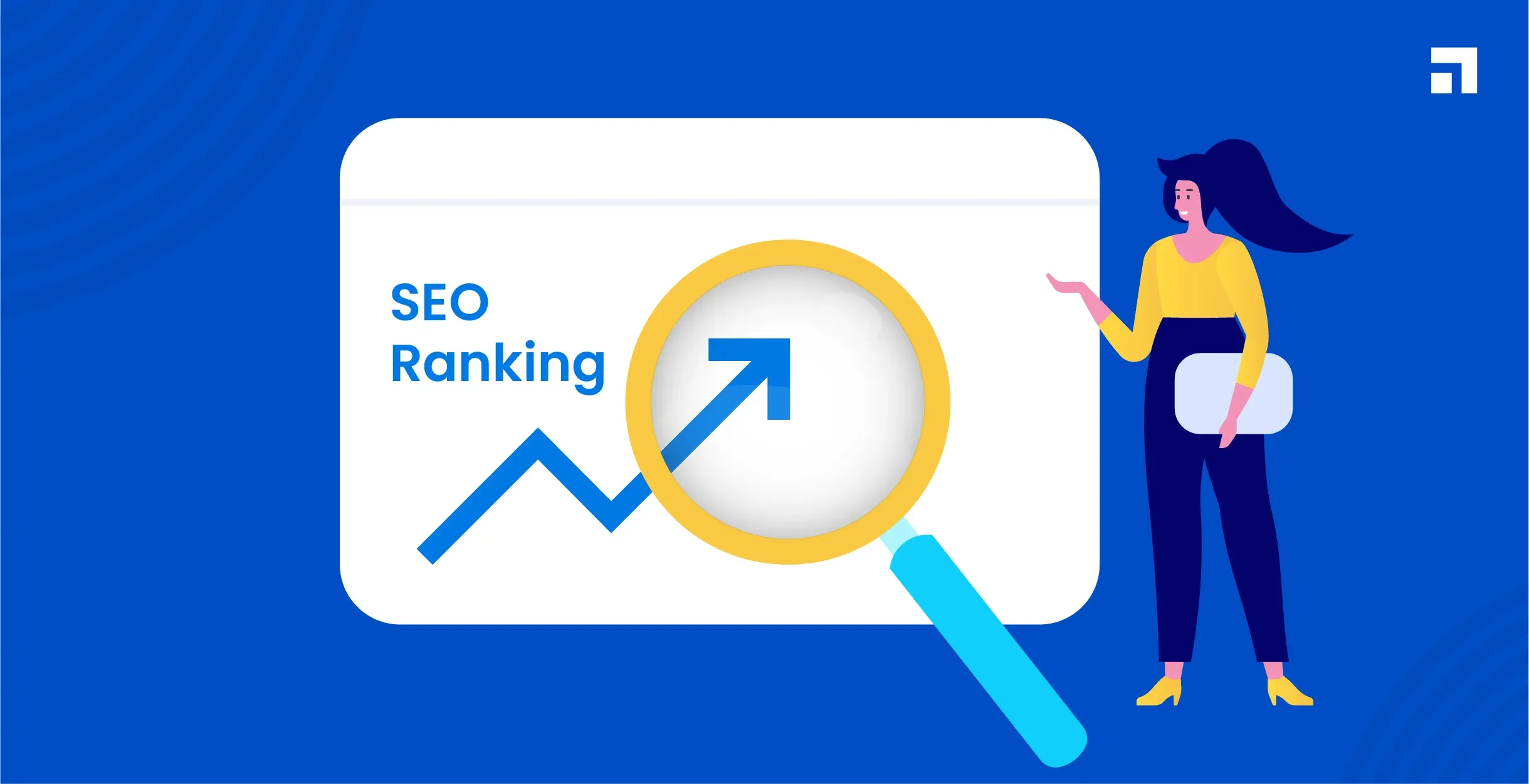
Learning Image SEO helps your website load faster, appear in more searches, and deliver a better experience to users. Search engines rely on clear signals to understand each image, and when those signals are missing, your content loses visibility. When you optimize your images the right way, your pages perform better, your rankings improve, and your visitors enjoy a smoother experience. Image SEO supports both your search performance and the overall quality of your website.
What Image SEO Means and Why It Matters
Image SEO means optimizing images so search engines understand them easily. This includes choosing the right format, naming files correctly, writing clear alt text, and keeping image sizes small. These steps help your pages load faster and become easier for search engines to index. Strong Image SEO improves the way search engines read your content and increases your chance of appearing in image search results.
How Search Engines Read and Understand Images
Search engines cannot see images the way people do. They rely on file names, alt text, captions, and surrounding text to understand what an image represents. They also look at the page topic and how the image supports the content. When these signals match, search engines understand your images more clearly. This helps your site appear for the right keywords and improves your overall visibility.
Why Image Optimization Improves Rankings
Optimized images load faster, which improves user experience and reduces bounce rates. Search engines reward fast pages because they offer a smoother experience. When your images are compressed, properly named, and supported by clear alt text, your site becomes easier for search engines to index. These improvements help your pages rank better because they show quality, relevance, and technical strength.
Role of Visual Search and User Experience
Visual search continues to grow, and users expect images to load quickly and look sharp on every device. Strong Image SEO helps your content appear in image searches, which brings new visibility and traffic. It also improves the way users interact with your page. Faster images create a cleaner experience, which increases engagement and supports your rankings. When your visuals match user intent, your entire page becomes more valuable.
Image File Types and Why the Format Matters
The file type you choose plays an important role in Image SEO because each format affects speed, quality, and storage size. Search engines prefer pages that load fast, and your format choice influences how quickly your images appear. When you understand how each format works, you can pick the right one for every image and improve your website’s performance.
JPEG vs PNG vs WebP
JPEG files offer small sizes with good quality, which makes them ideal for photos. PNG files support transparency and sharper details, so they work well for graphics and icons. WebP is a modern format that offers high quality with even smaller sizes than JPEG and PNG. It supports both transparency and strong compression, which helps improve load speed.
When to Use Each Format
Use JPEG for photos, product images, and any content that needs a natural look. PNG works best for graphics, text overlays, and images that need a clean background. WebP is the best choice when you want strong quality and the smallest size. Many websites now use WebP as the default format because it keeps pages fast and light.
Best Formats for Speed and Quality
WebP offers the best balance for both speed and quality. JPEG remains a strong choice when WebP is not supported. PNG should be used only when you need transparency or sharp detail. Choosing the right format helps your images load quickly and supports the overall strength of your Image SEO strategy.
How to Optimize Image Size and Compression
Image size and compression affect how fast your pages load. Large images slow down your website and hurt user experience. When you reduce size without losing quality, your pages load faster and perform better in search results. Good compression keeps your website clean, efficient, and easy to navigate.
Why Image Size Affects Load Speed
Bigger images take longer to download. This slows your page and frustrates users. Search engines track load speed closely, so large image files can hurt rankings. When you keep your images small, your pages load faster and your visitors stay longer. This improves engagement and supports your overall performance.
Lossy vs Lossless Compression
Lossy compression reduces file size by removing small details that most users will not notice. It keeps images light and fast. Lossless compression reduces size without removing any visible detail. It is useful for graphics and images that need clarity. Both types help improve speed, but lossy compression works best for photos that need smaller sizes.
Tools to Compress Images Without Losing Quality
Many tools help you compress images while keeping them clear. Online compressors and editing software allow you to adjust quality, reduce size, and prepare images for the web. These tools help maintain sharp visuals while keeping your pages fast. Regular compression improves Image SEO and strengthens overall performance.
Writing SEO Friendly Image File Names
Image file names help search engines understand the topic of your images. Many websites ignore this step, but it plays an important role in Image SEO. A clear file name tells Google what the image shows before the page loads. When you use clean and descriptive names, your images become easier to index and rank.
Using Clear Keywords in File Names
Use simple keywords that describe the image. Choose words that match the topic of your page. Keep the file name short but clear. Use hyphens to separate words so search engines can read them easily. A clean name gives your image a strong chance of appearing in the right search results.
What to Avoid in File Naming
Do not use random numbers or letters. Avoid long names or special characters. Never stuff keywords because it confuses search engines and looks unnatural. Also avoid spaces, since they break the file path. A clean and direct name helps both users and search engines understand your content.
Simple Examples of Good vs Bad File Names
Good file names describe the picture clearly. Bad file names offer no meaning. Here is a simple example for clarity:
- Good: modern-office-desk.webp
- Bad: IMG_00452.PNG
The good example matches the image and supports the page topic. The bad one gives no clue about the content.
Adding Proper Alt Text for SEO
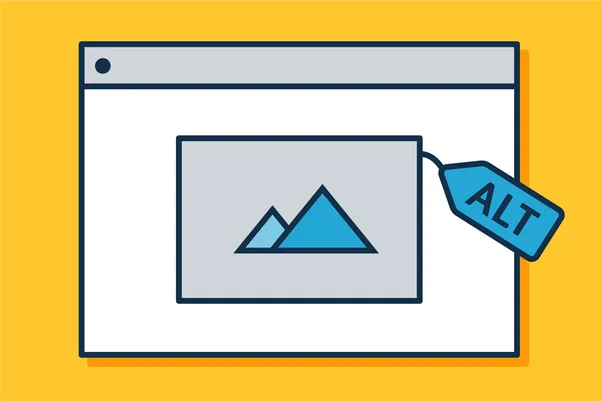
Alt text tells search engines and screen readers what an image shows. It is one of the most important parts of Image SEO because it improves accessibility and helps Google understand your page. Strong alt text supports better rankings and makes your website easier to use.
What Alt Text Should Describe
Alt text should describe the image in simple words. It should explain the main detail that matters for the page. You do not need long sentences. A short and clear line gives search engines enough information. Describe what the image shows, not what you want to rank for.
How Alt Text Helps Google and Accessibility
Alt text helps Google read the image content. It also helps users who rely on screen readers. Clear alt text makes your website easier to understand, which supports better user experience. Search engines reward clear structure, so helpful alt text improves the way your page appears in search results.
Examples of Strong, Clear Alt Text
Here are simple examples that show how to write good alt text:
- Good: “Wooden dining table in a bright kitchen”
- Good: “SEO specialist working on a laptop”
- Bad: “table kitchen wood photo image”
- Bad: “best kitchen table for sale cheap”
The good examples describe the image. The bad ones stuff keywords and feel unclear.
Structured Data and Image SEO
Structured data helps search engines understand your images in a deeper way. It provides extra details that explain what the image shows and how it relates to your content. When you use the right schema, your images can appear in enhanced search results that attract more attention.
How Schema Helps Images Appear in Rich Results
Schema gives search engines clear information about your images. It tells Google the title, description, and context of each visual. This added clarity helps your images appear in rich results such as recipe cards, product previews, and news features. When your images show up in these areas, your content gains more visibility.
Types of Schema Used for Images
Different types of schema support Image SEO. Product schema helps images appear in shopping results. Article schema displays images alongside headlines in news features. Recipe schema shows step-by-step visuals in cooking results. These structured data types help search engines match your images with the right searches.
When Image Schema Is Most Important
Image schema is important when your images support products, tutorials, recipes, or articles. It also helps when you rely on visual content to attract clicks. If your website features images that drive engagement or buying decisions, schema gives your visuals a stronger chance to appear in rich results.
Optimizing Images for Mobile and Core Web Vitals
Mobile users expect fast pages and clean visuals. Image SEO must support mobile performance because most visitors browse on smaller screens. When you optimize images for mobile, you improve speed and support key ranking factors like Core Web Vitals.
Responsive Images and srcset
Responsive images help your website display the right size on every device. The srcset attribute tells the browser which version of the image to load. Smaller images load on mobile devices, while larger versions appear on desktops. This keeps your pages fast and improves the user experience.
How Images Affect LCP Scores
Large images often slow down the Largest Contentful Paint (LCP), which is a key ranking factor. If the main image on your page loads slowly, your entire score drops. When you compress and resize images correctly, your LCP improves and your page becomes more competitive in search results.
Improving Mobile Image Delivery
Modern formats like WebP, lazy loading, and responsive sizing help you deliver images faster on mobile. Smaller files reduce data usage and help pages load quickly even on slower connections. These improvements strengthen Image SEO and create a smoother mobile experience.
Image Sitemaps and Indexing Best Practices
Image sitemaps help search engines find your visuals more easily. When Google discovers your images quickly, they appear in search results faster. A clean sitemap gives search engines a clear path to follow.
Why Image Sitemaps Help Google Discover Images
Image sitemaps list the exact location of each image. This helps Google crawl your visuals even if they are loaded through JavaScript or hidden behind sliders. When search engines find your images quickly, they index them sooner.
How to Add Images to Your Sitemap
Many sitemap tools include images automatically. If not, you can add image entries under each URL in your sitemap. Each entry should include the image source, title, and caption. Clear structure helps search engines understand your visuals more effectively.
When You Need a Dedicated Image Sitemap
You need a dedicated image sitemap when you run image-heavy websites such as portfolios, product catalogs, or galleries. These sites contain many visuals that require clear organization. A separate sitemap ensures every image is discovered and indexed.
CDN and Lazy Loading for Better Image SEO
CDNs and lazy loading help your images load faster and reduce pressure on your main server. These tools improve page speed, which supports both user experience and rankings.
How CDNs Deliver Images Faster
A CDN stores your images on multiple servers around the world. When a visitor loads your page, the image comes from the server closest to them. This reduces load time and improves performance, especially for global audiences.
Using Lazy Loading for Page Speed
Lazy loading delays the loading of images until the user scrolls near them. This reduces the initial load time of your page. It helps keep your website fast, especially when you use many visuals.
When You Should Not Lazy Load Important Images
Do not lazy load images that appear at the top of the page. These images are part of the first screen a user sees. They should load immediately to support fast performance and strong LCP scores. Lazy loading works best for visuals farther down the page.
Conclusion
Image SEO helps your website load faster, rank higher, and offer a better user experience. When your images use the right format, clear names, strong alt text, and proper compression, search engines understand them more easily. These steps improve page speed and help your visuals appear in image search results. As visual search grows, image optimization becomes even more important. When you follow the right Image SEO practices, your website becomes stronger, more reliable, and ready to perform well across all devices.
Read More About: What are Hooks in WordPress? Types of Hooks
Share this article