Understanding what a server is helps you see how websites load, how files move, and how online communication works. Many people use servers every day without knowing it. When you open a website, send a message, or store a file online, a server handles the request and delivers the information back to you. Learning how a server works makes it easier to manage websites, choose the right hosting, and understand the technology that supports your business or daily tasks.
Understanding What a Server Does
A server works as the main system that sends information to other devices on a network. It receives requests from users, processes those requests, and delivers the correct result. Every website, email system, online game, and cloud tool depends on servers to function. When you learn what a server does, you gain a clearer view of how online systems stay organized and accessible.
How Servers Respond to Client Requests
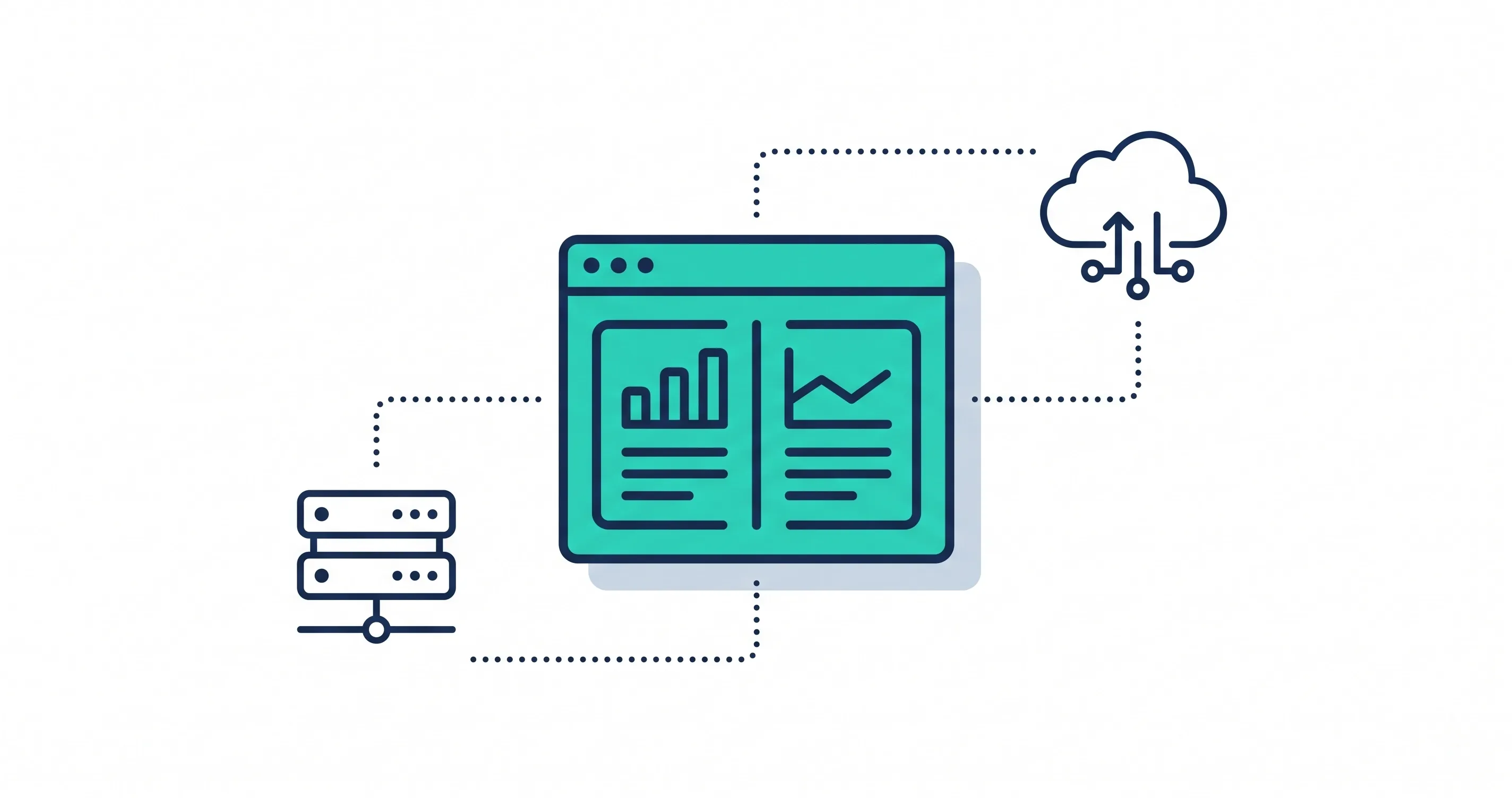
A server responds to requests made by clients. A client can be a phone, laptop, or any device connected to the Internet. When a user clicks a link or opens a website, that device sends a request to the server that stores the website files. The server reads the request, collects the needed data, and sends it back to the client. This exchange happens quickly so the user can view the content without delay.
Every request follows a simple pattern. The client asks for information. The server processes the request. The server sends back the result. This back and forth creates the online experience people use every day. A fast and secure server keeps this process smooth and supports better performance for websites and apps.
Difference Between Server Hardware and Server Software
Server hardware and server software work together, yet each part handles a different role. Server hardware is the physical machine. It contains strong processors, large storage drives, and reliable memory that help the server handle many requests at the same time. These physical parts keep the server running and support heavy workloads.
Server software controls how the hardware behaves. It manages connections, processes requests, and delivers information to clients. Software also handles security, user access, and communication between different applications. When hardware and software work together correctly, the server performs at a high level and delivers stable results.
Common Uses of Servers in Daily Life
Servers support many parts of modern life. They store information, run applications, and send data to users who need it. When people understand these common uses, they gain a clearer view of what a server does and how essential it is for websites, businesses, and communication. Servers work behind the scenes, yet everything we do online depends on them in one way or another.
Website Hosting
Website hosting is one of the most common uses of a server. When someone opens a web page, the server sends the images, scripts, and content back to the user’s device. A strong server keeps the website fast and stable. Many businesses explore better hosting options because stronger hosting improves user experience.
Email and Communication Systems
Email services run on mail servers that manage messages, inbox folders, and delivery paths. Messaging apps also depend on servers to keep conversations updated across all devices. When users send or receive a message, the server processes it and delivers it to the right place. A stable mail server prevents delays, missing emails, and communication gaps.
File Storage and Data Management
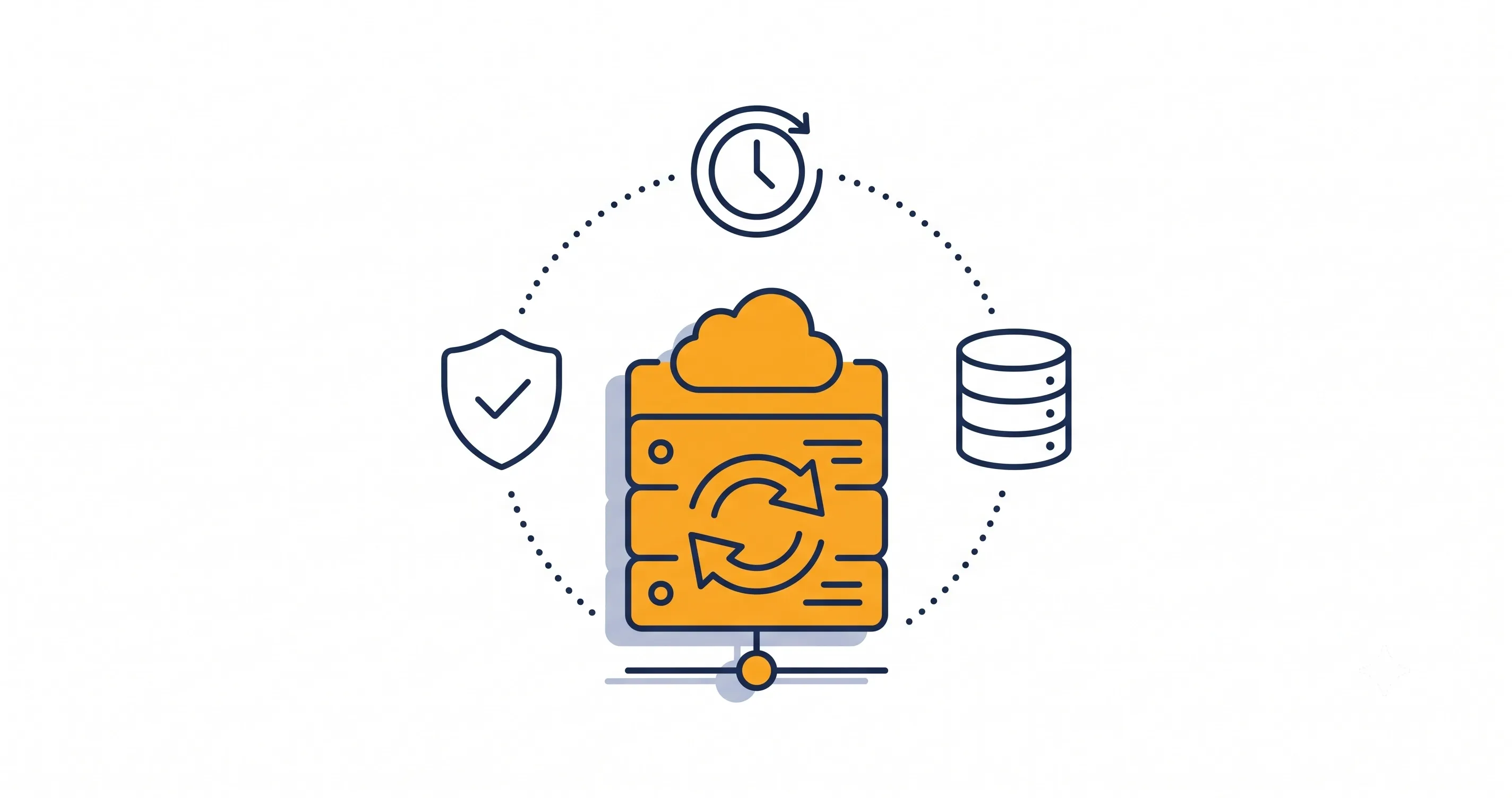
Many people store documents, photos, and work files in the cloud. These files sit on storage servers that stay available at all times. When users upload a file, the server stores it. When users download a file, the server sends it back. Businesses rely on storage servers to back up important data and keep files organized. A well-structured storage system improves teamwork and reduces the risk of data loss.
Business Applications and Resource Control
Companies use servers to run applications such as billing systems, scheduling tools, customer portals, and project platforms. The server keeps these applications online and controls access so only the right people view sensitive information. This supports smooth workflows and better data security.
Why Servers Run All the Time
Servers stay on all day because people use websites, apps, and online tools at different hours. When a server stays active, users enjoy smooth access to information without waiting. This constant availability helps websites and services run without interruptions and supports a stable online experience.
Continuous Access for Users
People expect services to be ready whenever they open a website, send a message, or download a file. A server must stay active so every request reaches the right place quickly. This steady access helps users complete tasks without delays. It also supports the many online tools that depend on a constant flow of information.
Reliability for Websites and Applications
Websites rely on servers that stay active every minute of the day. If the server stops, the website becomes unavailable. Many businesses choose hosting that stays stable because strong uptime improves user experience and helps websites perform better in search engines. This dependable setup also supports business tools such as booking systems, dashboards, and customer platforms that teams use daily.
Real Time Data Processing
Many digital systems process information the moment a user interacts with them. Online banking, order tracking, and messaging apps all need quick responses. A running server handles each action and returns updated information without delay. This real time process keeps services accurate and smooth for every user.

Types of Servers You Should Know
Servers come in many forms and each type supports a different purpose. When you understand these types, you gain a clearer view of how websites load, how apps run, and how data stays organized.
Web Server
A web server sends website pages to users. When someone clicks a link, the web server sends the images, text, and scripts that make the page visible. A strong web server improves load time and supports a better experience for every visitor.
Application Server
An application server runs the programs that businesses use every day. These programs include scheduling tools, customer service systems, and online platforms. The server keeps these tools active and ready for teams that depend on them.
Database Server
A database server stores structured information such as customer records, product lists, or order details. When someone searches for information, the database server finds the right data and sends it back quickly. A strong database helps websites and apps stay fast and accurate.
File and Storage Server
A file server stores documents, images, videos, and shared work files. Teams use these servers to upload, organize, and access important data. A clear storage system improves workflow and reduces the chance of losing important files. This type of structure works just like improving website navigation, where clear paths help users reach information more easily.
Dedicated vs Shared Servers
A dedicated server supports one website or project and gives full control with strong speed. A shared server hosts many websites and offers a more affordable option. The right choice depends on traffic, budget, and long term goals.
Cloud Servers and Virtual Servers
Cloud servers run across multiple regions and send information from the closest location to the user. This helps websites load faster for visitors in different areas. Virtual servers scale easily, so businesses add more resources as their audience grows. This flexibility makes cloud hosting a strong option for businesses that expect steady growth.
How Computers Connect to a Server
Computers connect to a server through a set of steps that move information between devices. This connection allows users to open websites, share files, send messages, and access business tools. When you understand how computers connect to a server, you get a clearer picture of how the Internet works and how data moves smoothly from one system to another.
Local Network Connections
Inside a home, office, or business, devices connect to a server through a local network. A router or switch links all devices together and creates a path for information to move. When a user opens a shared folder or accesses a business tool, the device sends a request to the server. The server reads that request and sends the information back.
Local networks support fast communication because the devices sit close to each other. This setup helps teams share files, run internal tools, and manage work tasks without delay. Many businesses also use organized systems similar to improving website navigation to keep their internal data clear and easy to reach.
How Domain Names Connect Users to Servers
On the Internet, people use domain names instead of long numeric addresses. A domain name acts like a label that tells the browser which server to reach. When a user types a domain into the browser, the device sends a request to find the server that holds the website.
Domain names make this process simple for users. Instead of remembering strings of numbers, they type words that match the website’s brand or topic. Once the browser knows the domain name, it begins the process of locating the server that stores the website files.
Role of DNS in Finding the Right Server
DNS helps the Internet find the correct server for each domain name. When someone enters a website address, DNS translates that name into an IP address. This translation works like a map. The DNS system checks different name servers and finds the exact address of the server that stores the website.
Once DNS returns the IP address, the device connects to the server and requests the needed information. This process happens in seconds and allows users to open websites quickly. DNS plays a major role in keeping the Internet organized and helps millions of users reach the correct server without confusion.
Where Servers Are Stored and Managed
Servers need safe and controlled spaces to run well. These spaces protect them from heat, dust, and equipment damage. When you understand where servers are stored, you can see how these environments support the constant work that servers perform every day. Good storage conditions help servers stay stable, fast, and secure.
Local Server Rooms in Businesses
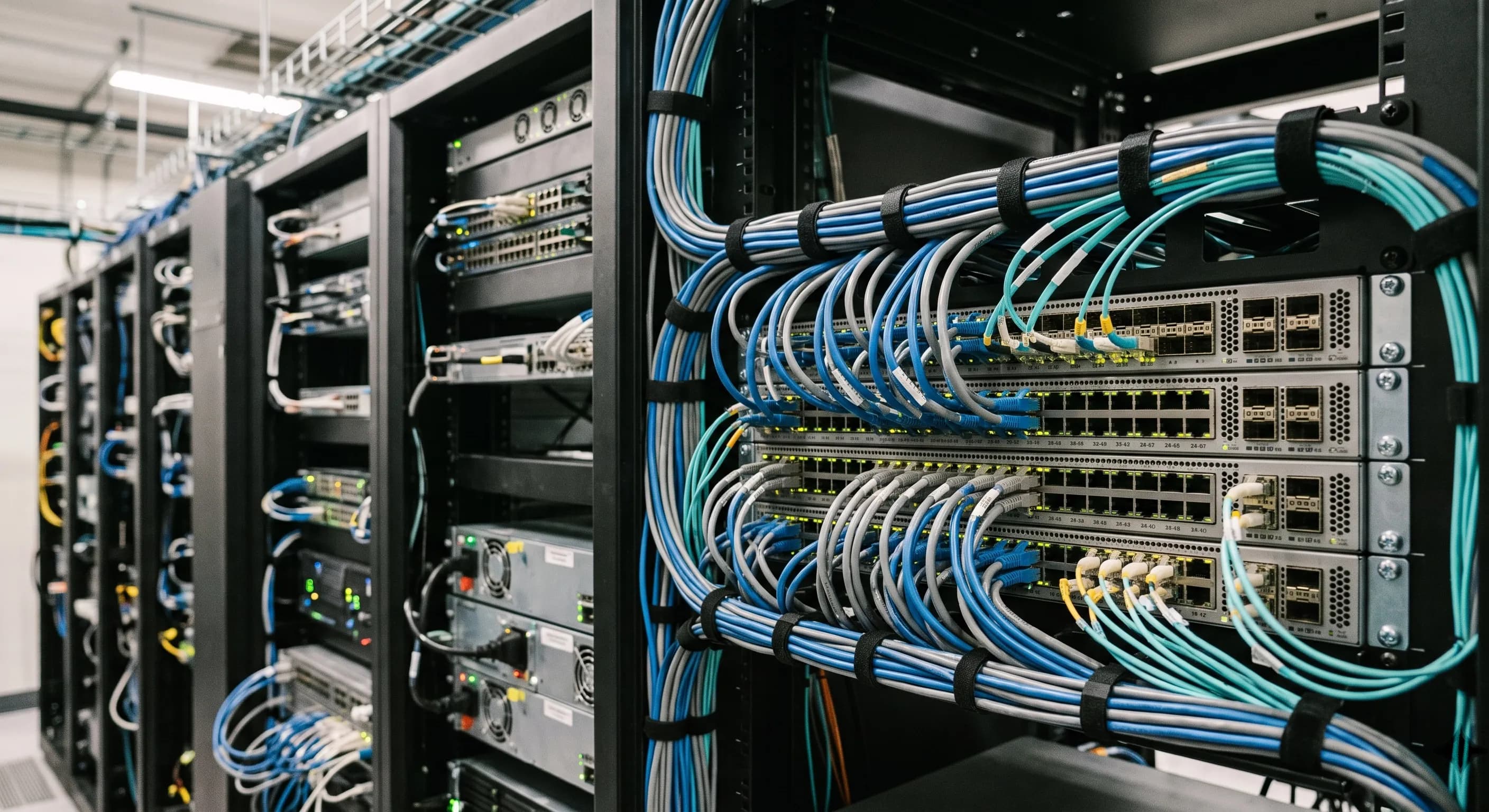
Many companies keep their servers inside a special room. These rooms stay locked to protect the equipment from unauthorized access. They also use cooling systems to control temperature, since servers create heat while they run. A clean and organized server room helps the staff maintain cables, hardware, and software without confusion.
Local server rooms benefit small and medium businesses that need full control over their systems. These setups also allow quick access when the team needs to make updates or upgrade hardware.
Data Centers and Remote Hosting
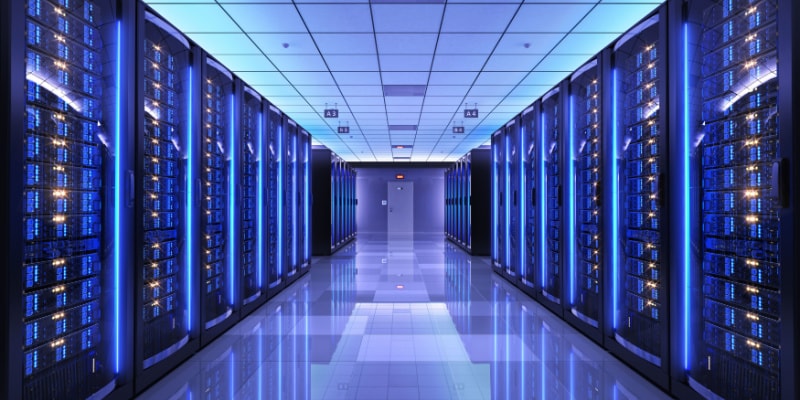
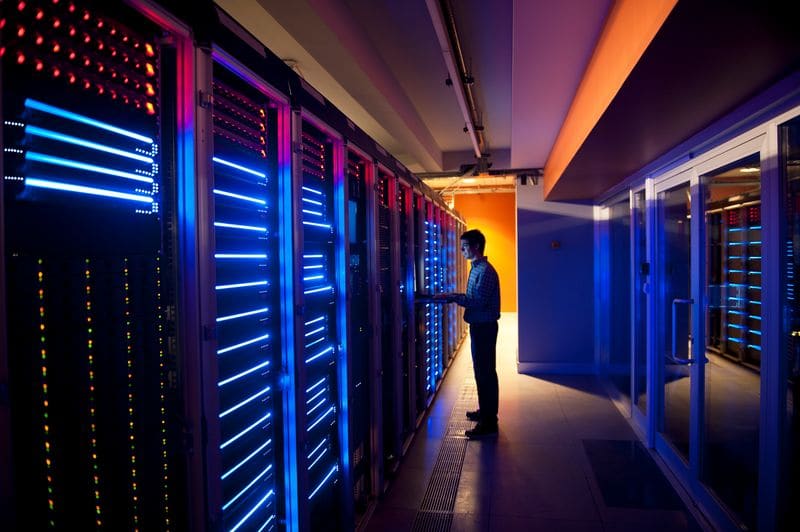
Some businesses choose to store servers in large data centers. These centers hold thousands of machines in rows of secure racks. A hosting company manages the hardware, power supply, and environmental systems. This setup gives businesses strong performance without needing to manage the equipment on site.
Remote hosting also helps websites load faster because data centers use advanced systems, strong power backups, and high speed connections. Many companies choose stable hosting environments to improve website performance and support a stronger online presence.
Security and Cooling Requirements
Servers need protection from several risks. They can fail when they overheat, and they can become weak when exposed to unauthorized access. This is why security and cooling stay at the top of every server setup.
Cooling systems keep the temperature at a safe level so the components work smoothly. Security tools include locked racks, cameras, alarm systems, and access control. These tools prevent people from reaching the equipment without permission. A safe and cool environment helps servers run for long periods and maintain strong performance for users.
Understanding Linux Servers and Why They Are Popular
Linux servers play a major role in hosting websites and running online tools. Many companies choose Linux because it offers strong performance, security, and stability. When you understand why Linux servers are popular, you see why they support so much of the modern Internet.
Linux for Web Hosting
Linux works well for web hosting because it handles many tasks without slowing down. It supports common tools such as PHP, MySQL, and Apache, which many websites depend on. Linux also works smoothly with content management systems and custom applications. This makes it a trusted option for businesses that want fast and stable websites. Many companies choose web hosting that delivers strong performance because a reliable hosting system helps websites load faster and stay active for users.
Benefits for Developers and Businesses
Linux gives developers more freedom to work with custom settings and open source tools. This helps teams build applications with fewer limits. Businesses also benefit because Linux does not require expensive licenses. It offers strong security, low resource use, and long term stability. These strengths make Linux a smart choice for websites, apps, and cloud systems that must run without interruption.
Can Any Computer Be Used as a Server?
A regular computer can work as a server when you install the right software. Many people use a desktop to test websites, share files, or run small home projects. While this is possible, it does not always match the performance of a real server. A true server handles more traffic, runs nonstop, and offers higher security.
When a Desktop Can Work as a Server
A home computer can work as a small server when you need simple tasks such as file sharing or testing a website. This works well for learning, development, or personal use. The computer sends and receives requests just like a normal server.
Limitations of Using a Home Computer as a Server
A desktop struggles when traffic grows. Home computers lack the hardware needed to process many requests at once. They also slow down when users run other programs. These limits make a home computer useful only for small tasks or temporary setups.
Security and Performance Concerns
A home computer does not have the security features found in professional servers. It does not offer strong access control, advanced firewalls, or stable cooling. This increases the risk of data loss and performance issues. Professional servers use better hardware, constant monitoring, and safe environments to keep information protected.
Local Server vs Data Center Server Comparison
Local servers and data center servers both support business needs, but each setup works in a different way. Local servers give full control, while remote servers in data centers offer stronger performance and easier management. When you understand the difference, you make better choices for your website or business system.
Comparison Table
Feature | Local Server | Data Center Server |
|---|---|---|
Performance | Depends on in-house hardware | High speed with advanced equipment |
Security | Controlled by business staff | Strong physical and digital protection |
Cost | Higher upfront expense | Monthly or yearly hosting costs |
Control | Full control over settings | Controlled access with managed support |
Reliability | Depends on power and cooling | Stable uptime with backup power and cooling systems |
Scalability | Limited without upgrades | Easy to scale with added resources |
Conclusion
Servers play a major role in how websites load, how apps run, and how information moves across networks. When you understand what a server is and how it works, you make better decisions for hosting, security, and performance. Servers stay active to support users at all times and deliver information without delay. Whether you use a local server, a cloud server, or a data center setup, the goal stays the same. A strong server keeps your website fast, your tools reliable, and your data safe.
Read More About: What Are Short Tale Keywords?
Share this article