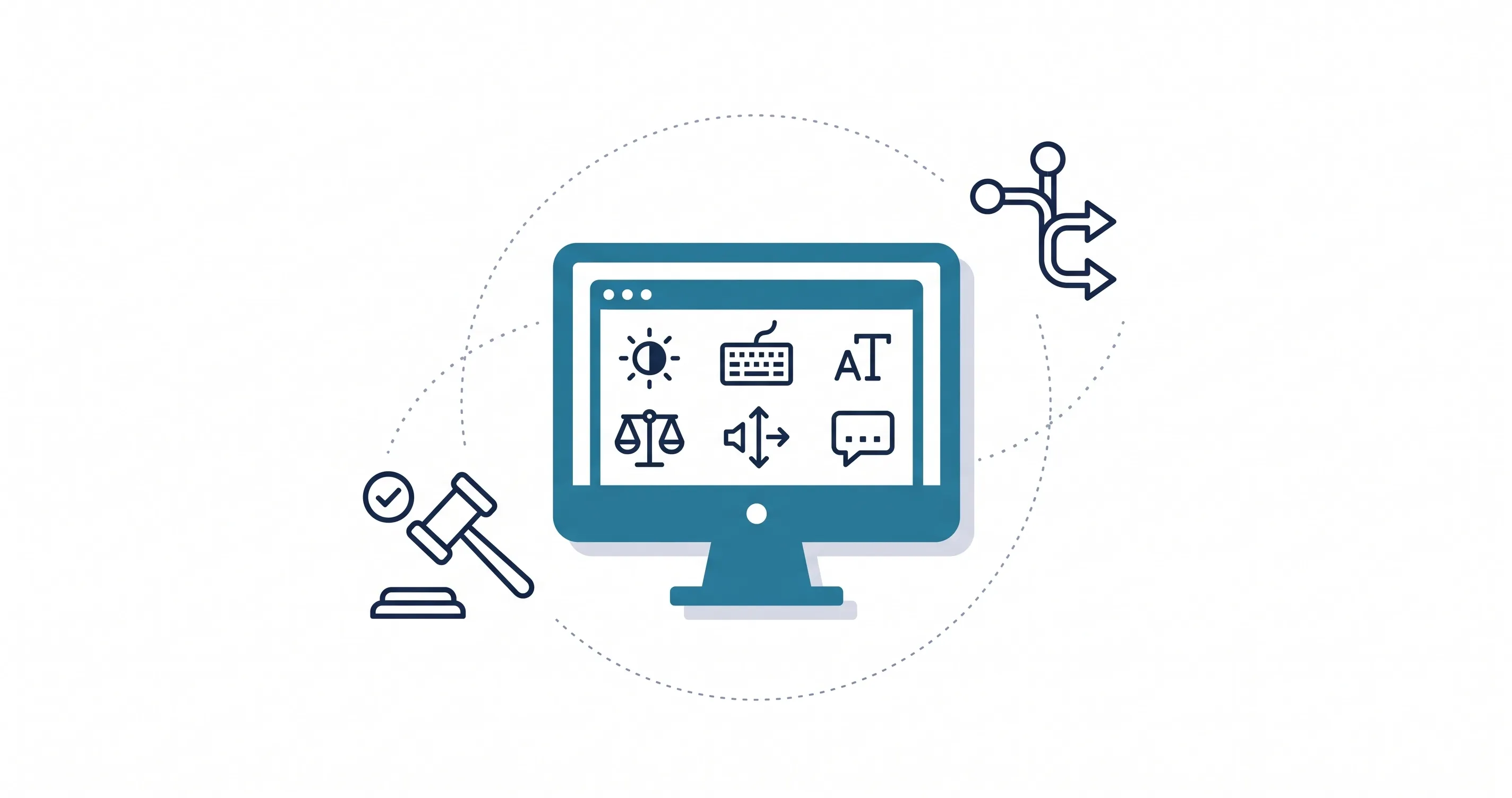
In the fast-paced world of digital marketing, businesses often hyper-focus on aesthetics—chasing flashy animations, complex layouts, and ultra-minimalist trends. But a beautiful website that excludes 15% of the global population is fundamentally a broken website.
Designing for accessibility is no longer just a “nice-to-have” moral suggestion; it is a strict legal requirement, a massive economic opportunity, and a core pillar of modern digital performance. If your digital presence isn’t inclusive, you are actively turning away customers and jeopardizing your brand. Let’s break down what inclusive web design actually is, why it matters in 2026, and how it directly impacts your bottom line.
What Is Inclusive Web Design?
Inclusive web design or web accessibility is the practice of creating digital experiences that everyone can use, regardless of cognitive, physical, visual, or auditory abilities. It means moving beyond the assumption that every user navigates your site using a mouse, viewing it on a perfect monitor, and processing information the exact same way.
When you understand what makes a website feel modern, you realize that modern design is deeply empathetic. It accounts for users who rely on screen readers, those who use keyboard-only navigation, people with color blindness, and individuals who need distraction-free, highly readable content.
Why Web Accessibility is Essential for Your Business in 2026
If you are a business owner or a marketing director, ignoring accessibility carries massive risks and leaves significant revenue on the table.
Legal Compliance and Mitigating Risk
Over the last few years, the legal landscape surrounding digital accessibility has hardened. In the United States, ADA (Americans with Disabilities Act) compliance lawsuits targeting websites have skyrocketed. Internationally, legislation like the European Accessibility Act enforces strict digital standards. If your website is incompatible with assistive technologies, your business is a sitting duck for costly litigation and severe brand damage.
Capturing a Massive, Underserved Market
The World Health Organization reports that over 1 billion people live with some form of disability. This demographic represents billions of dollars in spending power. When a user with a disability encounters a barrier on your website, they don’t complain—they simply leave and spend their money with a competitor whose site works for them. By prioritizing accessibility, you tap into a massive, loyal market that many of your competitors are blindly ignoring.
The Undeniable Link Between Accessibility and SEO
One of the best-kept secrets in digital marketing is that optimizing for a screen reader is essentially the exact same process as optimizing for Googlebot. Accessible websites naturally rank higher on search engine results pages (SERPs).
Search engines rely on a clean, semantic site structure to understand your content. When you use proper heading tags, write descriptive alt text for your images, and provide clean navigation, you aren’t just helping a visually impaired user—you are feeding search algorithms exactly what they want. Furthermore, an accessible site provides a frictionless user experience, lowering bounce rates and increasing dwell time, which signals to Google that your page is high quality.
The 4 Core Principles of Accessible Design (POUR)
The official Web Content Accessibility Guidelines (WCAG) dictate global standards for inclusivity. They are organized into four foundational principles, often referred to by the acronym POUR.
Perceivable: Can Users See and Hear Your Content?
Information and user interface components must be presentable to users in ways they can easily perceive.
- Provide text alternatives (alt text) for non-text content like images and charts.
- Offer captions and transcripts for all video and audio content.
- Ensure high color contrast between text and backgrounds so visually impaired or colorblind users can easily read your site.
Operable: Can Users Navigate Without a Mouse?
User interface components and navigation must be operable by all users, particularly those with motor disabilities.
- Ensure the entire website can be navigated using only a keyboard (Tab, Enter, Spacebar, Arrows).
- Avoid setting strict, unforgiving time limits on checkout pages or forms.
- Never use rapidly flashing animations, which can trigger seizures.
Understandable: Is Your Website Predictable?
Information and the operation of the user interface must be completely clear.
- Avoid overly complex jargon.
- Use clear navigation menus that behave predictably across every page.
- Provide helpful, descriptive error messages (e.g., instead of highlighting a form field in red, explicitly state “Please enter a valid zip code”).
- Pay attention to typography, understanding website readability for better engagement is crucial for users with cognitive or learning disabilities.
Robust: Does It Work Across All Devices?
Content must be robust enough that it can be interpreted reliably by a wide variety of user agents, including assistive technologies. Clean, standard-compliant HTML ensures that as technology evolves, your website won’t break for users relying on older or newer screen readers.
.webp&w=3840&q=90&dpl=1rt-81757145c7054ffc63e6d7f152)
Universal Design: How Accessibility Benefits Everyone
In architecture, there is a concept known as the “curb-cut effect.” Ramps at the end of sidewalks were designed for wheelchairs, but they benefit people pushing strollers, travelers with rolling luggage, and delivery workers with hand trucks.
The same principle applies to web design. When you design for the margins, you improve the core experience for everyone.
- Captions help a deaf user, but they also help a commuter watching a video on a noisy train without headphones.
- High color contrast helps users with visual impairments, but it also helps a mobile user trying to read your website in bright sunlight.
- Large, distinct buttons help users with motor tremors, but they also prevent accidental clicks for anyone browsing on a small mobile screen, which is exactly why every business needs a mobile-friendly website.
Inclusive design is simply good design. It removes friction, and understanding a clean website design improves conversions is the key to scaling your business online.
How to Start Implementing Inclusive Design Today
You don’t have to tear down your entire website to start making progress. Here are a few quick wins you can implement immediately:
- Audit Your Colors: Use a free online contrast checker to ensure your text stands out clearly against its background.
- Fix Your Headings: Ensure your H1, H2, and H3 tags follow a strict chronological hierarchy. Never skip heading levels just to change font sizes.
- Write Meaningful Link Text: Avoid using “Click Here.” Screen reader users often pull up a list of all links on a page. “Click Here” provides zero context. Instead, use descriptive anchor text like “Read our web design guide.”
- Add Alt Text: Go through your media library and describe what is happening in your images for users who cannot see them.
Partner with 1REALTOUR to Build an Inclusive Digital Presence
Building an inclusive, high-performing website requires a deep understanding of code, design psychology, and technical SEO. You shouldn’t have to navigate ADA compliance and WCAG guidelines alone.
As a leading San Diego SEO company and web development agency, 1REALTOUR specializes in building lightning-fast, beautifully modern websites that work flawlessly for every single user. We bake accessibility into our process from day one, ensuring your brand is protected, your SEO is optimized, and your audience feels welcome.
Ready to upgrade your digital presence? Contact us today and let’s build a digital experience that truly leaves no one behind.
Share this article