Every great website feels completely alive. Small design details transform a boring page into an engaging journey. Have you ever wondered how micro-interactions enhance website UX? These tiny elements make a massive difference overall.
They guide visitors smoothly and make digital spaces feel highly responsive. Let us explore exactly how these subtle animations elevate modern web design.
Understanding Micro-Interactions in Web Design
Micro-interactions serve as the digital version of human body language. They bridge the gap between user intent and computer response. For example, think about a bursting heart icon on your favorite social media app.
Alternatively, consider the bouncing dots you see when someone types a message. These tiny visual cues visually acknowledge your specific actions. Consequently, they make navigating any website feel entirely natural and highly intuitive.
The Role of Visual Feedback in User Experience
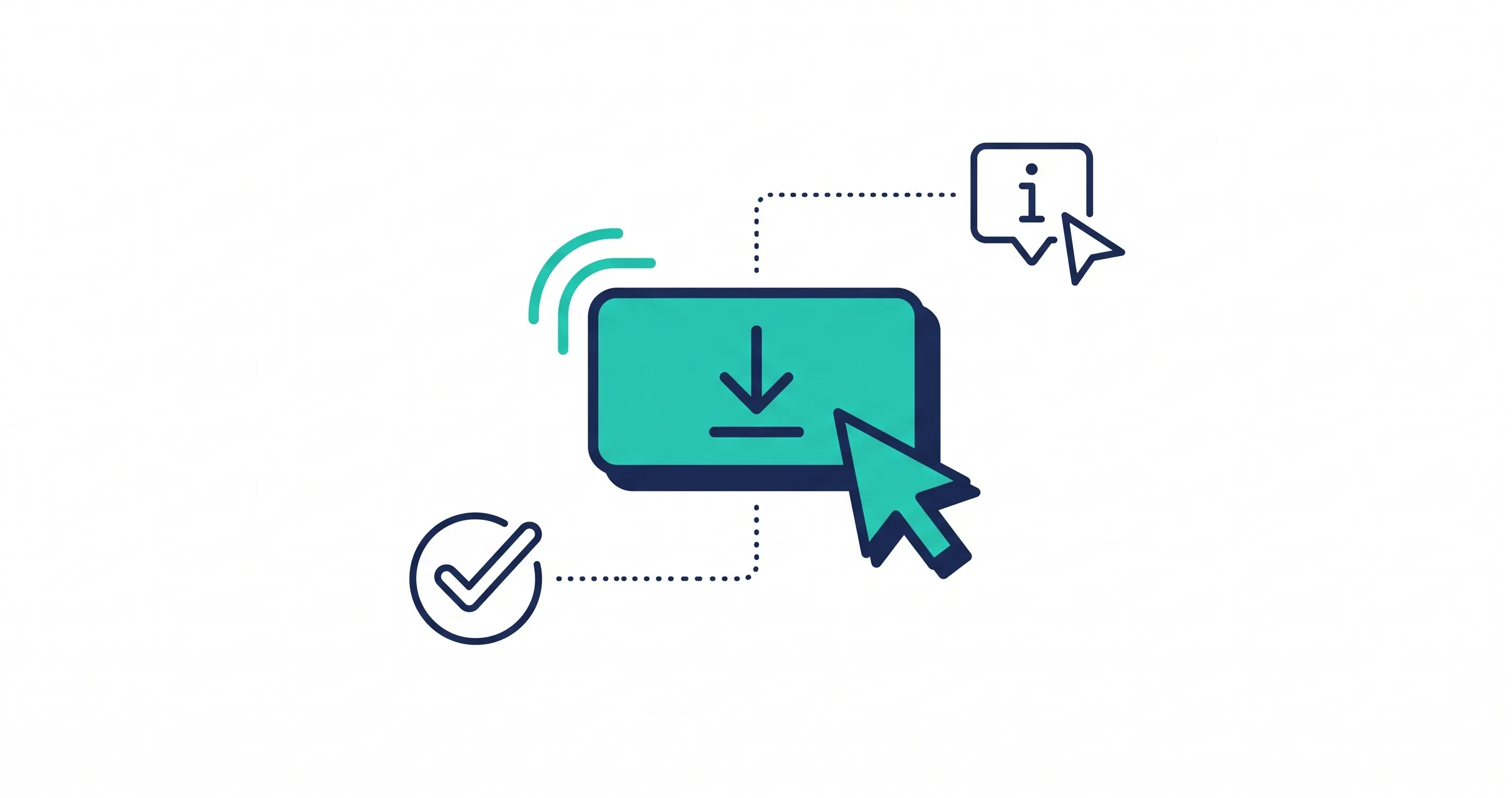
Users hate guessing whether a website actually registered their click. Immediate visual feedback eliminates this frustrating confusion instantly. It provides a silent dialogue between the visitor and the digital interface.
For instance, a smooth loading bar shows exact progress during a file upload. Similarly, a simple color change warns a user before they submit incorrect form data. Therefore, these responsive elements reduce bounce rates and prevent annoying errors during complex tasks.
Key Benefits of Adding Micro-Interactions
Upgrading your interface with small animations delivers massive practical advantages. These interactive elements actively improve how visitors use your website every single day. Furthermore, they keep your target audience engaged for much longer periods.
Here are the core benefits you can expect from these clever design details:
- Improved User Navigation: Highlights clickable elements intuitively and directs attention naturally.
- Instant Error Prevention: Stops bad inputs before users submit complicated web forms.
- Higher Engagement Rates: Makes static pages feel alive, responsive, and highly interactive.
Building Brand Personality Through Subtle Animation
Your website serves as the ultimate digital face of your business. Small animations offer a fantastic opportunity to showcase your unique brand personality. Playful brands often use bouncy, colorful effects to show fun energy.
Conversely, luxury brands rely on sleek, smooth transitions to communicate modern elegance. Ultimately, aligning these movements with your core identity creates a highly cohesive and memorable digital experience.
Are you ready to upgrade your digital presence? Contact our professional web design team today to build a beautiful, engaging, and dynamic website.
Best Practices for Designing Micro-Interactions
Adding too many animations easily ruins a perfectly good website. You must design these elements with careful thought and strict restraint. Following proven design principles guarantees a polished and professional user experience. Let us review the most important design rules.
Keeping Animations Subtle and Purposeful
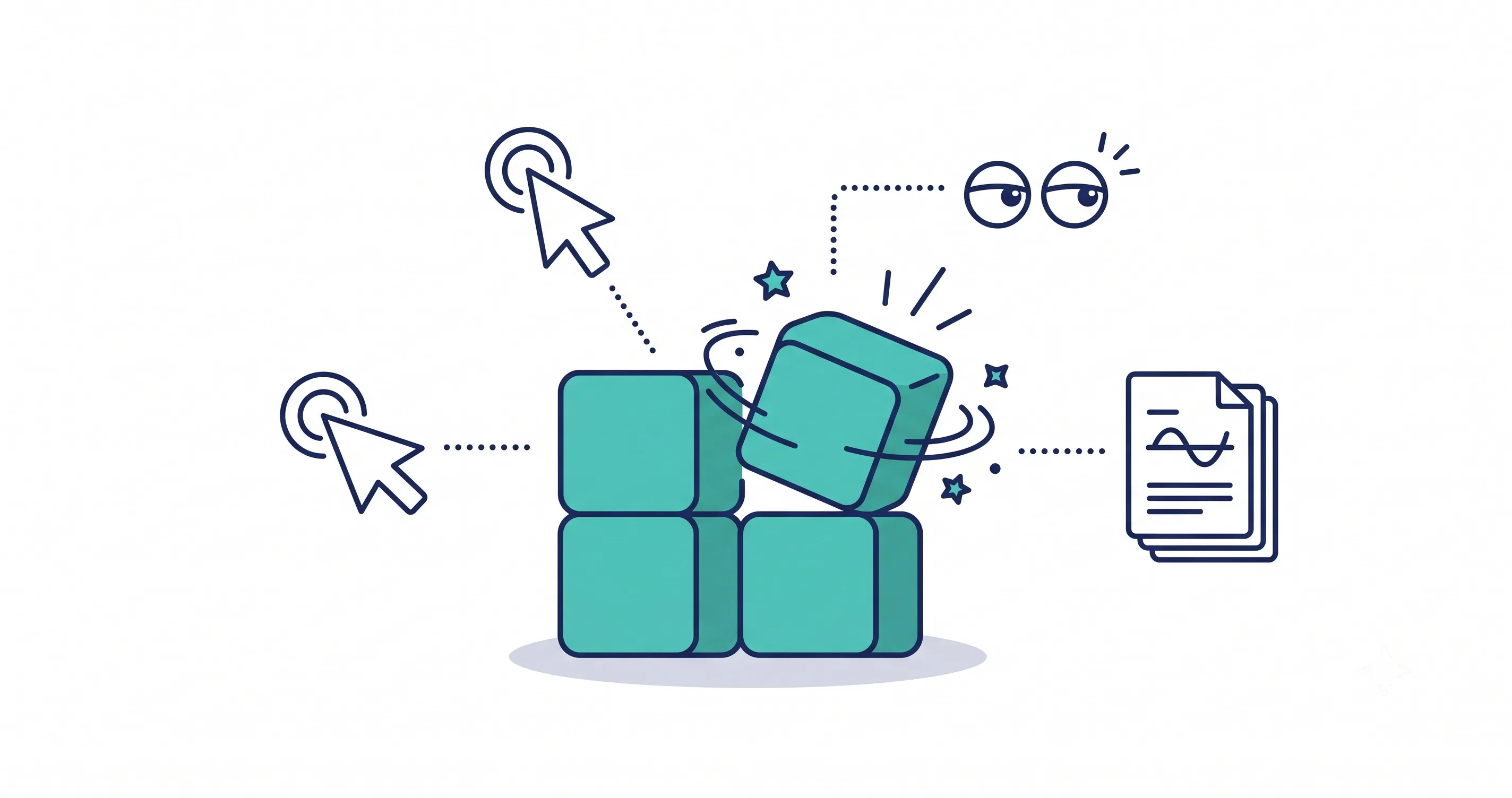
Less is always more when designing interactive web elements. Animations must remain short and completely unobtrusive. A massive explosion effect on a simple button distracts the user. Therefore, keep movements gentle to carefully support the main action.
Maintaining Consistency Across the Interface
A chaotic website confuses users and destroys your professional credibility. You must maintain a consistent animation style across all pages. If buttons fade smoothly on the homepage, they must behave similarly everywhere else. This predictability helps visitors navigate your site much faster.
Designing With Accessibility in Mind
Great design accommodates every single user without any exception. You must never rely solely on color changes to indicate errors. Always pair colors with distinct icons or clear text labels. Additionally, give users the option to disable heavy animations easily.
Popular Tools for Prototyping and Implementation
Building responsive interfaces requires the right software and coding tools. Designers and developers collaborate using specific programs to create these beautiful effects. Choosing the correct tool depends entirely on your technical skills and project needs. Here is a quick comparison of popular options.
Tool / Language | Primary Use | Coding Required |
Figma | Prototyping | No |
LottieFiles | Vector Animations | Minimal |
CSS / JavaScript | Development | Yes |
How to Integrate Micro-Interactions Into Your Website
You cannot just throw random animations onto a web page.
First, you must map out exactly how users navigate your site. Identify specific friction points where visitors hesitate or abandon their tasks. Targeting these exact areas provides the highest return on your design effort.
After implementing these cues, you must conduct rigorous user testing. Use their direct feedback to refine the animations perfectly.
Optimizing Animations for Website Performance
Heavy animations completely destroy your overall website loading speed. A slow website frustrates users and ruins your search engine rankings. You must balance beautiful design with strict technical performance.
Minimize the impact on page speed by using lightweight CSS instead of heavy video files. Furthermore, you must ensure that complex hover effects translate perfectly into tap responses on mobile touch screens.
Conclusion
Small details truly define the modern digital landscape. These tiny visual cues make a massive difference in modern web design. They guide visitors effortlessly while building deep brand loyalty. Upgrading your interface with purposeful motion guarantees a superior customer experience.
Are you ready to build a highly engaging website? Contact our web design experts today to book your custom design consultation.
Share this article