Home/Technologies/Elementor

Elementor
Elementor is a visual website builder for WordPress that lets designers and editors build pages with drag-and-drop widgets instead of code.
How we use Elementor
1REALTOUR builds WordPress sites with Elementor and Elementor Pro, using global styles and reusable templates so clients can edit pages without breaking the design. We build campaign landing pages, lead forms and WooCommerce templates in Elementor, and we fix slow or inaccessible Elementor pages.
What Elementor is
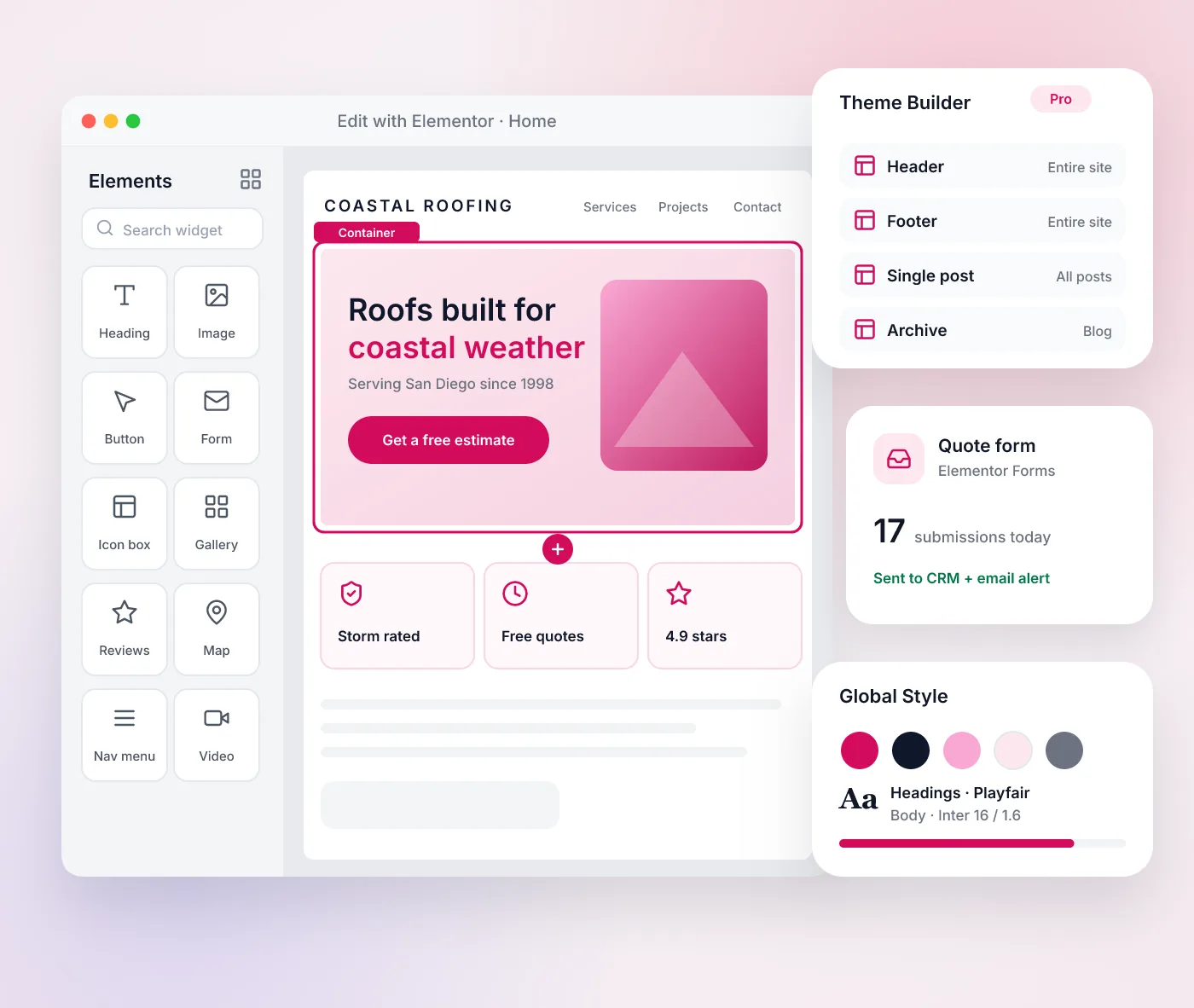
Elementor is a website builder for WordPress. It replaces code-based page layout with a visual drag-and-drop editor, where designers place sections, columns and widgets and see the result as they work. Elementor runs inside a WordPress site, so it works with WordPress content, users and plugins.
Elementor Pro adds tools for building whole sites rather than single pages. The Theme Builder controls headers, footers, post templates and archive pages. The Form Builder and Popup Builder handle lead capture, Dynamic Content pulls data from WordPress fields into designs, and the WooCommerce Builder designs product and shop pages.
What Elementor is good for
- Marketing sites where staff need to update layouts and sections
- Landing pages for campaigns, built and changed quickly
- Consistent headers, footers and templates through the Theme Builder
- Custom WooCommerce product and shop page designs
Keeping an Elementor site fast and maintainable
Visual builders make it easy to add elements, and pages can grow heavy over time. A well-built Elementor site uses global colors, fonts and reusable templates instead of styling each page by hand. It also limits add-on plugins, compresses images and checks page speed after major changes. Elementor and its add-ons need regular updates like any WordPress plugin.
Accessibility needs attention too. Headings should follow a logical order, buttons and links need clear text, and color contrast must be checked against WCAG 2.1 AA, since a visual editor does not enforce these rules on its own.
When Elementor fits
Elementor fits businesses on WordPress that want to edit layouts visually and launch landing pages without waiting on a developer. Sites with heavy custom logic or very strict performance goals may be better served by a custom theme or a framework such as Next.js.
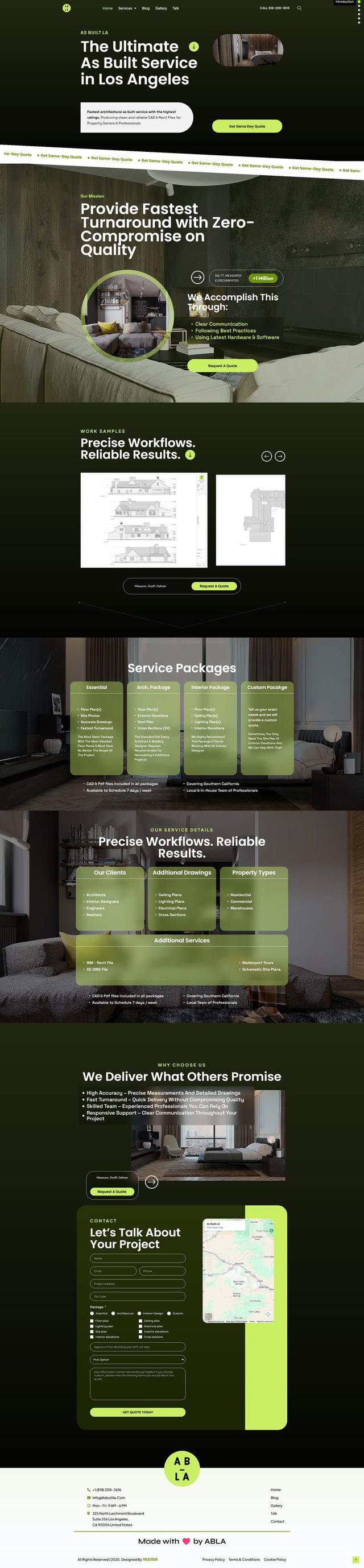
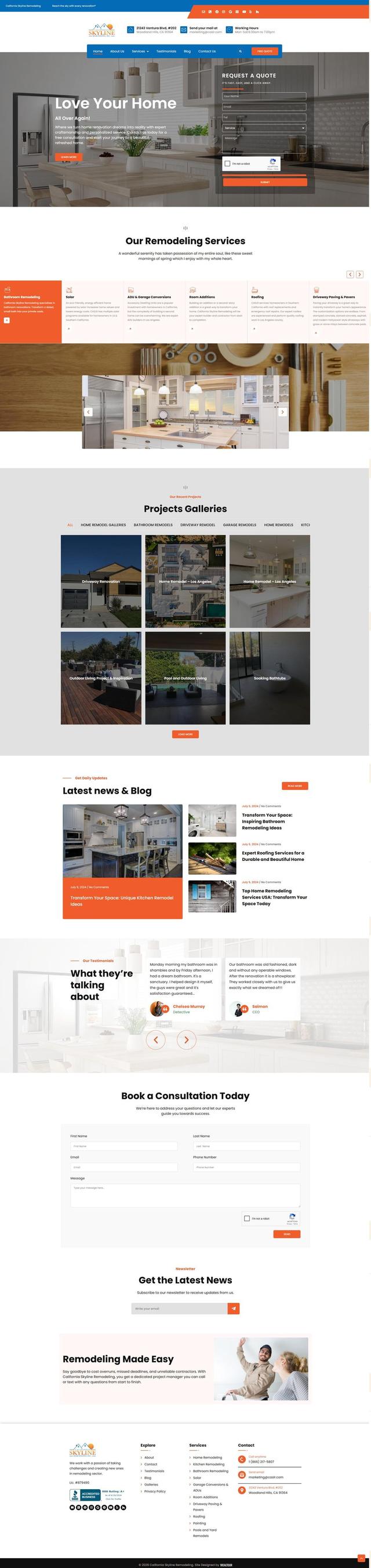
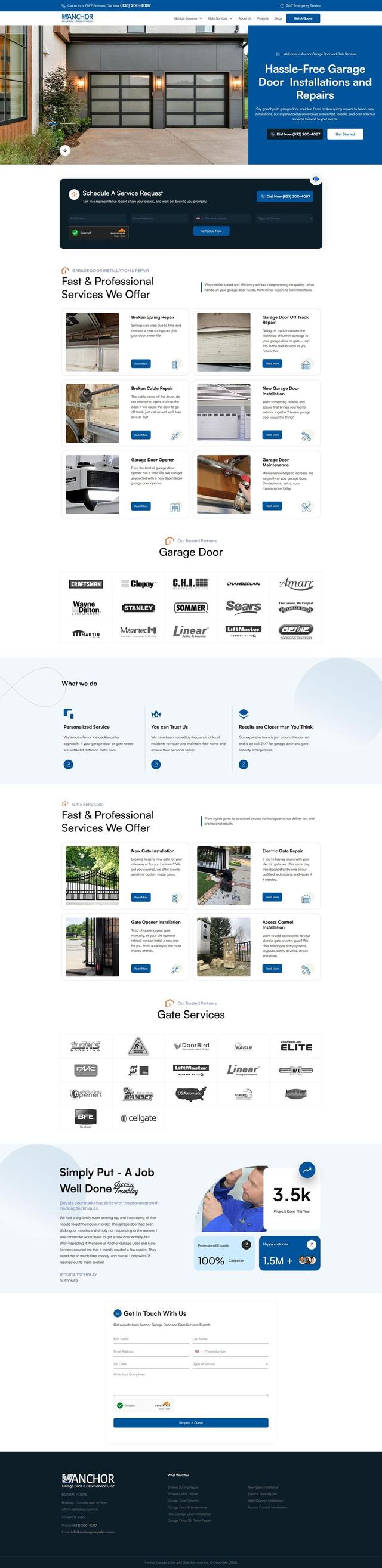
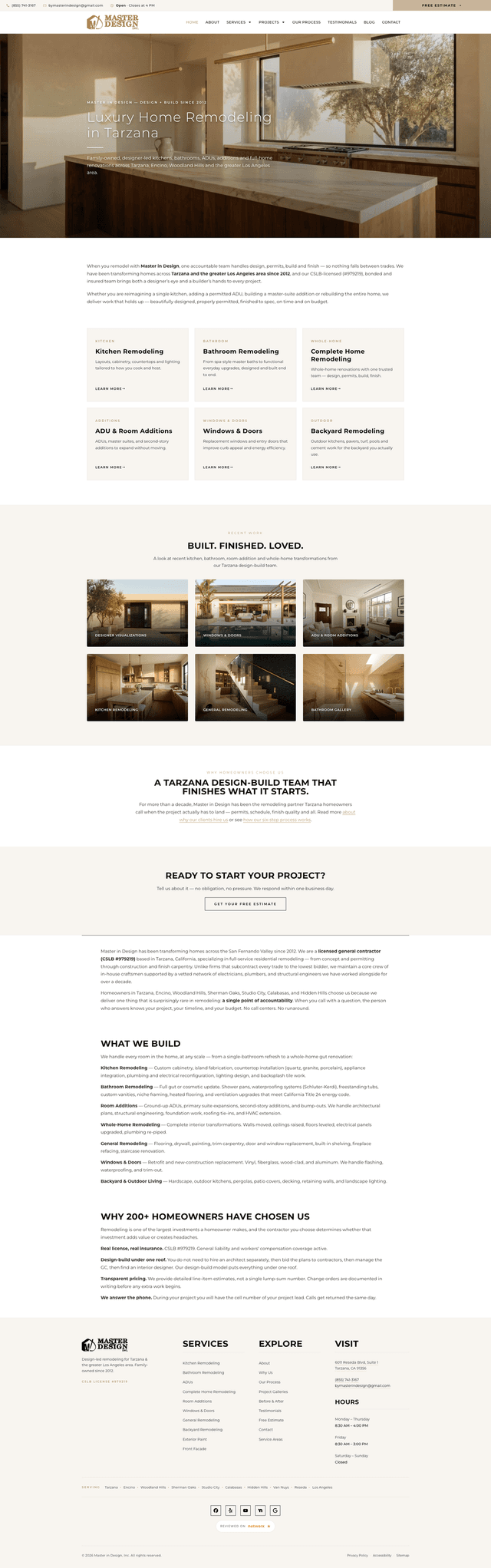
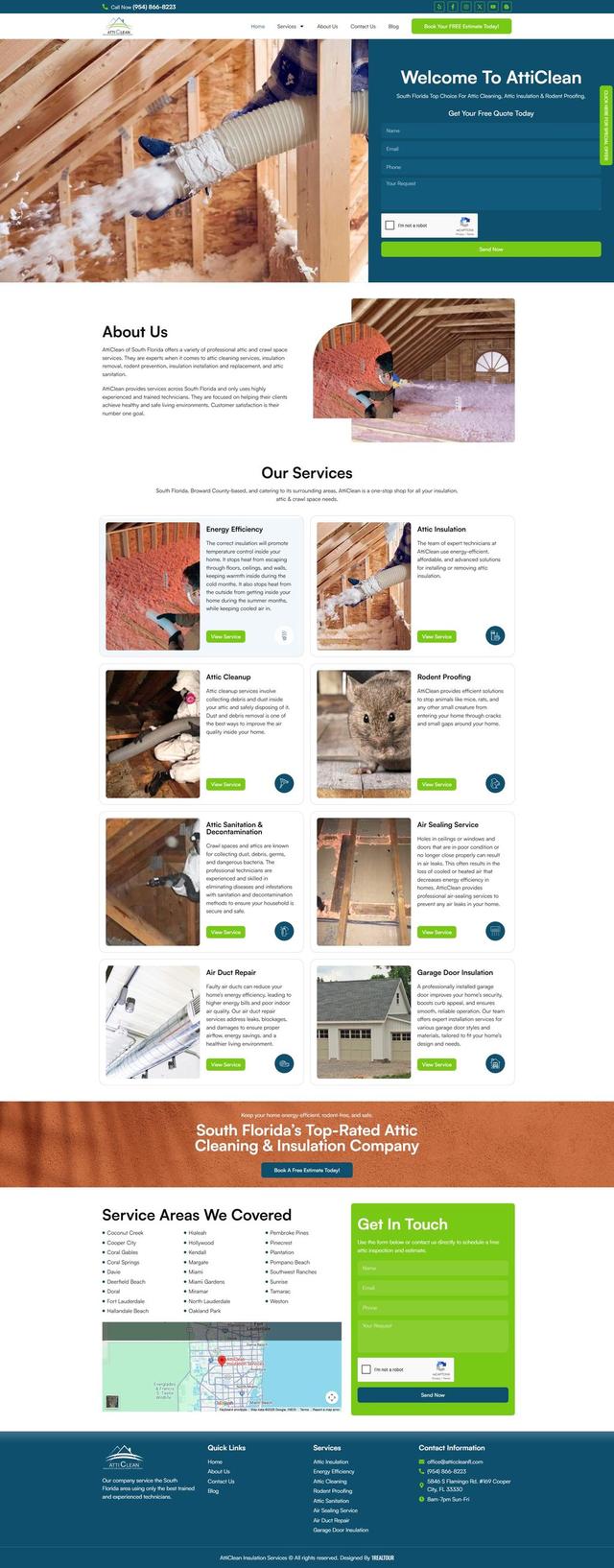
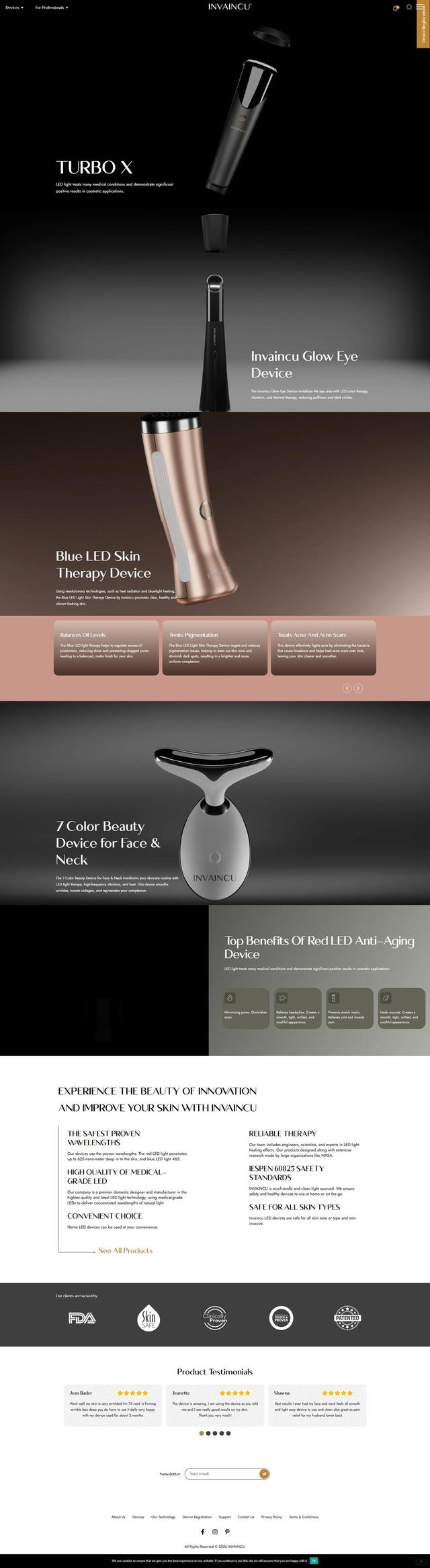
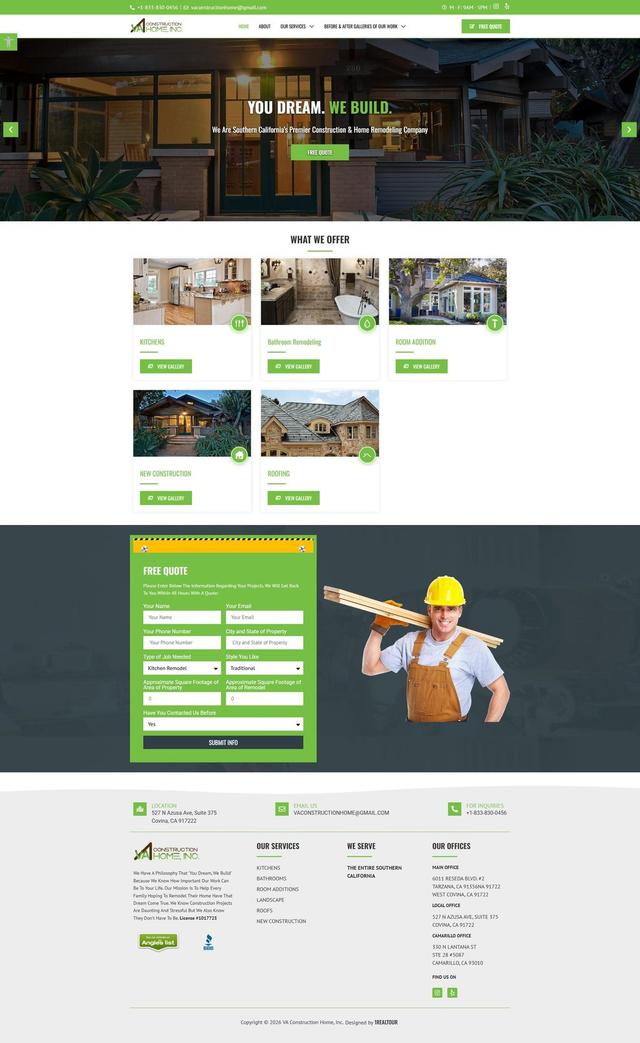
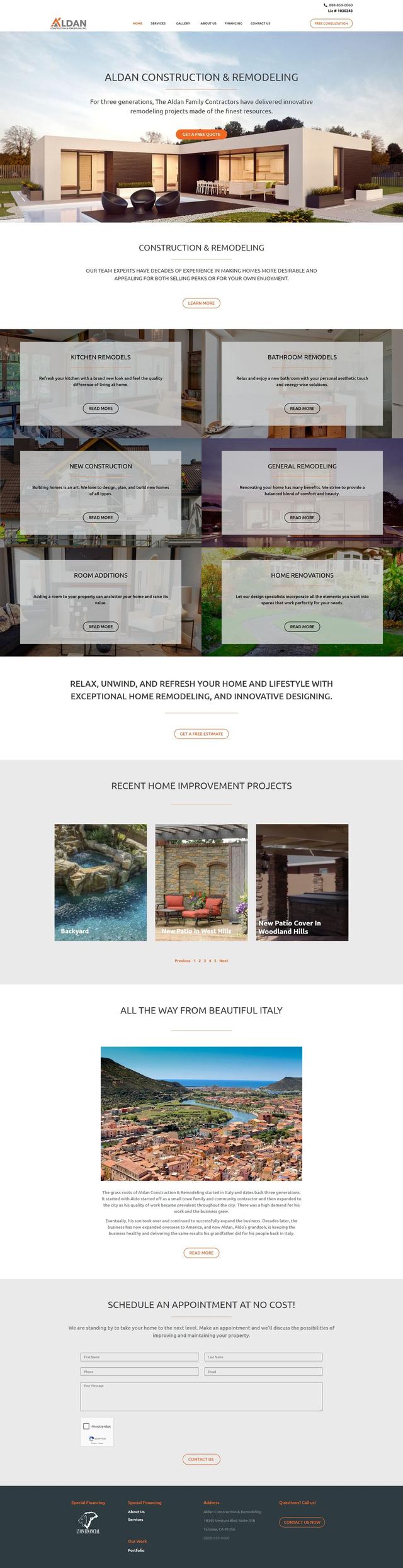
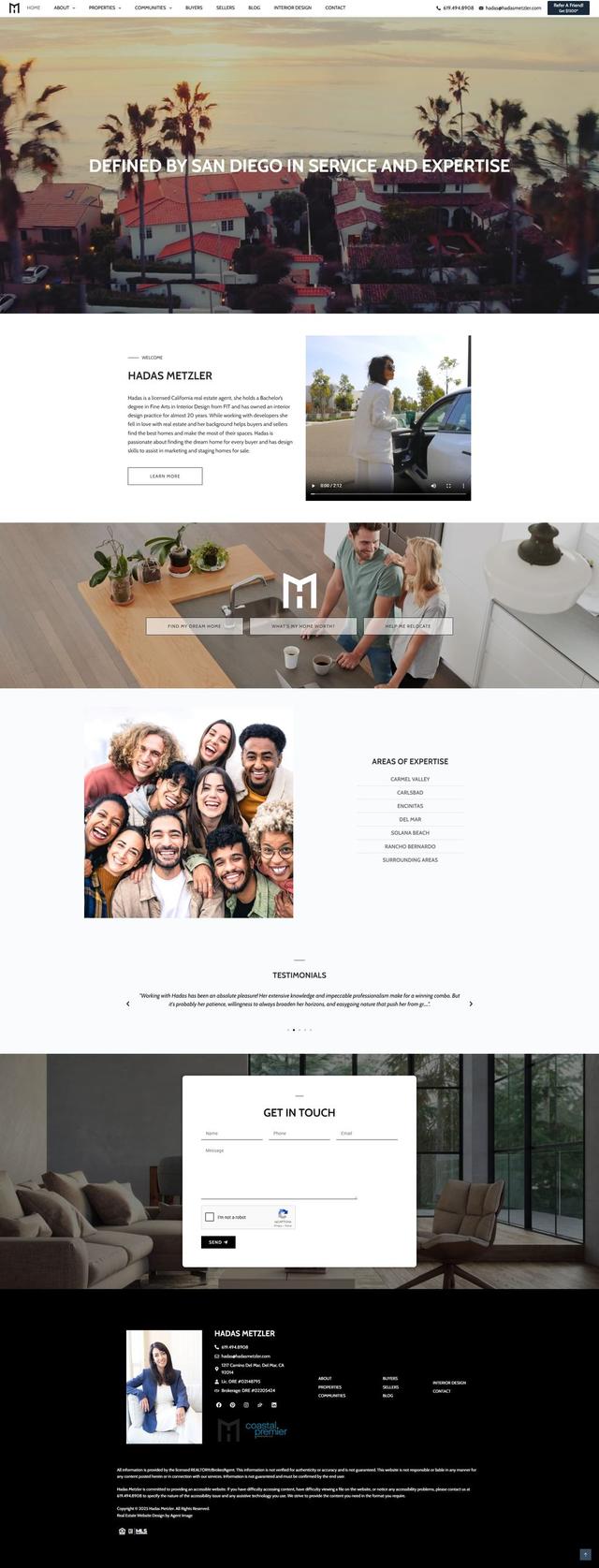
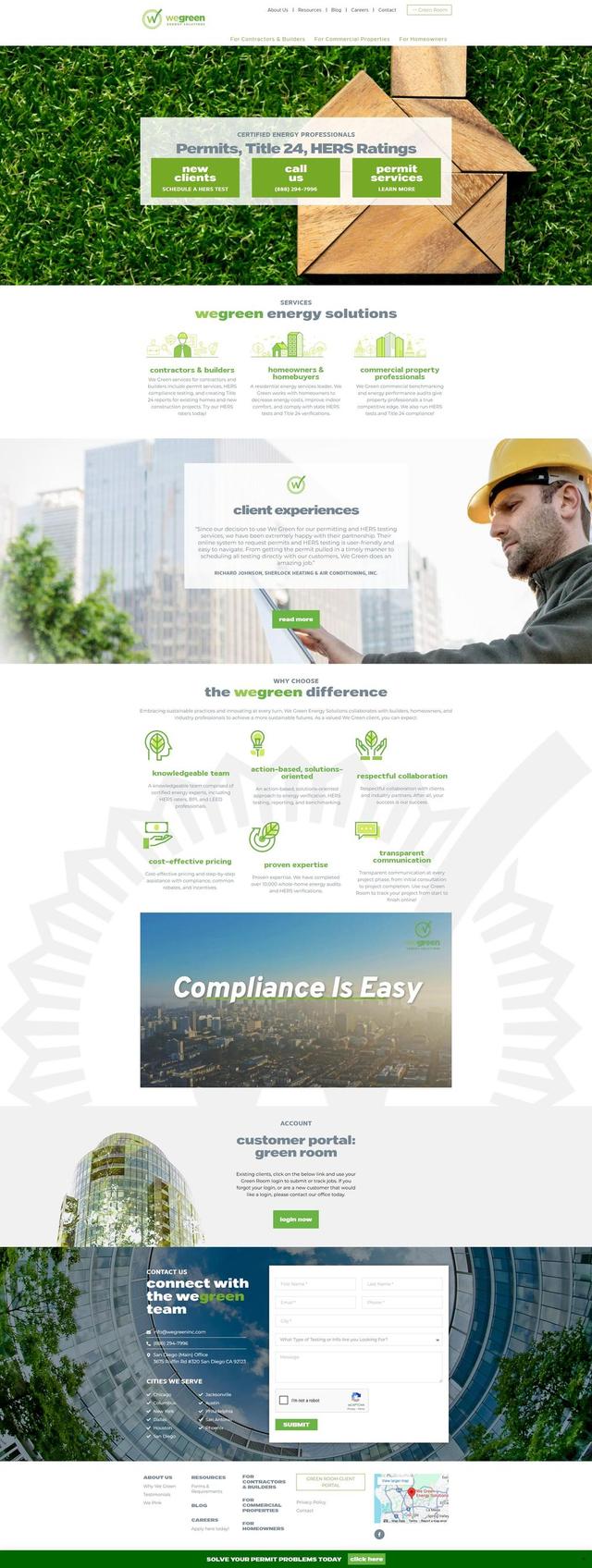
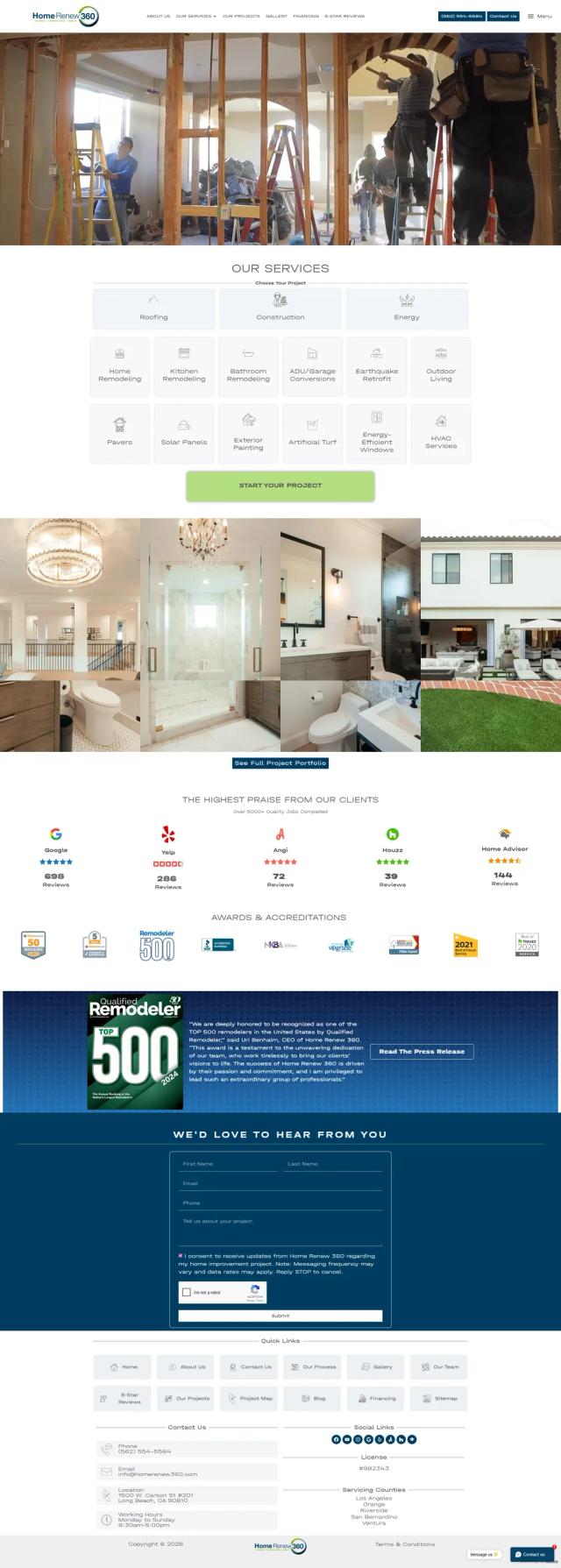
Projects built with Elementor















Frequently asked questions
What is Elementor?
Can I edit my own Elementor website?
Do Elementor sites load slowly?
Is Elementor Pro required?
Contact
Let's Turn Your Vision Into Results
Whether you're launching, redesigning, or scaling your business, our team is ready to become your long-term digital growth partner.

Tell us about your project
Fill in a few details and we'll get back to you within 24 hours.