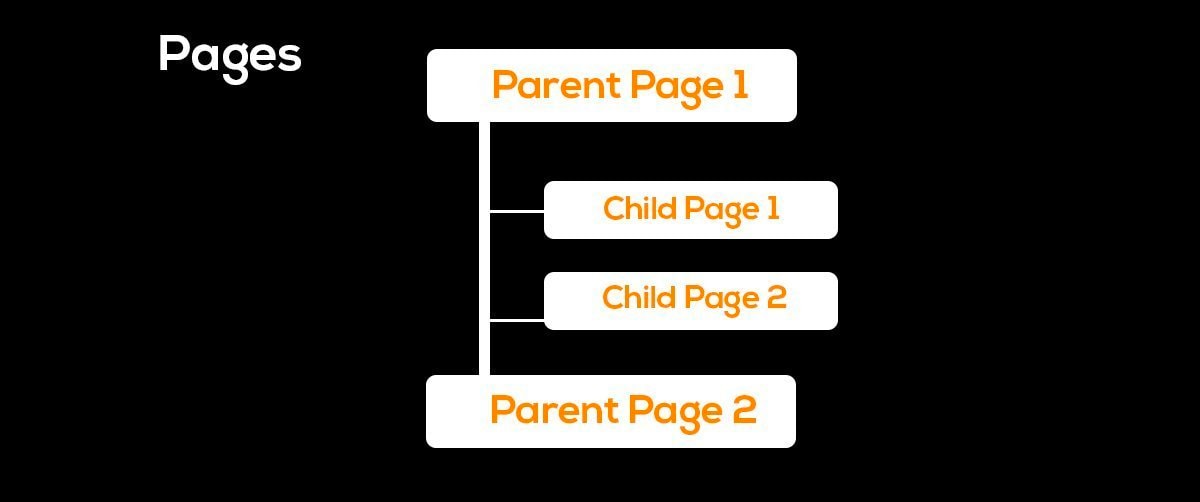
A child page in WordPress is a page placed under another page, known as the parent page. This creates a clear hierarchy that helps organize related content, services, categories, and locations.
For example, a Services page can be the parent of Web Design, SEO, and Hosting pages. This structure makes larger WordPress websites easier to organize and navigate.
In this guide, you'll learn what a WordPress child page is, why it is useful, how to create one, and how it relates to SEO.
What Is a Child Page in WordPress?
A child page is a WordPress page assigned to another page as its parent. The parent page represents the broader topic, while the child page covers a more specific subject.
For example:
- Services
- Web Design
- SEO
- Hosting
Here, Services is the parent page, while the other three are child pages.
WordPress lets you create this relationship through the page settings. You don't need custom code or a separate plugin.
Child pages are also called subpages or nested pages. They are useful when multiple pages belong to the same broader section.
Why Use Child Pages in WordPress?
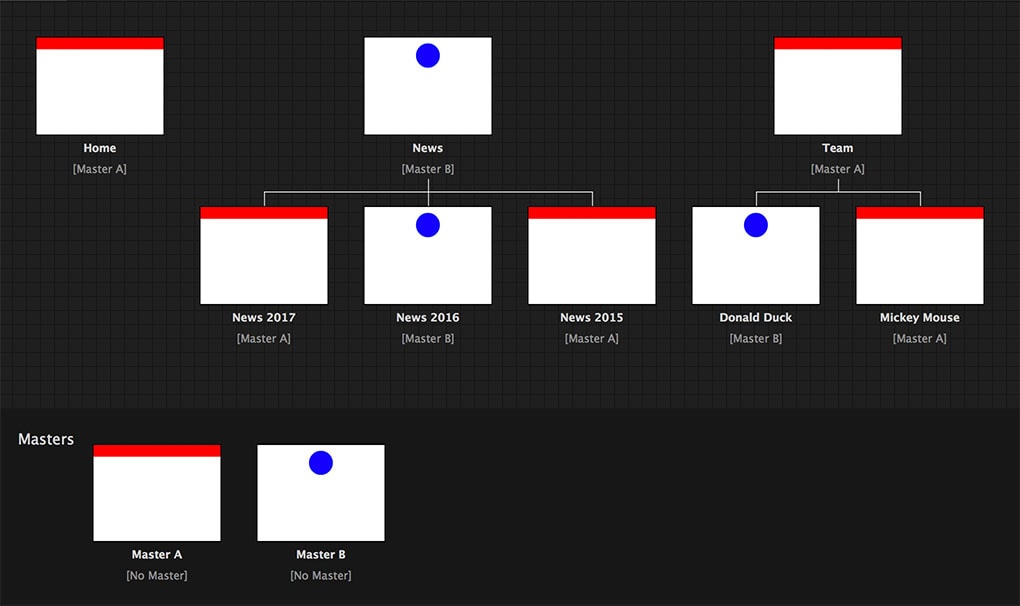
Child pages can make a website's structure easier to understand and manage. They are particularly useful for websites with many services, locations, or content categories.
A well-planned hierarchy can help you:
- Group related pages together.
- Organize large websites.
- Create logical page relationships.
- Improve website navigation.
- Maintain a consistent page structure.
For example, a web design company could have a Web Design parent page with child pages for WordPress Design, E-commerce Design, and Custom Development.
The structure should always reflect a genuine relationship between pages. Creating unnecessary child pages can make your website more complicated instead of improving it.
If you're planning a new site, understanding how WordPress websites are built can help you plan the overall structure before creating individual pages.
How to Create a Child Page in WordPress Step by Step
Creating a child page takes only a few steps. You need an existing parent page and a new page that belongs under it.
Create or Choose the Parent Page
First, choose the page that should act as the parent.
For example, Services could be the parent page for a new SEO Services page.
Choose a parent that represents a broad topic and has a natural connection to the new page.
Add a New WordPress Page
Go to Pages → Add New Page from your WordPress dashboard.
Add the page title and create your content as you normally would. You can use the WordPress editor or a page builder such as Elementor.
Keep the new page focused on its specific topic instead of copying large sections from the parent page.
Assign the Parent Page
Open the page settings and locate the Parent option under the page attributes or document settings.
Select the page you want to use as the parent.
For example:
Parent: Services
Child: SEO Services
Once selected, WordPress recognizes the new page as a child page.
Publish and Check the Page URL
Publish the page and check the resulting URL.
Depending on your permalink settings, a child page may have a structure such as:
example.com/services/seo-services/
The exact URL depends on your site's configuration.
After publishing, check the page, navigation, links, and URL to make sure everything works correctly.
How to Manage Child Pages in WordPress
You can manage parent and child relationships from the WordPress dashboard.
As your website grows, review your page hierarchy regularly. A clear structure makes it easier to locate pages and understand how different sections relate to each other.
You can also change a page's parent or remove the parent relationship entirely.
Before changing an established page structure, check its existing links and URL. Major structural changes may require additional redirects or link updates.
Following practical WordPress website tips can also help you maintain a cleaner and more manageable website.
How Child Pages Affect WordPress SEO
Child pages do not automatically improve search rankings. Their SEO value comes from creating a logical structure that helps users and search engines understand relationships between related pages.
For example:
Home Remodeling
→ Kitchen Remodeling
→ Kitchen Cabinets
This hierarchy shows how the topics relate to each other.
However, page hierarchy is only one part of a broader SEO strategy. Each page should have useful content, a clear purpose, relevant internal links, and search intent that matches what users are looking for.
Avoid creating several pages that target the same topic. This can create unnecessary overlap and make your site harder to manage.
A broader understanding of important Google ranking factors is more useful than relying on child pages as an SEO tactic.
When Should You Use Child Pages?
Child pages make the most sense when several pages naturally belong under one broader topic.
They are especially useful for service businesses, large websites, and sites with multiple locations or categories.
Service and Sub-Service Pages
Service websites can use parent pages to organize related offerings.
For example:
Digital Marketing
- SEO
- PPC
- Content Marketing
- Social Media
The parent page provides an overview, while each child page can explain a specific service in greater detail.
This structure also gives visitors a clear path from a general service to a specific solution.
Location and Category-Based Website Sections
Child pages can also organize location or category-based content.
For example:
Locations
- San Diego
- La Jolla
- Carlsbad
- Chula Vista
An e-commerce website could use a similar structure for product categories and subcategories.
The important thing is to create a hierarchy that makes sense to visitors. Don't add extra levels simply to make the website appear more structured.
Conclusion
A child page in WordPress is a page placed under a parent page to create a clear website hierarchy. It can be useful for organizing services, locations, categories, and other related content.
Creating one is simple: choose the parent page, create the new page, assign the parent, and check the resulting URL.
Child pages do not provide an automatic SEO boost. Their main value comes from creating a logical structure that helps visitors and search engines understand how your content is related.
For businesses that need a more organized WordPress site, a thoughtful page hierarchy can provide a strong foundation for future content and growth.
Share this article