
Website hosting isn’t just about keeping your site online, it’s the foundation of performance, reliability, and user experience. Hosting performance metrics reveal how efficiently your server handles requests, delivers content, and sustains visitor engagement. By understanding these metrics, you can uncover the hidden factors affecting speed, uptime, and SEO performance. Take proactive steps to ensure your website runs seamlessly for every visitor.
Why Hosting Performance Metrics Matter
Hosting performance metrics directly influence how users experience your website. A fast-loading, stable site reduces bounce rates, increases time on page, and improves conversions. Google also considers core speed indicators like Time to First Byte (TTFB) and overall site responsiveness when ranking websites, making hosting a crucial part of SEO success.
When your server responds quickly and stays reliable under traffic, it builds trust with users and search engines. Strong hosting metrics reflect a healthy, optimized digital infrastructure that supports better engagement, brand credibility, and business growth.
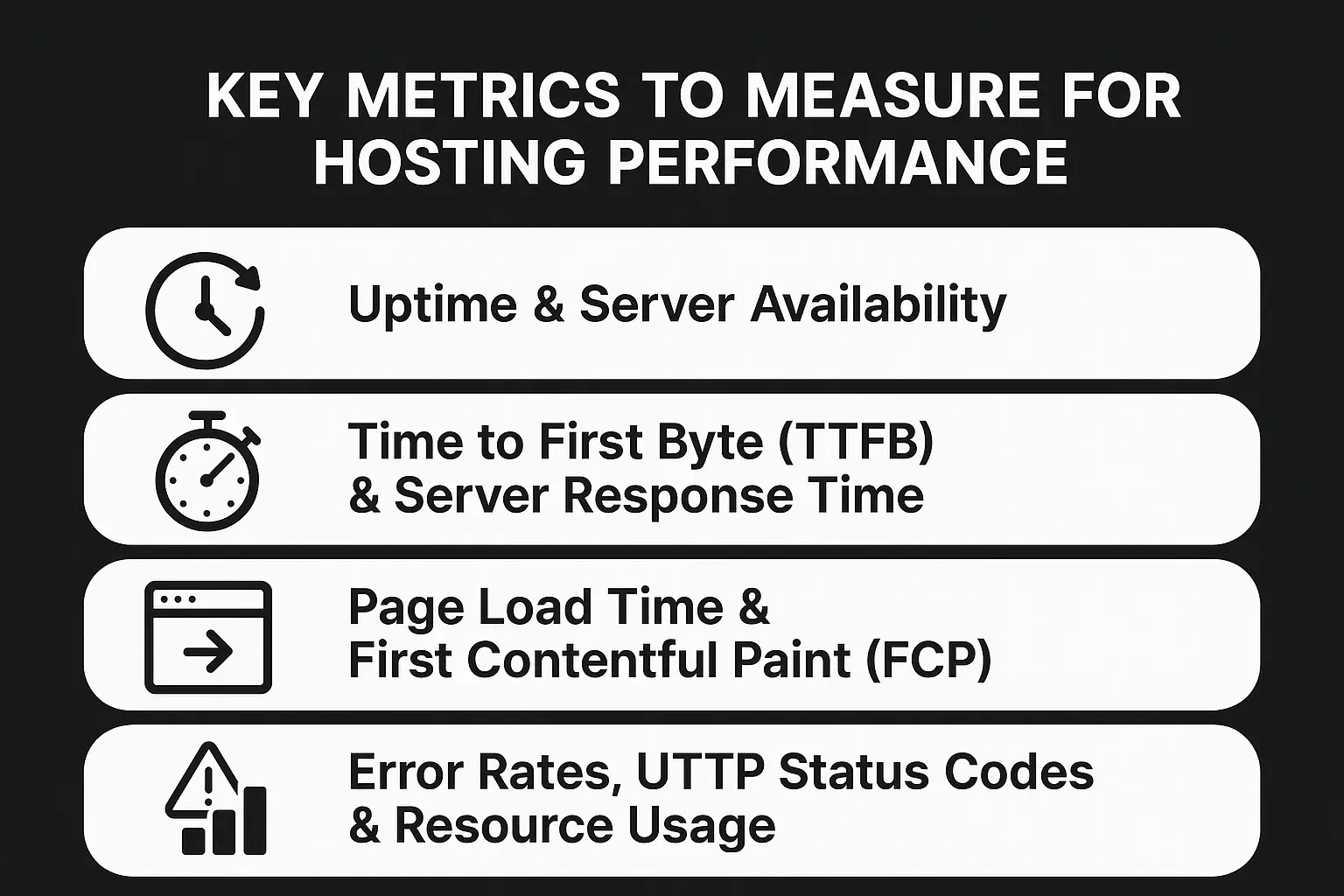
Key Metrics to Measure for Hosting Performance
To truly understand how well your hosting performs, you need to track specific, measurable indicators. These metrics reveal how quickly and reliably your website serves visitors and where improvements are needed to optimize performance.
Uptime & Server Availability
Uptime represents the percentage of time your website is accessible to users. A reliable host maintains uptime above 99.9%, minimizing disruptions and ensuring continuous visibility. Frequent downtime can harm user trust and search engine rankings, making this one of the most critical metrics to monitor.
Time to First Byte (TTFB) & Server Response Time
TTFB measures how long it takes for the browser to receive the first byte of data from your server. A low TTFB indicates a fast and responsive host, which improves SEO and user experience. Delays often stem from slow servers, poor caching, or inefficient configurations, all of which can be optimized through quality hosting or managed solutions.
Page Load Time & First Contentful Paint (FCP)
Page load time measures how quickly a webpage fully loads, while FCP tracks when the first visible element appears on screen. Both impact how users perceive your site’s speed. Faster load times enhance engagement, while slower ones increase bounce rates. Tools like Google PageSpeed Insights help identify bottlenecks and opportunities for improvement.
Error Rates, HTTP Status Codes & Resource Usage
Error rates and HTTP codes (like 404, 500, or 503) highlight server or configuration problems that can disrupt the user journey. High error frequencies may signal underlying resource limitations, such as insufficient CPU or bandwidth. Monitoring these ensures your hosting environment remains stable and optimized, even during traffic spikes.
How to Monitor and Interpret Hosting Performance Metrics
Understanding hosting performance is only half the battle, the real value lies in consistent monitoring and smart interpretation. Tracking these metrics helps you catch potential slowdowns before they affect users or SEO rankings.
Establish benchmarks for each metric: aim for a TTFB under 200 ms, page load times under 3 seconds, and uptime above 99.9%. If you notice spikes in response times or higher error rates, these may signal the need to upgrade to a better infrastructure.
For consistent optimization and proactive support, consider a managed hosting solution. It ensures your website maintains top-tier performance with automatic updates, server tuning, and expert monitoring, giving you one less thing to worry about.
Performance Benchmarks and What Good Looks Like
To understand whether your hosting is truly performing, you need to compare it against established industry benchmarks. These metrics act as the baseline for a high-performing website and can dramatically influence user satisfaction, search visibility, and conversion rates.
According to Google’s Web Vitals and Cloudflare performance standards, here’s what good hosting performance typically looks like:
- Uptime: 99.9% or higher, anything below that means your site could experience noticeable downtime.
- Time to First Byte (TTFB): Under 200 milliseconds, as recommended by Google PageSpeed Insights, ensures fast server response and better SEO ranking.
- Page Load Time: Aim for under 3 seconds, a Portent study found that websites loading within 1 second convert 3x better than those taking 5 seconds or more.
- First Contentful Paint (FCP): Less than 1.8 seconds for optimal perceived load speed.
- Server Error Rate: Should remain below 1% to maintain reliability and user trust.
Meeting these benchmarks consistently signals that your hosting setup is healthy and capable of supporting growth.
Practical Checklist to Improve Hosting Performance
Improving your hosting performance isn’t just about upgrading your plan, it’s about optimizing every layer of your web infrastructure. Here’s a practical checklist you can follow to achieve consistently fast, reliable performance:
- Choose a reliable hosting provider with proven uptime and performance history. Consider switching to a service for better control and security.
- Enable server-side caching to reduce load times and server requests.
- Use a Content Delivery Network (CDN) to serve static assets globally and minimize latency.
- Optimize images and media files using compression tools before uploading.
- Implement lazy loading for images and videos to speed up page rendering.
- Upgrade to SSD-based or cloud hosting for better scalability and reliability.
- Regularly monitor server performance using tools like Pingdom or GTmetrix.
- Audit DNS performance and reduce lookup times.
- Keep your CMS, plugins, and PHP version updated for security and efficiency.
- Test performance under load using services like K6 or LoadNinja to simulate real traffic conditions.
If your site serves a design-heavy audience, pairing hosting improvements with a professional Palm Springs Web Design approach ensures every visual element loads beautifully and efficiently.
Common Mistakes When Measuring Hosting Performance
Even with the right tools, many website owners misinterpret performance data or overlook key factors. Avoid these common pitfalls to ensure accurate insights:
- Relying only on client-side metrics instead of analyzing server response data.
- Ignoring load-testing results, which reveal how your site performs under real-world traffic.
- Failing to establish benchmarks before optimizing, making progress hard to measure.
- Testing only during low-traffic hours, which can create misleadingly positive data.
- Not tracking performance trends over time, leading to unnoticed degradation.
- Overlooking CDN and caching behavior, which can distort true server performance.
Consistent monitoring and proper interpretation of these metrics can prevent costly downtime and ensure your website delivers a fast, seamless experience to every visitor.
Conclusion
Understanding and tracking your hosting performance metrics is key to maintaining a fast, reliable, and SEO-friendly website. By consistently monitoring uptime, server speed, and load times, you ensure a seamless experience for every visitor, which directly improves engagement and conversions.
Ready to take your website performance to the next level? Contact 1REALTOUR today to keep your site optimized and performing flawlessly.
Share this article