Choosing the right hosting is one of the most important decisions when building a WordPress or WooCommerce website. While both platforms run on WordPress, their hosting needs are very different. The right managed hosting plan can directly impact your site’s speed, uptime, scalability, and even conversion rate. In this guide, we’ll break down the differences between WooCommerce and WordPress hosting so you can confidently choose the option that fits your goals and business type.
Understanding WordPress Hosting
Managed WordPress hosting is specifically optimized for WordPress websites, blogs, portfolios, and service-based sites that don’t require eCommerce functionality. It provides a streamlined environment built for performance, security, and ease of management.
In a managed WordPress hosting setup, the server is fine-tuned for WordPress core and plugins, ensuring faster load times, automatic updates, and daily backups. You also get built-in caching, SSL certificates, and advanced security layers that help your site stay stable under varying traffic loads.
This hosting type is ideal for content creators, small businesses, agencies, and professional bloggers who want a worry-free experience without handling the technical side of maintenance. In short, managed WordPress hosting simplifies site management so you can focus on creating content and growing your audience instead of troubleshooting server issues.
Understanding WooCommerce Hosting
Managed WooCommerce hosting is a specialized form of WordPress hosting designed specifically for eCommerce websites that use the WooCommerce plugin. While both platforms share the same WordPress foundation, WooCommerce hosting is engineered to handle the extra load, complexity, and performance demands that come with running an online store.
Unlike standard WordPress hosting, managed WooCommerce hosting includes optimized databases for product catalogs, transaction handling, and customer data. It’s built to support multiple plugins, payment gateways, and dynamic cart functions without slowing down the site. This type of hosting often comes with server-side caching, high-speed PHP workers, and dedicated resources to manage traffic spikes during sales or promotions.
Security and uptime are also top priorities for WooCommerce hosting. It typically includes SSL encryption, malware scanning, and regular backups to protect sensitive customer information and ensure uninterrupted transactions.
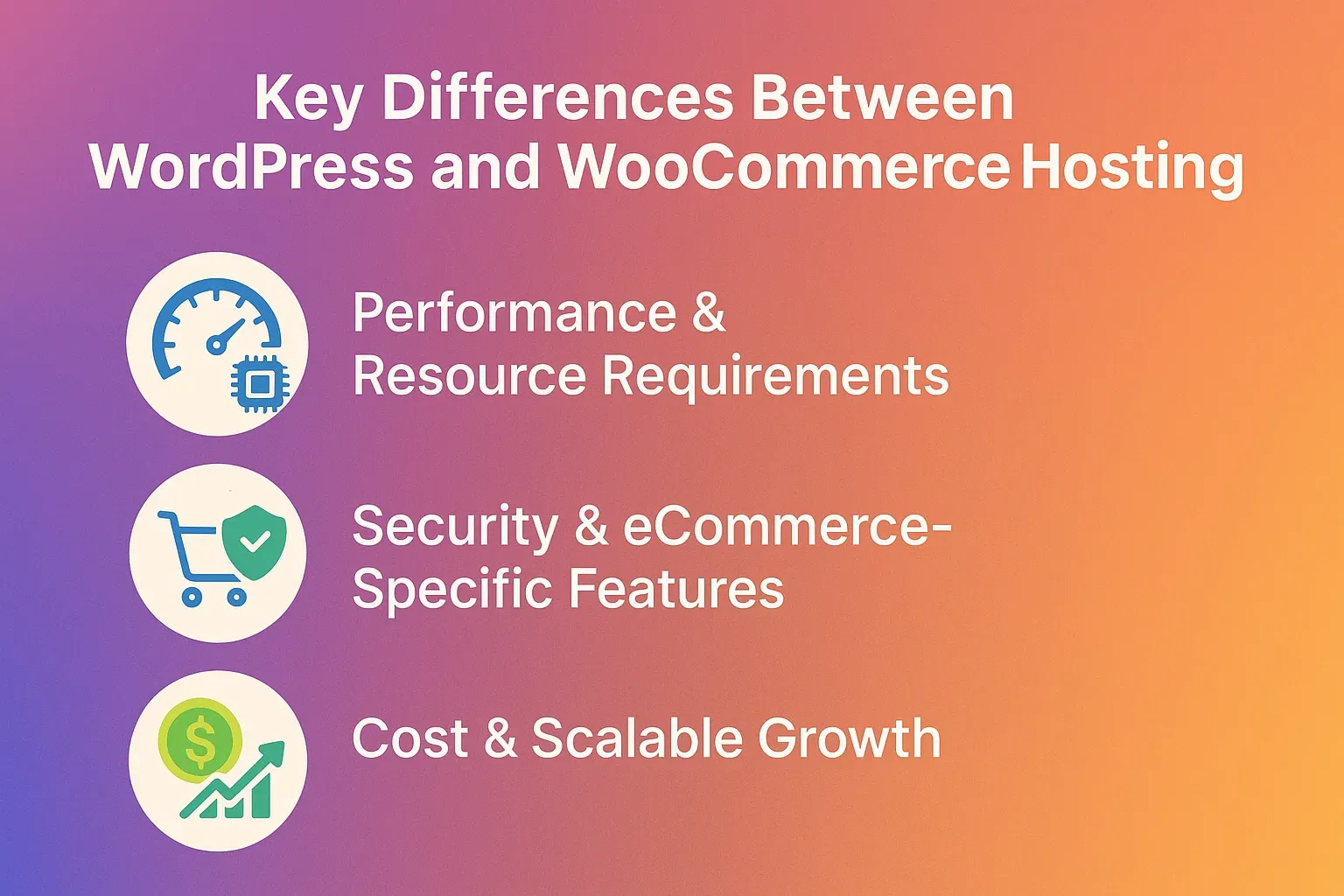
Key Differences Between WooCommerce and WordPress Hosting
While both WooCommerce and WordPress hosting fall under the same CMS ecosystem, their performance needs, security setups, and scalability goals differ significantly. Understanding these distinctions helps businesses choose the right managed hosting solution that fits their goals.
Performance & Resource Requirements
Managed WordPress hosting is optimized for blogs, portfolios, or business sites that focus primarily on delivering content. It emphasizes fast page rendering, efficient caching, and minimal database queries.
In contrast, WooCommerce hosting must handle real-time inventory management, cart sessions, and payment processing. That means more CPU power, PHP workers, and database performance are required. According to WP Archives, WooCommerce websites consume 30–50% more server resources than standard WordPress sites due to dynamic user actions.
Example: A blog post may serve thousands of visitors passively, while an eCommerce site processes simultaneous cart updates and checkouts, demanding more server muscle.
Security & eCommerce-Specific Features
WordPress hosting focuses on core CMS protection, preventing unauthorized logins, spam comments, and plugin vulnerabilities.
WooCommerce hosting adds another layer: payment encryption, PCI compliance, SSL enforcement, and fraud detection. Many managed WooCommerce hosts also offer transaction monitoring and automatic updates for gateways like Stripe and PayPal to ensure safe online payments.
In short: WordPress security protects your content. WooCommerce security protects your customers.
Cost & Scalable Growth
WordPress hosting generally costs less because its infrastructure supports static or semi-dynamic websites. However, as your site grows and starts integrating advanced features, scalability becomes crucial.
WooCommerce hosting, while slightly more expensive, provides auto-scaling capabilities, dedicated resources, and real-time analytics to support business growth. These plans often include optimized databases, CDN integration, and better uptime guarantees.
When growth and reliability are priorities, investing in WooCommerce hosting ensures that performance never bottlenecks your conversions.
Comparison Table: WordPress Hosting vs WooCommerce Hosting
Aspect | WordPress Hosting | WooCommerce Hosting |
|---|---|---|
Resource Usage | Light to moderate, optimized for content delivery | Heavy optimized for dynamic transactions |
Ideal Site Type | Blogs, portfolios, corporate websites | eCommerce stores and online marketplaces |
Cost Base | Lower entry-level plans | Slightly higher due to performance and security layers |
Scalability | Moderate, ideal for small to mid-level sites | High supports growing catalogs and user traffic |
Maintenance Level | Basic CMS updates and backups | Includes payment security, inventory management, and uptime monitoring |
How to Choose the Right Managed Hosting Option for Your Website
Choosing between Managed WordPress and Managed WooCommerce hosting depends on your site’s goals, growth potential, and performance demands. Here’s a practical checklist to help you make the right decision:
Identify your website type
If your site focuses on content publishing (blogs, portfolios, business sites), managed WordPress hosting offers everything you need. For stores handling live transactions and inventory, WooCommerce hosting is built for eCommerce scalability.
Evaluate traffic and resource needs
High-traffic or transaction-heavy sites need dedicated CPU, RAM, and optimized databases. WooCommerce hosting ensures fast response under load.
Set a realistic budget
While WordPress hosting is generally more affordable, WooCommerce plans justify the cost with enhanced uptime, transaction security, and real-time performance.
Plan for growth
Choose a host that supports easy scaling from shared resources to dedicated environments without downtime.
Consider management and support
Opt for a provider offering 24/7 technical support, uptime monitoring, and performance optimization tools.
If you’re looking for a reliable, high-performance hosting partner, Check out our Managed Hosting, designed for both WordPress and WooCommerce websites.
Common Mistakes When Selecting Hosting for WordPress or WooCommerce
Even experienced users make critical errors when choosing hosting. Avoid these pitfalls to ensure your site stays fast, secure, and scalable:
- Choosing WordPress hosting for a heavy eCommerce storeWooCommerce requires more resources, using a basic plan can lead to slow checkouts and downtime.
- Ignoring scalability and growthCheap plans might work initially but can’t handle traffic spikes or seasonal sales surges.
- Underestimating plugin and theme loadsExcessive or poorly coded plugins can cripple performance; always test before deployment.
- Overlooking security and backupseCommerce sites must prioritize DDoS protection, SSL, and automated backups to protect data.
- Neglecting support and uptime guaranteesA hosting provider without proactive monitoring or expert support can leave you vulnerable during peak hours.
Conclusion
Both WordPress and WooCommerce managed hosting serve different purposes, it all comes down to your goals. If your site focuses on content, brand presence, or blogging, Managed WordPress Hosting delivers speed and simplicity. But if you run an eCommerce store with frequent transactions and high traffic, Managed WooCommerce Hosting provides the scalability and power you need to keep your store running smoothly and securely.
Contact 1REALTOUR today to find the perfect hosting plan for your WordPress or WooCommerce website.
Share this article