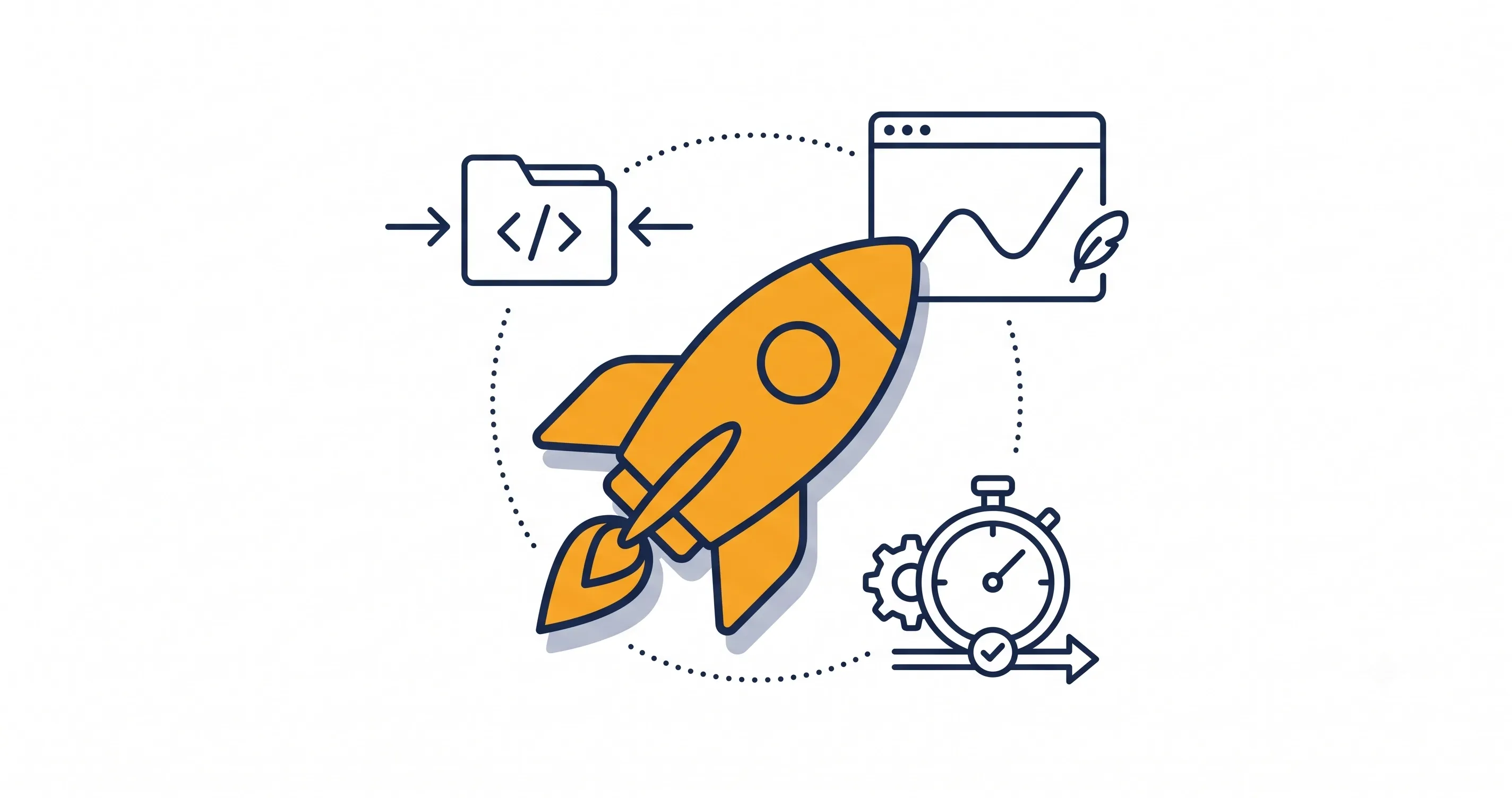
To use animation without slowing down your site, keep it purposeful, lightweight, and optimized. Done right, animations improve user experience and guide visitors without hurting performance.
Modern websites use motion to feel interactive, but too many or poorly optimized animations can slow loading, reduce responsiveness, and frustrate users—especially on mobile.
Why Website Animation Matters for User Experience
Animation helps users understand how a site works, highlights key elements, and makes interactions feel smooth. When used correctly, it improves engagement without distracting from content.
How Animation Guides Attention and Improves Engagement
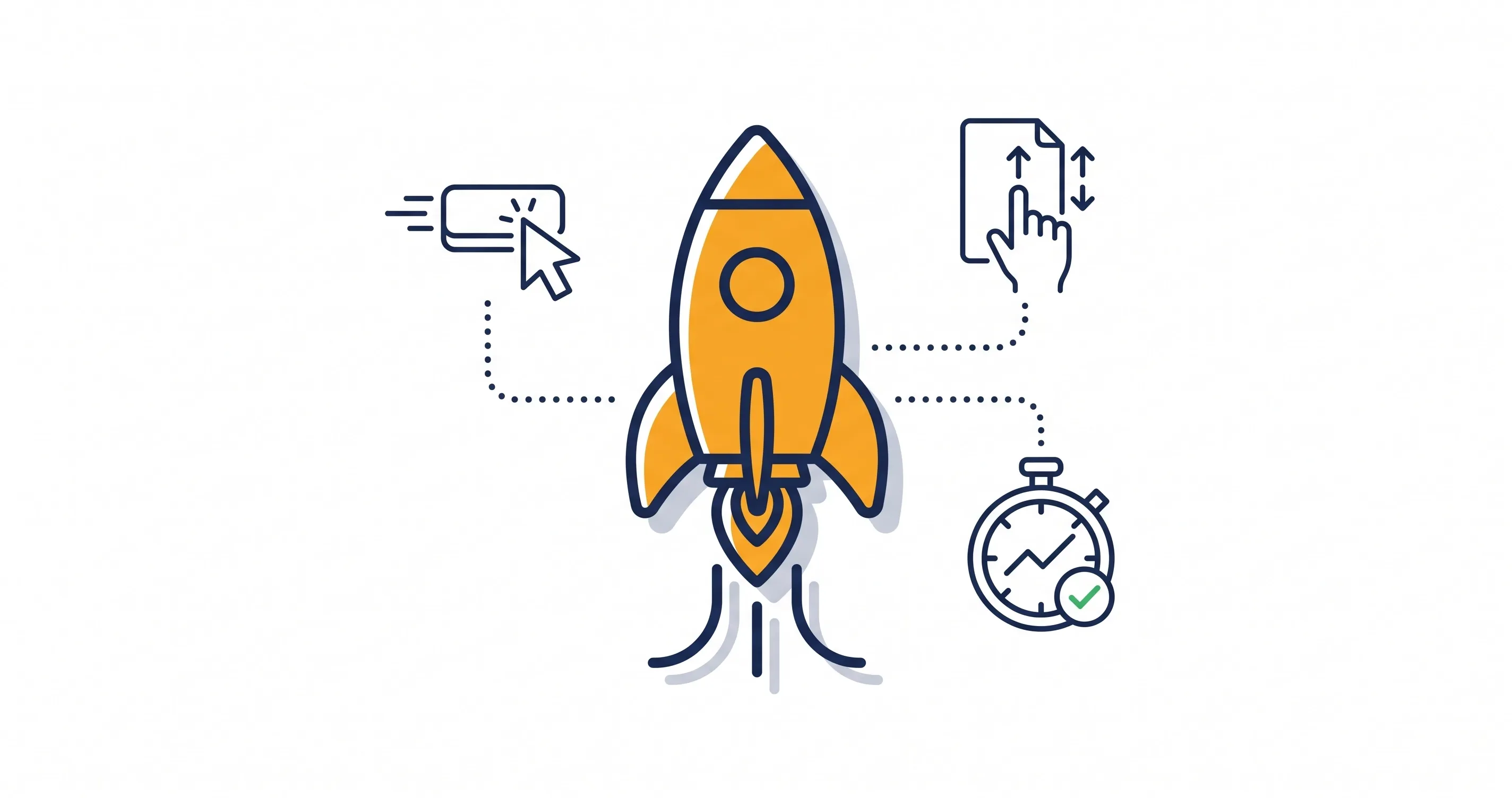
Good animation directs attention naturally. Simple effects like button transitions or smooth navigation help users know where to click and what to do next.
Effective animations can:
- Highlight calls to action
- Provide instant feedback
- Improve navigation
- Make interactions feel smoother
These small effects, often called microinteractions, make websites feel responsive without adding heavy load.
Animations should always support the overall user experience, not compete with it.
When Animation Becomes a Performance Problem
Animation becomes an issue when it’s overused or poorly optimized. Heavy files and complex scripts can slow down your site and reduce responsiveness.
Common problems include:
- Slow loading
- Laggy scrolling
- Delayed interactions
- Poor mobile performance
Animation should support your site’s visual hierarchy, helping users focus on what matters most. Too much motion at once can confuse users.
The goal is simple: use animation to enhance usability, not hurt performance.
Common Types of Website Animations and Their Performance Impact
Not all animations affect performance in the same way. Some require very little processing power, while others consume significant browser resources. Understanding these differences helps you choose the right animation technique for each situation.
Hover Effects and Microinteractions
Hover effects are among the most efficient web animation techniques available. Because they’re usually built with CSS, they require minimal resources while making a website feel far more interactive.
Common examples include:
- Button color transitions.
- Icon animations.
- Image zoom effects.
- Navigation highlights.
- Card elevation effects.
These small interactions improve usability without noticeably affecting website speed. They provide immediate feedback to users and make interfaces feel polished without adding unnecessary complexity.
Scroll Animations and Reveal Effects
Scroll-triggered animations reveal content as visitors move through a page. When used sparingly, they help guide readers through long-form content and create a more engaging browsing experience.
Effective scroll animations should:
- Introduce new sections naturally.
- Draw attention to important content.
- Support the reading flow instead of interrupting it.
- Remain smooth across desktop and mobile devices.
Performance depends on implementation. Triggering dozens of animations simultaneously can make scrolling feel sluggish, particularly on smartphones. Following a mobile-first design approach helps ensure animations remain smooth across different screen sizes and device capabilities.
Background Videos, Sliders, and Complex Motion
Background videos, autoplay sliders, and large animated scenes create the biggest performance challenges. While they can make an impressive first impression, they often increase page weight and require more processing power than simpler animation techniques.
The table below compares common animation types and their typical performance impact.
Animation Type | Performance Impact |
|---|---|
CSS hover effects | Low |
SVG animations | Low to Moderate |
Lottie animations | Moderate |
Scroll animations | Moderate |
Image sliders | Moderate to High |
Background videos | High |
Whenever possible, use lighter alternatives. Combining subtle animations with strong website readability often delivers better results than heavy visuals.
Best Practices for Using Animation Without Slowing Down Your Site
Creating fast website animations isn’t about avoiding motion altogether. It’s about using animation strategically so it enhances the user experience without affecting performance. Following these best practices helps you strike the right balance between engaging visuals and a fast, responsive website.
Animate Only What Adds Value
Every animation should have a purpose. Instead of adding movement simply because it looks modern, ask whether it helps users complete a task or better understand your content.
Useful animations often:
- Draw attention to important calls to action
- Confirm user actions with visual feedback
- Make navigation feel smoother
- Improve the flow between sections
If an animation doesn’t improve usability or communication, it’s usually better to leave it out. A cleaner interface often performs better and provides a more enjoyable browsing experience.
Optimize Images and Animation Assets
Even the best animation techniques can’t compensate for oversized assets. Large images, uncompressed videos, and bulky animation files increase loading times before any animation even begins.
To optimize website animations:
- Compress images before uploading them
- Use modern image formats whenever appropriate
- Remove unused animation files and scripts
- Keep SVG and Lottie files as lightweight as possible
- Avoid autoplay videos unless they’re essential to the page
Performance isn’t only about animation itself—it’s about everything the browser has to load before displaying it.
Use Hardware-Accelerated Properties
Some CSS properties are much more efficient to animate than others. Properties like transform and opacity can often be processed by the GPU, making animations smoother while reducing the workload on the browser.
Whenever possible, avoid animating properties such as width, height, margin, or top, since these can trigger layout recalculations and repaint large portions of the page.
Choosing hardware-accelerated CSS animations helps maintain smooth performance, especially on mobile devices and lower-powered computers.
Delay Offscreen Animations with Lazy Loading
Visitors don’t need every animation to load the moment a page opens. Animating elements only when they enter the viewport reduces the amount of work browsers perform during the initial page load.
Using lazy loading for animations offers several benefits:
- Faster initial loading times
- Lower CPU and memory usage
- Better mobile performance
- Improved Core Web Vitals
This approach is especially effective on long landing pages where many sections remain offscreen until users scroll down.
Respect Reduced Motion Accessibility Preferences
Not every visitor enjoys animated interfaces. Some users experience motion sensitivity and enable reduced-motion settings within their operating system or browser.
Respecting these preferences creates a more accessible website without sacrificing usability. Rather than removing functionality, simplify or disable non-essential motion while keeping important interactions clear and responsive.
Designing with accessibility in mind benefits every visitor, not just those using assistive technologies. Following established inclusive design principles helps ensure your website remains comfortable and easy to use for the widest possible audience.
Mistakes That Can Make Website Animations Slow
Even well-designed websites can suffer from performance issues if animations aren’t implemented carefully. Avoiding a few common mistakes can significantly improve website animation performance.
- Too Many Simultaneous Animations: When several elements animate at once, browsers have to render multiple effects simultaneously. This can create lag, especially on mobile devices or older hardware.
- Large Media Files and Unoptimized Assets: High-resolution videos, oversized images, and heavy animation files increase page weight and slow loading times before visitors even begin interacting with the page.
- Overusing Third-Party Animation Libraries: Many animation libraries include features you may never use. Loading large JavaScript files for a handful of effects adds unnecessary overhead and can reduce overall website speed.
How to Test Whether Animations Affect Website Performance
Optimization doesn’t end after publishing your website. Regular testing helps identify animations that may be affecting speed, responsiveness, or user experience.
- Monitor Core Web Vitals: Use tools like Google PageSpeed Insights or Lighthouse to measure loading speed, visual stability, and responsiveness after adding new animations.
- Use Browser Performance Tools: Chrome DevTools and similar browser tools can identify rendering bottlenecks, excessive scripting, and unnecessary repaints that impact animation performance.
- Compare Before-and-After Results: Test your website with animations enabled and disabled. If performance drops noticeably, simplify the effects or optimize the assets until you achieve a better balance between appearance and speed.
Conclusion
Using animation without slowing down your site is all about balance. Purposeful motion can improve engagement, guide visitors through your content, and create a more polished user experience—but only when it’s implemented with performance in mind.
By keeping animations lightweight, optimizing assets, using hardware-accelerated properties, and testing your website regularly, you can create an interface that feels modern without sacrificing speed. Combined with a well-planned web design strategy, thoughtful animation helps deliver a website that’s both visually impressive and technically efficient.
Share this article