cPanel is one of the most popular tools for managing websites because it keeps everything simple and organized. It gives you a clear dashboard where you can control files, domains, emails, and server settings without needing advanced technical skills. Many hosting companies use cPanel because it helps beginners and business owners manage their websites easily and safely. When you understand how cPanel works, you can handle updates, backups, and basic tasks with confidence.
Understanding cPanel
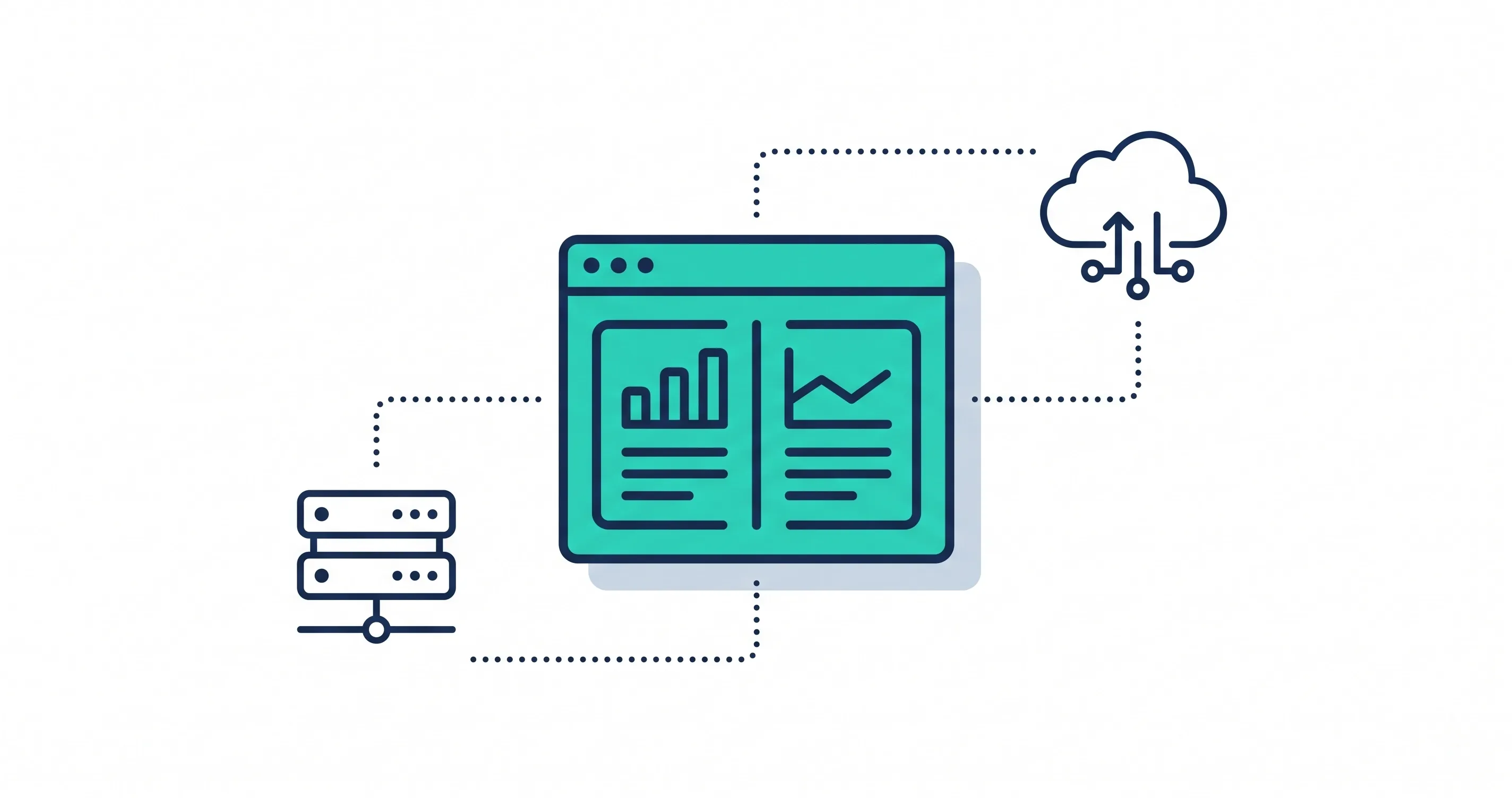
cPanel works as a control panel that helps you manage the technical side of your website from one place. It brings together tools for files, domains, email accounts, security, and performance. This setup saves time and helps you run your website without confusion.
What is cPanel?
cPanel is a web-based control panel that lets you manage your hosting account through a simple interface. Instead of using commands or coding, you click buttons to upload files, create emails, install software, and manage domains. It is designed for beginners and helps keep hosting tasks easy.
Why cPanel Matters for Hosting Management
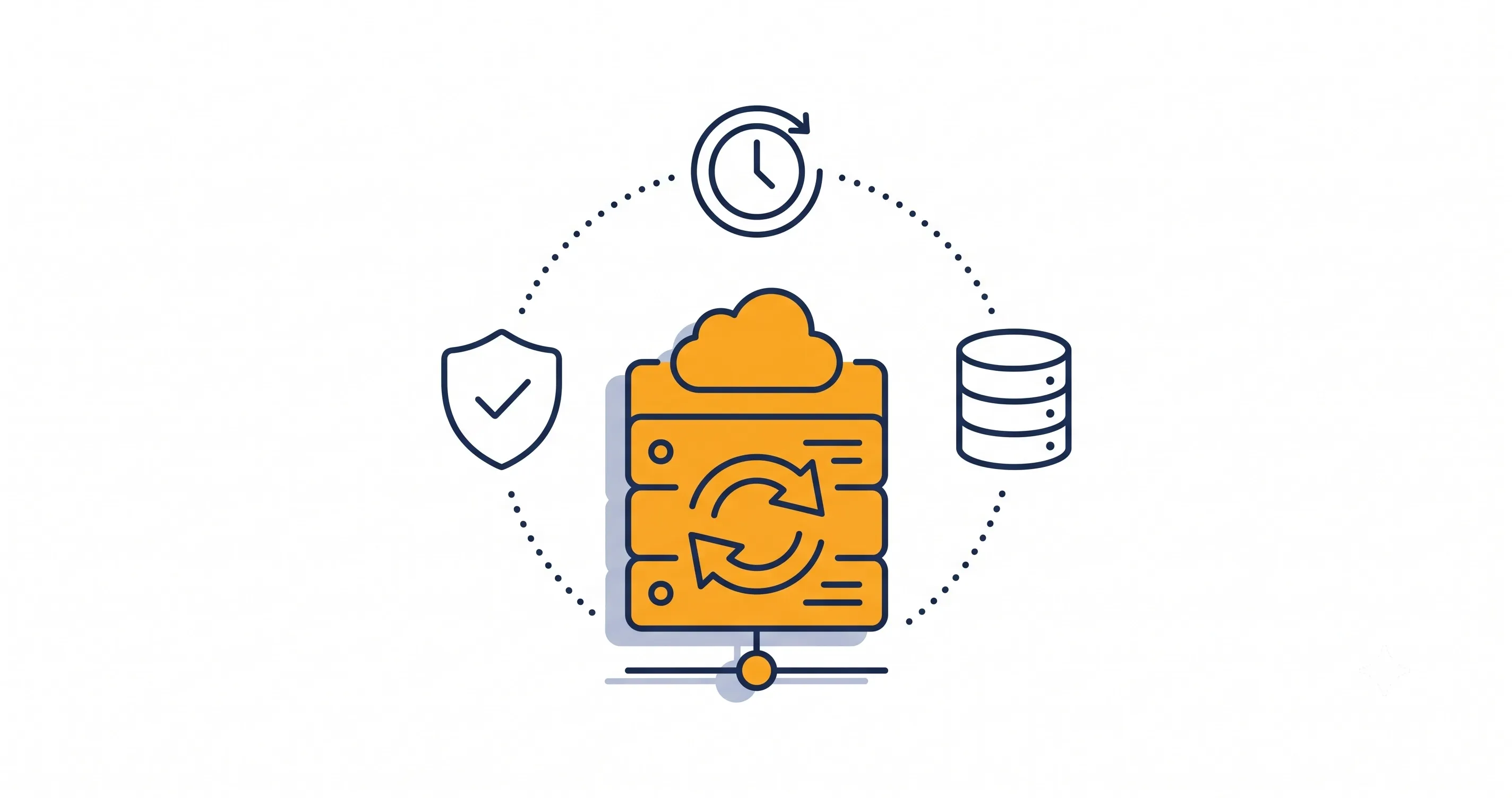
cPanel keeps website management smooth because everything you need stays in one dashboard. It helps with backups, file edits, email setup, and software installation. This saves you time and reduces mistakes. Hosting companies prefer cPanel because it stays stable, secure, and easy for users to understand.
Who Should Use cPanel and When
cPanel works well for beginners, business owners, and anyone running a website without technical experience. It is also useful for developers who want a fast way to manage databases and server settings. You should use cPanel when you want a simple way to control your website without learning complex commands or server systems.
Key Features of cPanel You Should Know
cPanel offers tools that make website management simple, even for beginners. These features help you control files, emails, domains, databases, and security without learning complex commands. When you understand each tool, you can manage your hosting with more confidence.
File Manager and FTP Access
The File Manager in cPanel allows you to upload, edit, and organize your website files. You can work directly inside your browser without using extra software. FTP access is also available when you want to move larger files or manage folders with an external program.
Email Account and Management Tools
cPanel lets you create and manage email accounts linked to your domain. You can set up forwarding, spam filters, auto-responders, and storage limits. These tools help you keep communication clear and organized.
Database Management (MySQL / phpMyAdmin)
Many websites rely on databases to store content and settings. cPanel includes MySQL and phpMyAdmin so you can create databases, manage tables, and run queries. These tools give you full control over the data your website uses.
Domain and DNS Settings
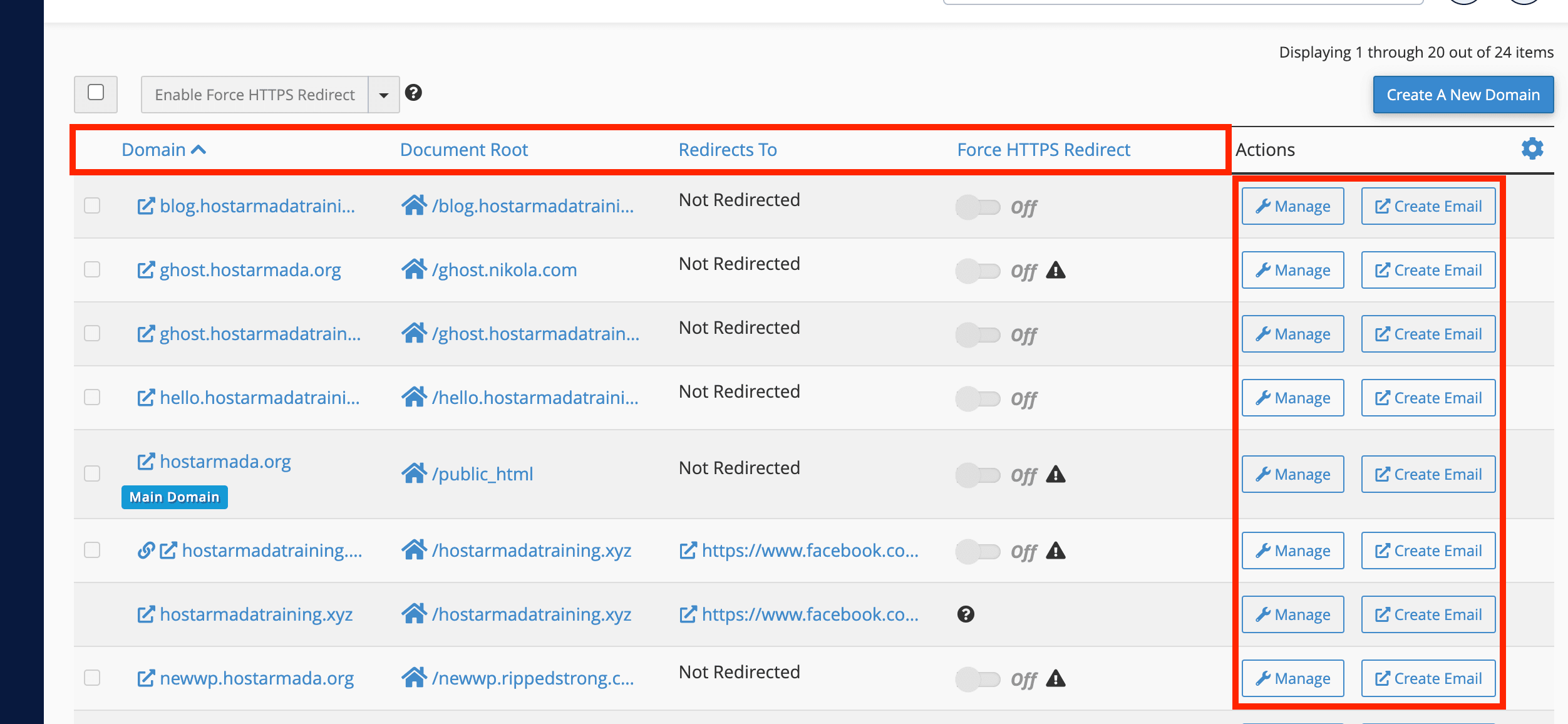
cPanel allows you to connect domains, set up subdomains, and edit DNS records. You can manage redirects, zone files, and parked domains in one place. Clear DNS control helps your website load correctly for every user.
Security Tools (SSL, Backups, Access Control)
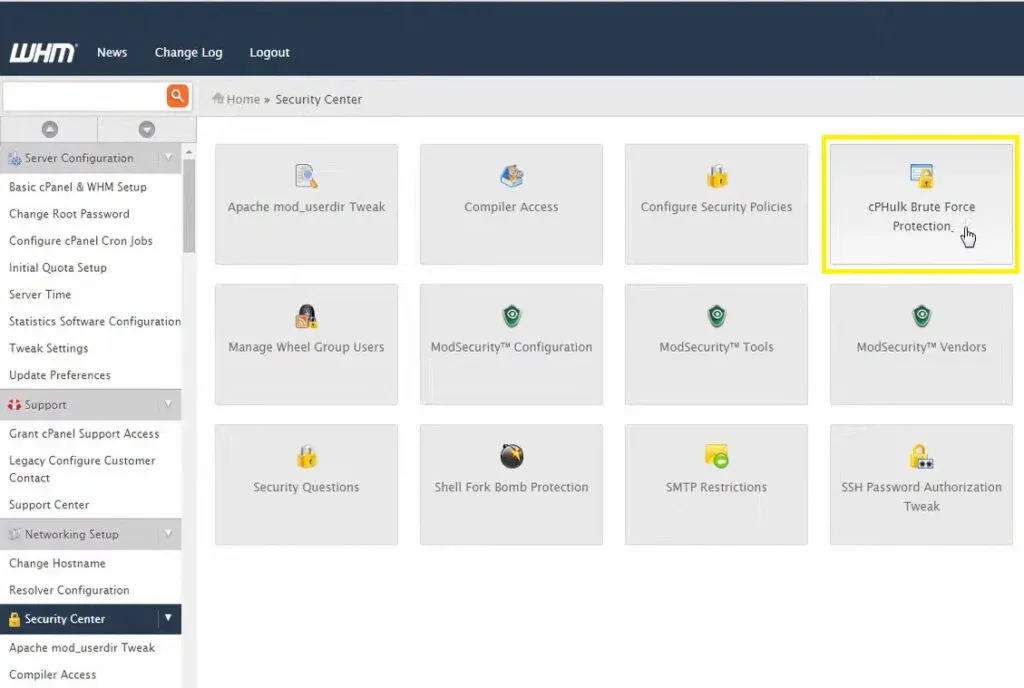
cPanel includes tools to protect your website. You can install SSL certificates, manage backups, set directory protection, and restrict access to sensitive areas. These tools help you keep your website safe from common risks.
How cPanel Makes Website Management Easier
cPanel offers simple tools that save time and reduce the struggle of working with technical tasks. Its clean layout and guided controls help you manage your website with less effort.
One-Click Installs for CMS
cPanel supports one-click installation for popular content management systems. This lets you install WordPress, Joomla, or other platforms without manual setup. The process is fast and helps beginners start their website right away.
Easy Email & Domain Setup
You can set up email accounts and connect domains within minutes. Clear menus guide you through every step. This makes your hosting environment easy to manage even if you are new to website tools.
Managing Files and Backups with GUI
cPanel gives you a graphical interface to edit files, upload content, and manage backups. You can restore previous versions of your website, create new backups, or download copies for safety.
Monitoring Resources and Usage
cPanel shows live data about your disk space, bandwidth, CPU load, and running processes. These insights help you understand how your website performs. When you see problems early, you can fix them before they affect your visitors.
Common Misconceptions and Limitations of cPanel
Many beginners misunderstand how cPanel works or expect it to do more than it should. Knowing these limits helps you manage your website with the right expectations. cPanel is powerful, but it still depends on the hosting plan, your settings, and your own maintenance habits.
cPanel Isn’t a Website Builder
cPanel does not create websites for you. It only gives you the tools to manage files, domains, emails, and databases. You can install a CMS like WordPress from cPanel, but the design still happens inside the CMS, not in cPanel. This helps beginners avoid confusion and choose the right tool for the right task.
Shared Hosting Limits Still Apply
Even if cPanel offers many features, your hosting plan still sets the limits. Shared hosting uses the same resources for many users, which means performance depends on overall server activity. cPanel does not increase power or guarantee speed. It only makes management easier.
Security Depends on User Settings
cPanel includes strong security tools, but they work only when you configure them correctly. Weak passwords, outdated CMS files, or missing backups create risks. cPanel gives you control, but safe settings depend on your actions.
How to Access and Start Using cPanel for New Users
Accessing cPanel is simple, even if you have never used hosting tools before. Most hosting companies provide a direct login link or a button inside your dashboard. Once inside, you can manage every part of your website from one clean panel.
Logging into cPanel via Hosting Dashboard
Most users access cPanel through their hosting account. After logging into your hosting dashboard, you click the cPanel button to enter the control panel. Many hosts also allow direct login through a URL such as yourdomain.com/cpanel. This gives you quick access whenever you need to update files or settings.
Basic Setup Steps (Domains, Email, Files)
New users should start by connecting their domain, setting up email accounts, and uploading website files. cPanel makes these actions simple with icons for each tool. You can manage DNS, add subdomains, and upload content through the File Manager without using complex commands.
Important Settings to Configure First
A few settings need attention as soon as you log in. Add an SSL certificate, enable backups, update your contact email, and set strong passwords. These steps protect your website and make your cPanel setup safe and ready for daily use.
Conclusion
cPanel gives you a simple way to manage your hosting and website settings without learning complex commands. It brings your files, emails, domains, databases, and security tools into one clean dashboard that anyone can understand. When you use cPanel correctly, you gain better control over your website and avoid many common hosting issues. It supports beginners and experienced users by making web management faster, clearer, and much easier to maintain.
Read More About: What is Content Pruning? A Complete Guide
Share this article