A well-crafted Call to Action (CTA) can be the difference between a visitor leaving your site and one taking meaningful action. Whether it’s signing up, requesting a quote, or scheduling a demo, your CTA is where attention turns into engagement. Designing CTAs that truly get clicks means understanding what drives users to act and how to make that moment clear, compelling, and frictionless.
What Makes a High-Performing CTA?
A high-performing CTA captures attention instantly and guides users toward a single, clear goal. At its core, an effective CTA balances clarity, visibility, and context to motivate action naturally.
- Clarity: Your CTA text should communicate exactly what happens next. Phrases like “Get My Free Quote” or “See Our Portfolio” perform better than vague terms like “Submit” because they give users confidence about the outcome.
- Visibility: Placement and design play a major role. A CTA should stand out using color contrast, spacing, and consistent styling that draws the eye without disrupting the user experience.
- Context: Every CTA should feel like a natural next step within the user’s journey. The message should align with the page’s intent, for example, a “Start Your Project” button fits perfectly on a service page, while “Learn More” works better on a blog post.
When clarity, visibility, and context work together, users feel guided, not pushed toward conversion, creating a more trustworthy and results-driven website experience.
Essential Design and Copy Best Practices for Call to Action
Designing a CTA that converts isn’t just about adding a colorful button, it’s about combining smart copy, intentional design, and user psychology. The following principles help you create CTAs that stand out, feel intuitive, and motivate clicks without overwhelming the user.
Action-Oriented Language & Clear Value
Your CTA copy should instantly communicate what users gain by clicking. Action-driven words like Get, Start, or Explore create urgency and clarity. Instead of “Submit,” use phrases like “Get Started” or “See Plans” to make the benefit clear. Every CTA should answer the unspoken user question: What’s in it for me?
Focus on offering tangible value, “Download the Free Guide” or “See Real Results” perform better because they combine action and reward. When users see direct value, their likelihood of engagement rises significantly.
Visual Contrast and Button Placement
A high-performing Call To Action must be visually distinct but still blend harmoniously with the overall design. Use color contrast strategically, for example, a bold accent color on a neutral background, to naturally guide attention. The button should be large enough to notice but not intrusive.
Placement is just as critical. Position CTAs where users make decisions: near the end of service explanations, in hero sections, or after testimonials. Studies show that clear, visually prioritized buttons improve conversion rates by making the next step obvious and effortless.
Single Focus and Minimal Distraction
Each page should have one clear CTA goal. Multiple competing buttons or too many links can confuse visitors and reduce action. Guide users toward one logical path whether it’s scheduling a consultation, viewing the portfolio, or requesting a quote.
Clean layouts with minimal distractions help users process content faster and feel more confident about their choices. This simplicity aligns with modern web design principles, improving both engagement and user trust.
Psychological Triggers That Increase Clicks
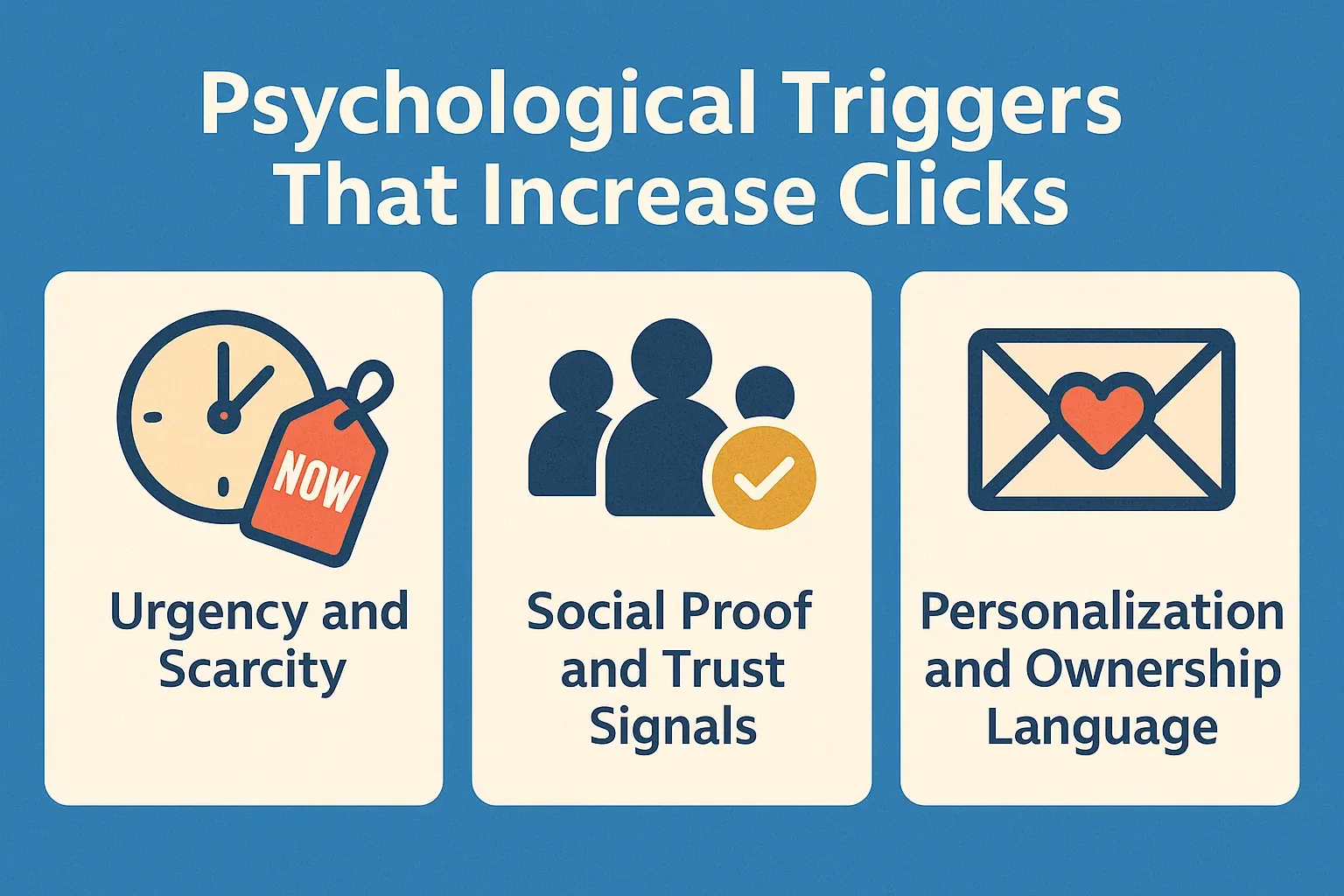
A well-crafted CTA doesn’t rely on design alone, it taps into human psychology. Understanding what motivates users to take action can dramatically improve click-through rates. Emotional triggers like urgency, trust, and personalization create the subtle push people need to move forward.
Urgency and Scarcity
When users feel that time or availability is limited, they’re more likely to act immediately. Phrases like “Offer Ends Soon”, “Only 3 Spots Left”, or “Limited-Time Discount” leverage urgency and scarcity to encourage quicker decisions.
These triggers work because they play on our natural fear of missing out (FOMO). However, authenticity matters only use real deadlines or genuine availability to maintain trust while boosting conversions.
Social Proof and Trust Signals
People trust what others trust. Including testimonials, review counts, or case studies near your CTA can reinforce credibility. For instance, placing a line like “Trusted by 500+ Clients” beside your button reassures visitors that they’re making a smart choice.
Adding recognizable trust badges, such as security icons or verified business symbols, further reduces hesitation. This is especially effective on landing pages and service-based websites where commitment requires confidence.
Personalization and Ownership Language
CTAs that speak directly to the user perform far better than generic ones. Use personalized or ownership-driven phrasing like “Start My Free Trial” or “Build Your Website Today.” This subtle shift helps users visualize the action as their own decision, increasing engagement and emotional connection.
Personalization can also extend to user behavior. Dynamic CTAs, such as changing “Join Now” to “Welcome Back” for returning visitors create a more intuitive and human experience that strengthens trust and conversion potential.
Comparison Table: Effective CTA vs Ineffective CTA
A strong call to action isn’t just about having a button, it’s about crafting an element that drives immediate response. Here’s a quick comparison to highlight what separates high-performing CTAs from those that miss the mark.
Aspect | Effective CTA | Ineffective CTA |
|---|---|---|
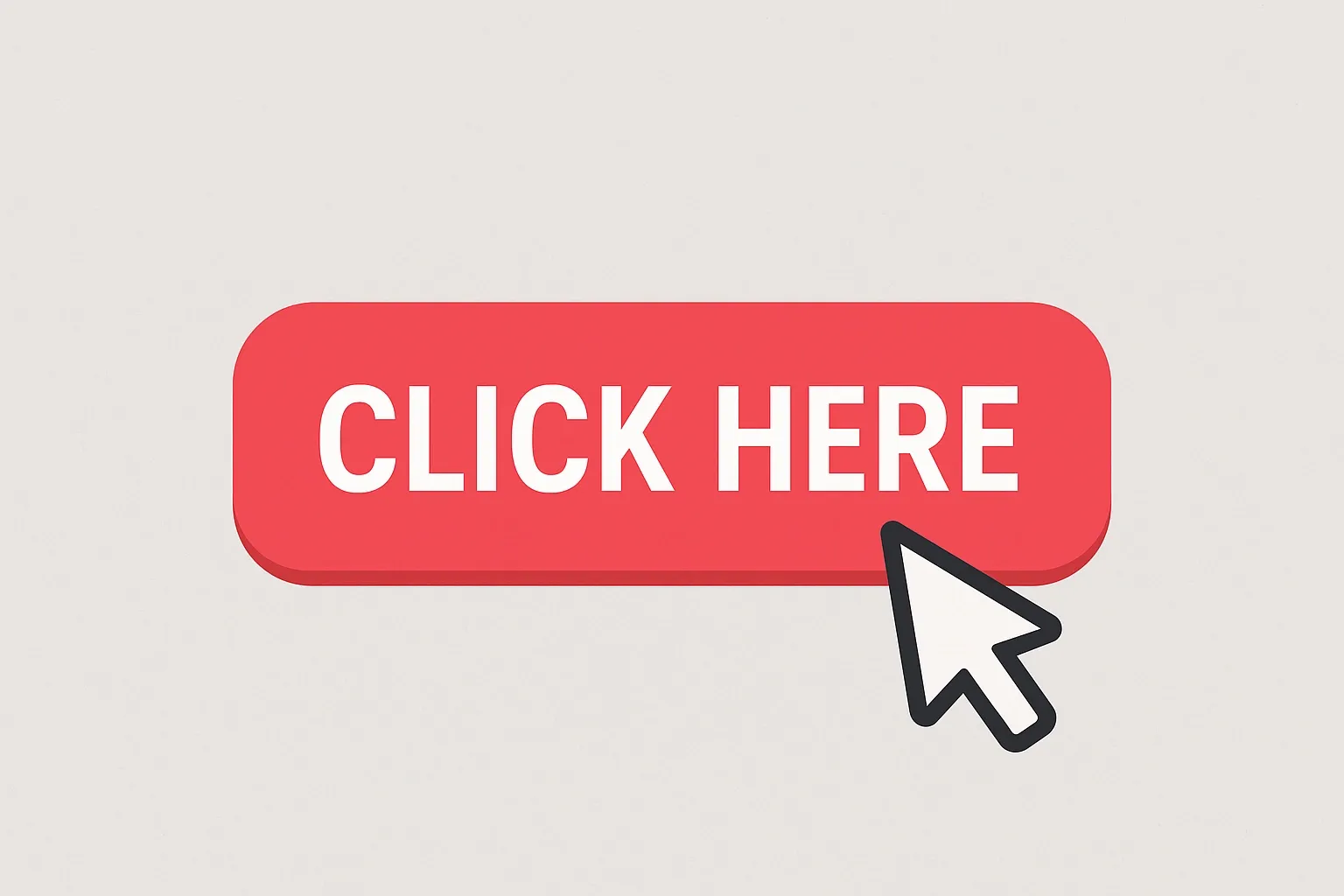
Copy | Clear, action-driven (“Get Started Today”) | Vague or generic (“Submit”, “Click Here”) |
Color/Contrast | High contrast with background; draws focus | Blends into the design or too dull |
Placement | Above the fold or near conversion triggers | Hidden below irrelevant content |
Message Focus | Communicates benefit (“Boost Your Traffic”) | Focuses only on task (“Learn More”) |
Click Rate | Consistently high with A/B optimization | Low or inconsistent performance |
A visually distinct and purpose-driven CTA naturally captures attention. Testing variations in color, copy, and placement can significantly enhance conversion rates over time.
Practical Checklist to Build Click-Worthy CTAs
Creating a CTA that truly converts takes more than just good design. It requires strategic thinking, testing, and refinement. Use this checklist to craft buttons that engage and perform across all devices:
- Start with strong, action-oriented verbs that tell users exactly what to do.
- Highlight the benefit, focus on what users gain by clicking.
- Ensure high visual contrast between the button and background.
- Position your CTA strategically near key information or decision points.
- Optimize for mobile responsiveness so CTAs remain visible and clickable on smaller screens.
- Perform A/B testing on text, color, and placement for continuous improvement.
- Add microcopy or reassurance text, like “No Credit Card Required,” to reduce hesitation.
- Audit CTA performance regularly using analytics tools to identify trends and gaps.
Common CTA Mistakes to Avoid
Even a well-intentioned CTA can fail if it’s not executed properly. Here are some common mistakes and quick fixes to get them right:
- Vague or weak language: Avoid generic words like “Click Here.” Instead, use specific, action-focused phrases such as “Start Your Project” or “Get a Free Quote.”
- Too many CTAs on one page: Multiple competing buttons create confusion. Keep one clear goal per section or page.
- Poor color contrast: Low-contrast buttons blend into the background. Test multiple color combinations to make your CTA pop visually.
- Hidden placement: CTAs buried below long text lose visibility. Keep them above the fold or near persuasive content.
- Ignoring mobile design: Buttons that are too small or too close together frustrate users. Test your CTAs across devices to ensure accessibility.
A high-performing call to action is both visible and purposeful, guiding users naturally toward conversion.
Conclusion
A great call-to-action is more than just a button, it’s the bridge between curiosity and conversion. When clarity, contrast, and context come together, your website becomes a space that encourages action instead of hesitation.
Ready to turn visitors into leads? Contact Us to start optimizing your website today.
Share this article