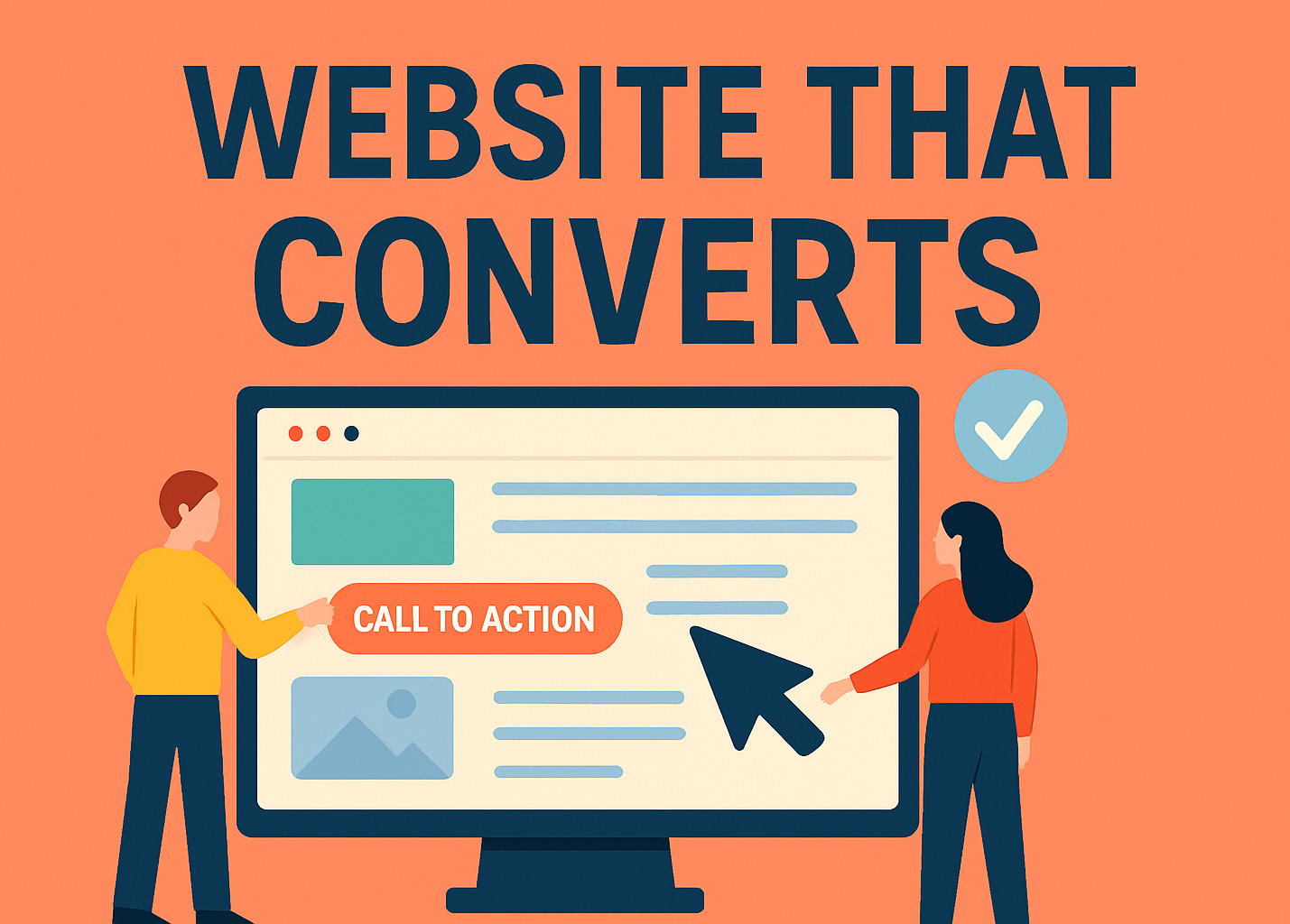
How to Create a Website That Converts?
Creating a website is simple. But making a website that turns visitors into customers is a different story. Whether you’re starting a site for your business or a personal project, your goal should be to guide people to take action. That action could be buying a product, filling out a form, calling your number, or subscribing to your newsletter. In this guide we will discus about how to create a website that converts people to take action.
Start by knowing your audience
Before you start designing, you must understand who your audience is and what they need. Knowing your target users helps you create a website that speaks directly to their interests, problems, and motivations.
Identify Your Ideal Visitor
Before you write a single line of code or pick a color scheme, you need to know who your audience is. Ask yourself:
- Who is this website for?
- What problems are they trying to solve?
- What type of information are they searching for?
Building a simple customer persona can make this process easier. Include key details such as age range, location, goals, and pain points. When your audience feels seen and understood, your website’s messaging becomes far more persuasive.
💡 Pro Tip: Use surveys, customer feedback, or social media insights to learn what matters most to your target users.
Keep everything simple
Simplicity is the key to clarity. A website overloaded with information, animations, or ads confuses users and drives them away.
The Power of Clean Layouts
A cluttered website confuses users and drives them away. Minimalism in design using ample white space, clear navigation, and a balanced visual hierarchy keeps users focused on what matters most. Your content and your calls to action.
Avoid unnecessary sliders, pop-ups, or excessive links on one page. Instead, create a smooth flow that leads visitors naturally toward the next step.
Easy Navigation and Clear User Path
Your visitors should understand what your business offers and what action to take within seconds of arriving. Use straightforward menus, descriptive labels, and clear button placement. Keep your key pages (like Services, Portfolio, and Contact) accessible from the main menu.
Strong headlines and clear call-to-actions
The headline is often the first thing people notice. Make it short, robust, and transparent about the value you offer. Avoid using fancy or confusing words.
Write Headlines That Speak Value
Your headline is the first impression. It should clearly communicate what your site offers and why visitors should care. Keep it short, direct, and benefit-focused. For example:
✅ “Grow Your Business with a Custom Website That Converts”
❌ “Welcome to Our Website”
Design CTAs That Drive Action
A strong Call-to-Action (CTA) tells visitors what to do next, like Book a Free Consultation, Get Started Today, or View Our Portfolio. Use contrasting colors, action verbs, and strategic placement (top of the page, mid-content, and at the end).
Clarity always beats cleverness. A direct, visible CTA button can double your conversions.

Build trust using social proof
Visitors want to know that they can trust you. Show customer reviews, testimonials, or star ratings.
Showcase Testimonials and Real Results
People buy from businesses they trust. Display customer testimonials, client logos, or success stories prominently on your homepage and service pages.
If you’ve helped local clients or achieved notable results, highlight them. Use genuine reviews, not generic statements and include photos when possible.
Be Transparent and Accessible
Trust is also built through transparency. Include:
- An About Us page that shares your story.
- A Contact page with phone, email, and location details.
- A visible Privacy Policy to show users you handle data responsibly.
These small but vital details make your business appear credible and approachable.
Make sure your website works on mobile
More than half of the people visit websites from their phones. If your site doesn’t look right on mobile, you’ll lose visitors quickly.
Design for Every Screen
More than half of web traffic now comes from mobile devices. A responsive design ensures your site automatically adapts to any screen size, from phones to tablets.
Use larger buttons, readable fonts, and optimized images for mobile visitors. Test your site on multiple devices to confirm it looks and performs seamlessly.
A mobile-friendly website can increase engagement and significantly improve your SEO rankings.
Keep your website fast
Speed is a key factor in both user experience and search engine ranking. Studies show that even a 1-second delay can reduce conversions by up to 7%.
Tips for Faster Load Times
- Compress large images.
- Remove unnecessary plugins or scripts.
- Use browser caching and a content delivery network (CDN).
- Choose a reliable hosting service.
1REALTOUR offers high-performance Managed Hosting solutions optimized for speed, uptime, and scalability ensuring your site runs smoothly at all times.
You can also check your site speed using Google PageSpeed Insights to find specific improvements.
Track your results
Your website is never “done.” Once launched, it should be continuously tested and refined.
Use Analytics to Learn
Set up Google Analytics or Search Console to measure key metrics like:
- Visitor behavior
- Bounce rate
- Conversion paths
- Device performance
Test, Adjust, and Grow
Run A/B tests for headlines, CTAs, and layouts to see what works best. Small, consistent changes often lead to big improvements in conversion rates over time.

Final Thoughts
You don’t need a complicated or expensive website to get good results. A website that converts is clear, helpful, and easy to use. When you focus on your audience, make things simple, and build trust, your site will do more than look nice. It will help your business grow.
FAQs
What makes a website convert visitors into customers?
A website converts when it clearly guides users to take action using strong headlines, simple navigation, and visible call-to-action buttons. Combining trust signals and good design encourages visitors to become customers.
How important is mobile responsiveness for website conversions?
Very important. A mobile-friendly design ensures your site looks and performs well on all devices, reducing bounce rates and improving user engagement.
How can I improve my website’s conversion rate?
Start by optimizing page speed, using clear CTAs, building trust with testimonials, and analyzing user behavior through tools like Google Analytics.
Do I need professional help to build a conversion-focused website?
While you can start on your own, partnering with experts ensures your website strategy, design, and SEO are optimized for results. Professional web design teams specialize in creating websites that drive measurable growth.